
AMD vs Intel: Which processor should you pick for your PC
 Follow Us

AMD or Intel, that’s the age old question that pops up everytime you think of building a PC or getting a new laptop. Everyone has their preferences and reasons behind them. Some like Intel’s reliability, some like AMD’s 3D V-Cache. This decision is more important than ever in the current market conditions where every PC component costs an arm and a leg and in the long term, you don’t want to make a wrong decision about this. What matters at the end are two simple things – what your use for the PC is and which platform you are signing up for.
 Survey
Also read: OpenAI textGrain Watermark: No watermark doesn’t mean human written
Start with the work
People build PCs for all kinds of work – video editing, 3D modeling, some for the fun of it, some for running local AI models. However, one of the biggest use cases is gaming and that is also where the gap between the two brands is the widest.
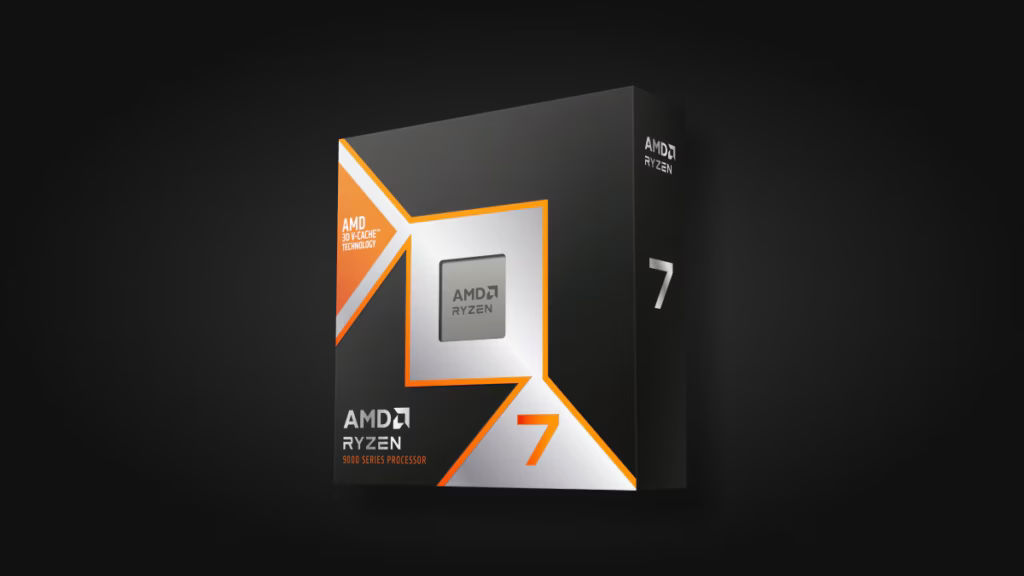
Games are picky when it comes to their diet; they are reliant on a small number of fast cores and are intolerant of any data fetch delays from the memory. AMD has come up with 3D V-Cache, which is additional cache built on top of the chip itself, thus ensuring that more data of a game is available close to the cores themselves. Ryzen 7 9800X3D has 96MB of L3 cache. The lesser the delays, the higher the frame rate. That’s why the X3D chips from AMD take the lead in gaming performance for all segments, often by even 30 percent. However, this is only the case with the X3D processors alone.
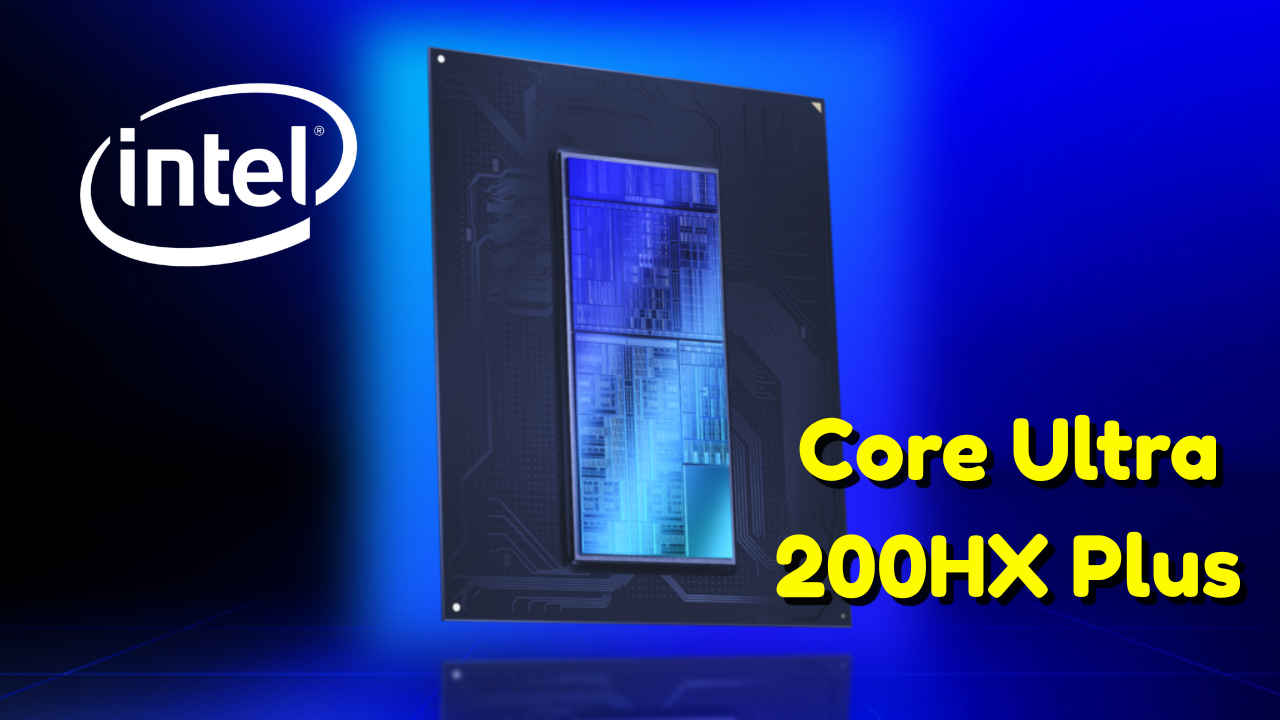
Intel chose the other option. Core Ultra processors have a hybrid architecture: performance cores for heavy threads and lots of tiny efficiency cores to handle parallel processing tasks. The Core Ultra 9 285K has 24 cores. The 9800X3D features 8. Rendering, video encoding, code compilation and running multiple applications simultaneously can be broken into many threads and with more cores, tasks are done quicker. Intel’s integrated graphics also feature Quick Sync which is a hardware video encoder making export of videos much faster. This is a nice bonus for professionals. At the high-end, the difference shrinks. The 16-core Ryzen 9 9950X3D wins the 285K by around 4 percent overall score but Intel’s processor is slightly faster in some professional tasks and consumes less energy per task. The biggest advantage of Intel is in the middle range where efficiency cores give you more threads for the same price level.
Match the chip to the job
Also read: Home Security Camera’s cost of ownership: Why your cheap CCTV actually costs 3x more
| What you do | Pick | Why |
| Gaming, esports | AMD Ryzen X3D | Cache cuts memory waits |
| Rendering, encoding, compiling | Intel Core Ultra | More cores and threads, Quick Sync |
Then check the socket
The CPU is not a standalone product. The CPU has a socket to connect to, and it is the socket that will define the lifespan of your PC. AM5 platform from AMD offers the ability to upgrade from Zen 5 to Zen 6, whereas LGA1851 from Intel has fewer capabilities and one generation ahead might necessitate a switch to a new one. Purchase the board once, replace the chip sometime later. This is the AMD approach, and it is pretty solid.
Intel has a real comeback, yet it is more limited. It might have an advantage in some workloads and in the most recent manufacturing process technology. Intel also needs to recover from its reputation crisis caused by the Raptor Lake degradation problem. Trust is intangible and difficult to measure, and it is easily lost. Power consumption is a silent factor. Typically, AMD CPUs consume less power than the same-generation products from Intel. Less power is equal to less heat, less cooling solution, and reduced electricity costs.
Laptops flip the script
All of that is just standard PC fare. Laptops have their own standards, and here, Intel actually makes some valid points. The company’s “Panther Lake” processors from its Core Ultra Series 3 Arc B390 GPUs are said to offer performance up to 77% better than Lunar Lake. Moreover, Intel states that its laptops can run for up to 27 hours using these processors. Of course, it’s marketing talk. However, tests show the same results. For instance, the 2026 Razer Blade 16 was tested by Notebookcheck, which used to be equipped with the Ryzen processor, and now got several hours of battery time plus improved gaming and lower core temperatures.
The handheld devices are still the preserve of AMD. Almost all the handheld gaming laptops feature an AMD processor. This turf will be encroached on by Intel, which has launched special processors for its handheld computers; however, the first hardware for this product was seen at Computex only in June.
In a desktop computer, you are purchasing a processor and the platform. In a laptop computer, you are buying the whole machine. How it is cooled and the battery size and chassis optimization affect the performance as much as the processor itself. That is why you should focus on the laptop review rather than CPU specifications.
Also read: I used Dreame X60 Ultra Complete for a week and my mom says it cleans better than humans


