
Amazon Fire TV Stick 4K Select review: A lean but healthy offering with only the essentials
 Follow Us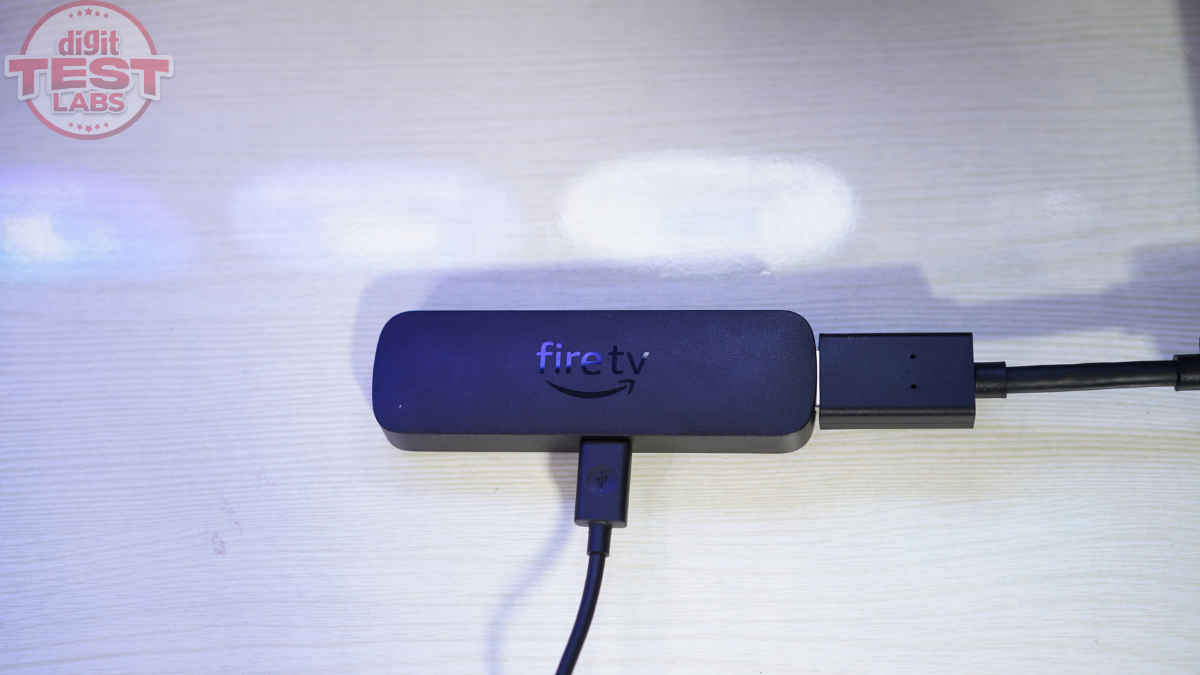

Amazon’s streaming sticks have been Android-based for years, but the experience has shifted bit by bit. The new Fire TV Stick 4K Select is the first to move to Amazon’s Linux-based Vega OS, marking a clear break from the older software. It also lands in the middle of the lineup, above the basic HD-only Fire TV Stick and below the Fire TV Stick 4K Plus. It gets you 4K and HDR support at Rs 3,999 (launch price: Rs 5,499). But the company has cut some corners to reach this price. Still, when Amazon sent over a unit, I was intrigued and excited to see what had actually changed in both hardware and software, and whether any of it mattered for someone looking to buy a new streaming stick. You can read my findings in the 4K Select review below.
Verdict
The Amazon Fire TV Stick 4K Select is the cheapest and most practical way to get 4K HDR streaming in Amazon’s product lineup. It delivers fine performance and meaningful upgrades over the entry model, but does not try to be the fastest or most premium stick, and that is fine. Those who need wider app flexibility or more advanced features should note that these remain limited on the 4K Select. But if all you want is reliable 4K streaming without spending extra, this is the sweet spot.
Design, connectivity and remote
If you’ve ever seen a Fire TV Stick before, the Fire TV Stick 4K Select will look quite familiar. It features a small black rectangle that plugs into an HDMI port and draws power from an included micro-USB cable. Yes, that port is a little dated for today, but unless you lose the bundled cable, you should be fine. So, nothing fancy; just a compact and portable stick that stays hidden behind the TV when in use. Only the charging cable comes out from behind the TV. And if you take the Stick with you somewhere, ensure you carry the cable as well.
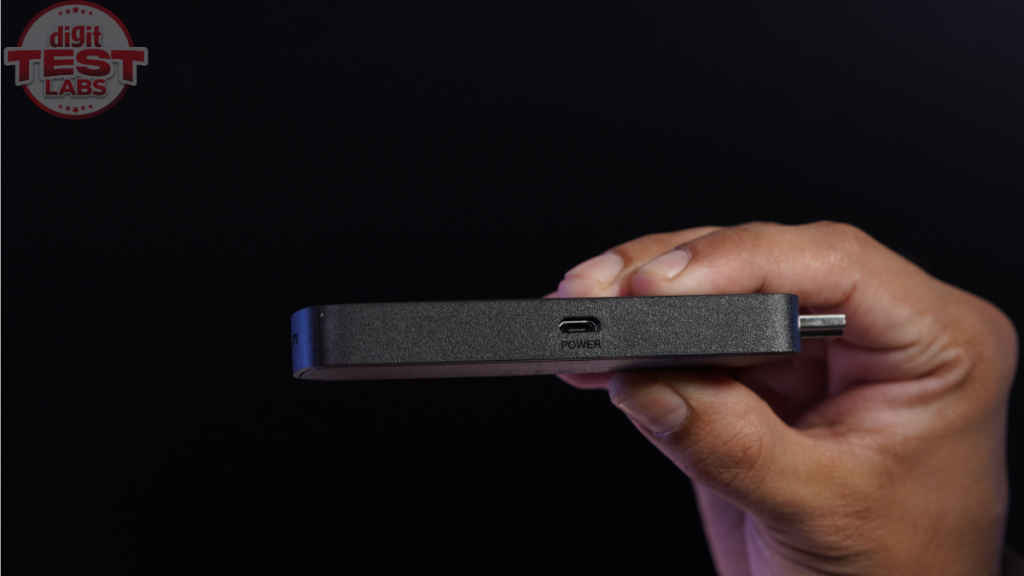
As part of the package, you get the Fire TV Stick 4K Select, a remote, two AAA batteries, a quick guide, the micro-USB cable, and an HDMI extender in case the HDMI port behind the TV isn’t easily accessible. As per the Amazon support page, the 4K Select supports HDMI 2.1 output along with HDCP version 2.3. This means it is compatible with modern TVs, and you can expect the highest quality streaming from services like Prime Video and Netflix without restrictions.
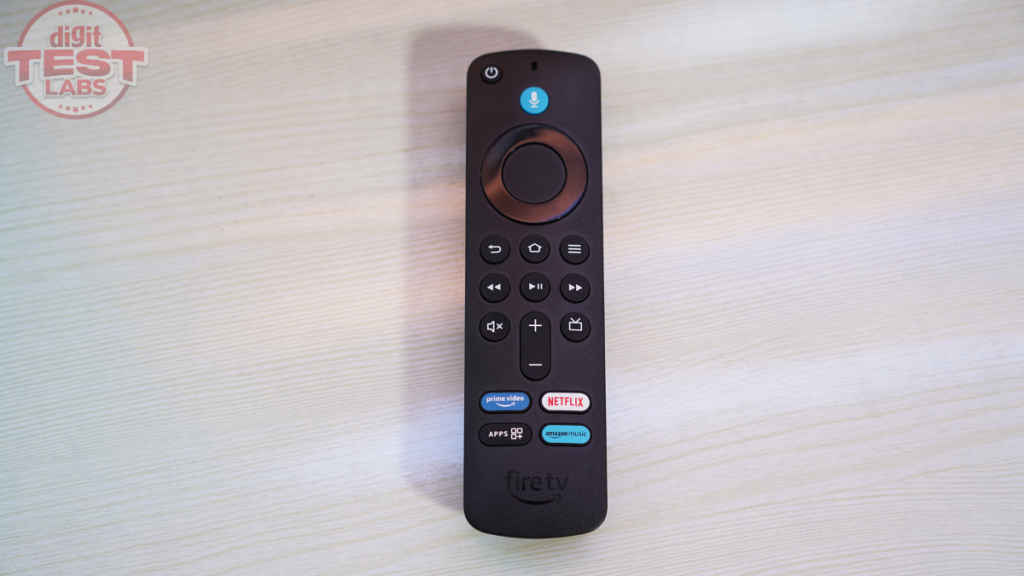
Finally, coming to the remote, it is a standard Alexa Voice Remote. You get the usual navigation ring, volume controls, mute, app shortcuts, and a built-in microphone. It feels light but not flimsy. The buttons have a soft click, which I prefer during late-night viewing. But there is no backlight, so you will end up memorising the layout or reaching for some ambient light in the dark.
Set up and software
Setting up the Amazon Fire TV Stick 4K Select is simple. You plug in the stick, connect to Wi-Fi, sign in to your Amazon account, and wait for updates. You can scan a QR code for quicker log-in. And when the device boots into the home screen, you get a similar layout to other Fire TV streamers. You still get rows of apps and recommendations from different services beneath a banner ad for promoted content. If you have used any Fire TV device, you will adapt quickly.
Alexa works as expected. You press and hold the mic button, ask for a show, adjust the volume, or open apps. Voice search pulls results from multiple services, though it still prioritises Amazon content in the ranking.
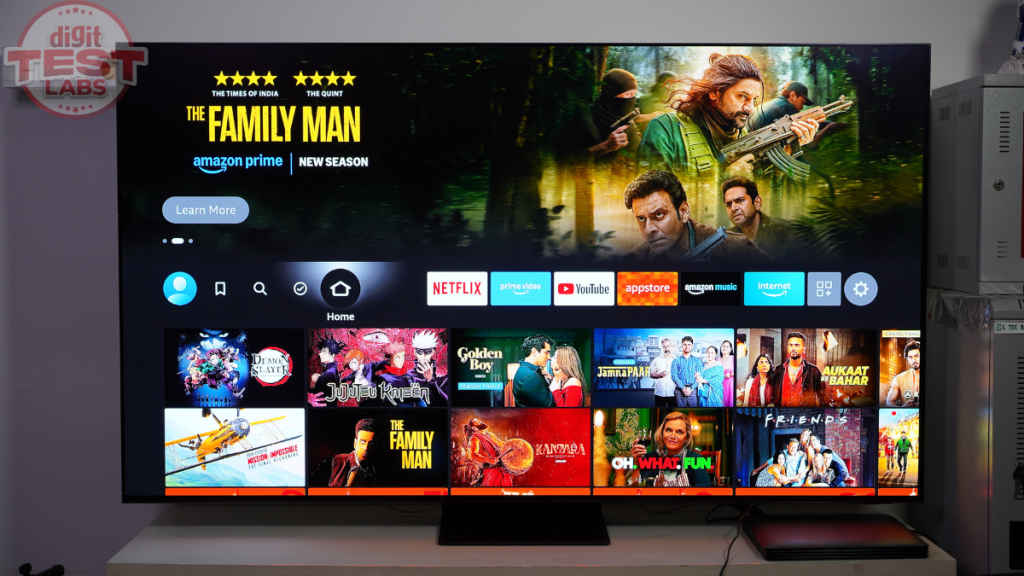
App support is fine for regular users. Netflix, Prime Video, YouTube, JioHotstar, Sony Liv, and the rest are here. There are some pre-installed apps like Amazon Kids+, Amazon Music, Prime Video, Zee5, and Fox News. You can uninstall most of these. You also get out-of-the-box support for Equipment Control and Home Control of connected Amazon devices through Fire TV, with voice commands.
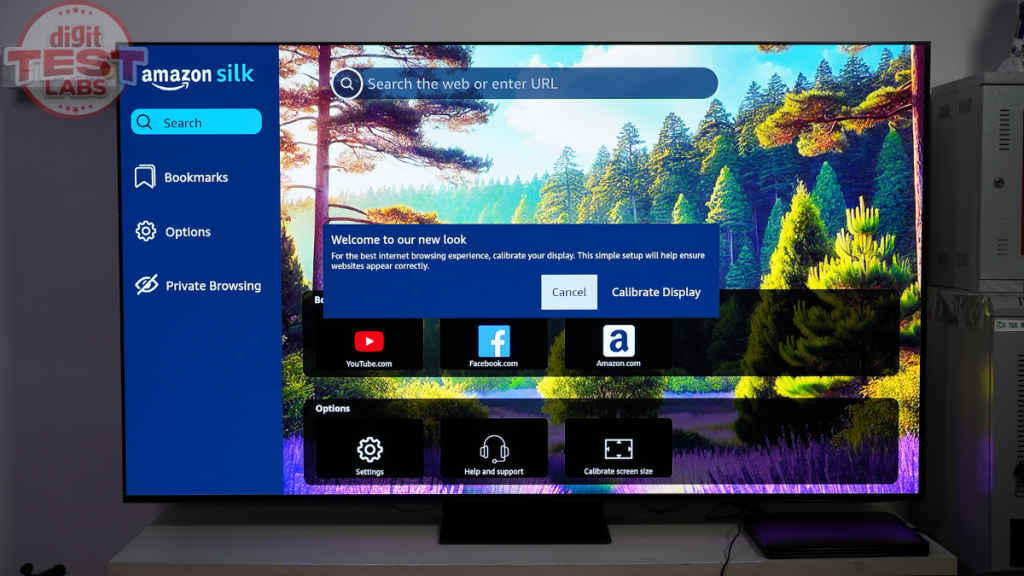
When it comes to voice searches, Fire TV is faster and more direct, especially for apps and film titles, but the results are not always accurate. Google TV is slower and more verbose, yet more reliable when you want the exact song or content match. For broad recommendations like feel-good films, Google TV offers stronger curation. For repeated actor or title searches, Fire TV surfaces OTT availability better, while Google TV often falls back to general web results.
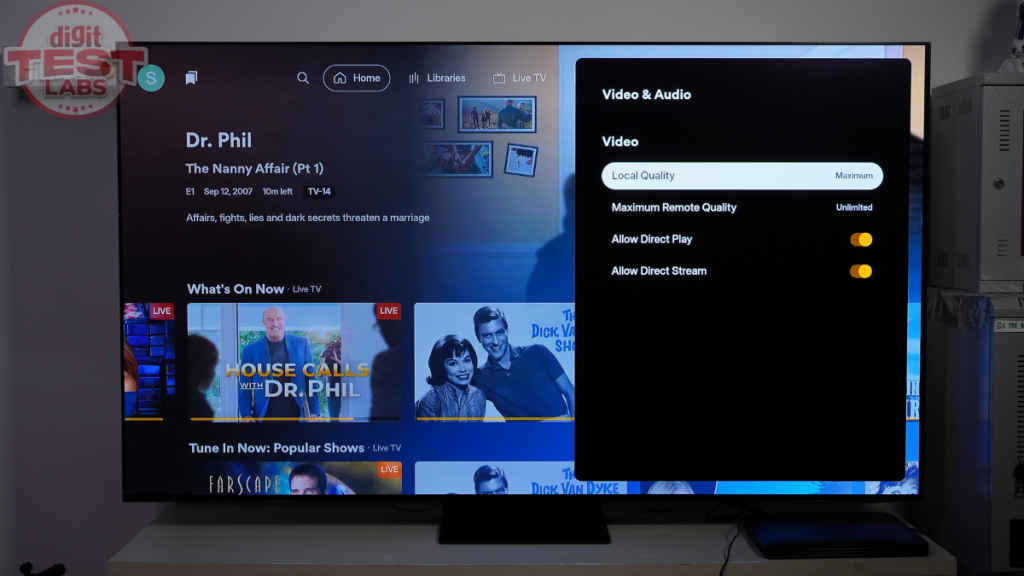
Now, since Vega OS is not Android, existing Android apps do not automatically work natively. Developers must port or rebuild apps for Vega. Currently, some apps are hosted on cloud servers, although I didn’t notice any performance issues with this. But some apps may not be as feature-rich or have as many settings to tweak as their Android versions, like Plex was in my testing. And if you look up a niche app, you may not get it here, as the OS is rather new. But there are good signs, as only recently, two popular VPN apps, viz., NordVPN and IPVanish, joined the library.
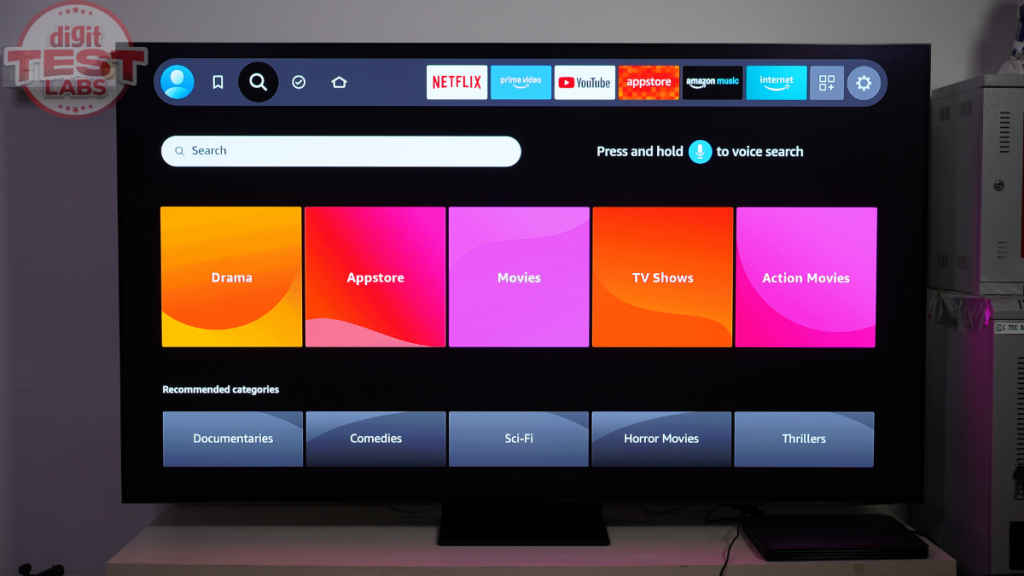
However, one area where Vega OS is really limited compared to its Android counterpart is sideloading. Amazon has restricted installation from unknown sources, and this could matter to you if you used media-server apps like Jellyfin, game-streaming apps, any obscure IPTV app, or file managers like ES File Explorer before. Also, regular users can’t access Developer Options.
Storage remains limited, so you may need to delete apps if you install too many.
Also Read: Fire TV and India are perfect for each other: Amazon Global VP Aidan Marcuss
Performance and picture quality
The new Fire TV Stick 4K Select runs on MediaTek’s MT8698 MCM processor with Cortex-A55 cores up to 1.7GHz clock speed, a G310v2 GPU with up to 500MHz, 1GB LPDDR4 RAM, and 8GB storage. This one has a slower GPU and less RAM than the 4K Plus model. The RAM and ROM combination is the same as the Fire TV Stick HD. For wireless connectivity, you get a Wi-Fi 5 radio, which was fairly stable in my use, but it is the same spec as the entry-level Fire TV Stick.
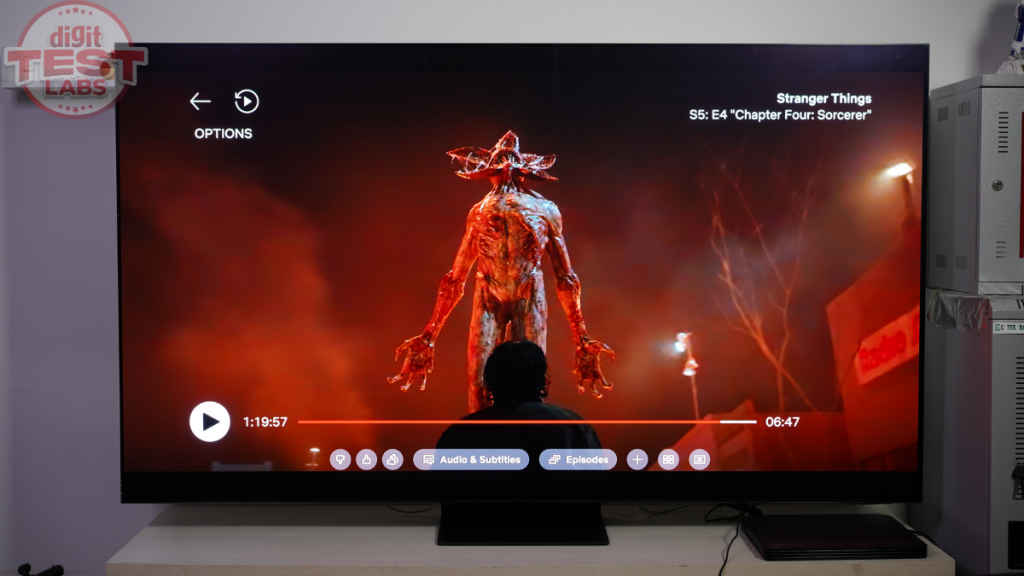
The 4K Select supports HDR10+ and Dolby Atmos passthrough. No Dolby Vision. Still, you can expect high-definition visuals and enhanced audio with compatible modern TVs and soundbars.
Largely in my testing, menus scrolled fine, and apps opened decently fast. But there was one instance when the Fire TV stopped responding, and I had to force-reboot it. Also, even though there were occasional stutters in navigation, none were to the point where they spoiled my experience.
I also found the device ran mildly warm during my use. Well, it is winter in Delhi right now. But it matters, as a TV cabinet could trap heat.
Playback quality is good. 4K streams on Netflix and Prime Video lock in fine. Compared to Dolby Vision content played on the same screen, HDR10+ offers comparable colours and detail. I tested this on a Sony flagship OLED TV. All in all, the Fire TV Stick 4K Select offers an easily enjoyable viewing experience.
Motion handling is solid too. The Match Original Frame Rate setting works as intended, and you can clearly see it doing its job by preserving the creator’s intent.
Should you buy Fire TV Stick 4K Select?
The Fire TV Stick 4K Select offers reliable 4K HDR playback, fast and direct results in voice searches, Dolby Atmos passthrough, familiar and functional software, and hardware performance suited to mainstream services. As its packaging reads, this Stick has the essentials. The UI smoothness, motion handling, and app support should be agreeable enough for regular users.
There are limitations to consider, though, as a first-generation product. Vega OS is still new, and its app library is narrower than Android-based rivals. Sideloading is restricted, and some apps may not offer the same depth of features and options as their Android versions. The hardware also sits closer to the entry-level stick, with 1GB RAM, Wi-Fi 5, and no Dolby Vision. Occasional stutters and the need to manage limited storage are part of the experience.
Even with those gaps, the value is clear. For Rs 3,999, the Fire TV Stick 4K Select improves meaningfully on the HD stick and serves as a sensible upgrade for anyone who wants 4K without paying for the faster, more capable Fire TV Stick 4K Plus. If your needs are straightforward and your budget is firm, this is the most practical pick in Amazon’s lineup. If you are upgrading from an older Fire TV Stick HD or a first-generation Fire TV Stick 4K, you will see a clear improvement in both responsiveness and stream quality. If you already own the Fire TV Stick 4K Plus, there is no reason to consider this model.
Keep reading Digit.in for similar stories.
Also Read: Amazon Vega OS launched for new Fire TV devices, an alternative to Android-based Fire OS
Amazon Fire TV 4K Select Key Specs, Price and Launch Date
| Release Date: | |
| Market Status: | Launched |


