
Brother DCP-B7620DWB review: Easy, efficient and effective monochrome printer
 Follow Us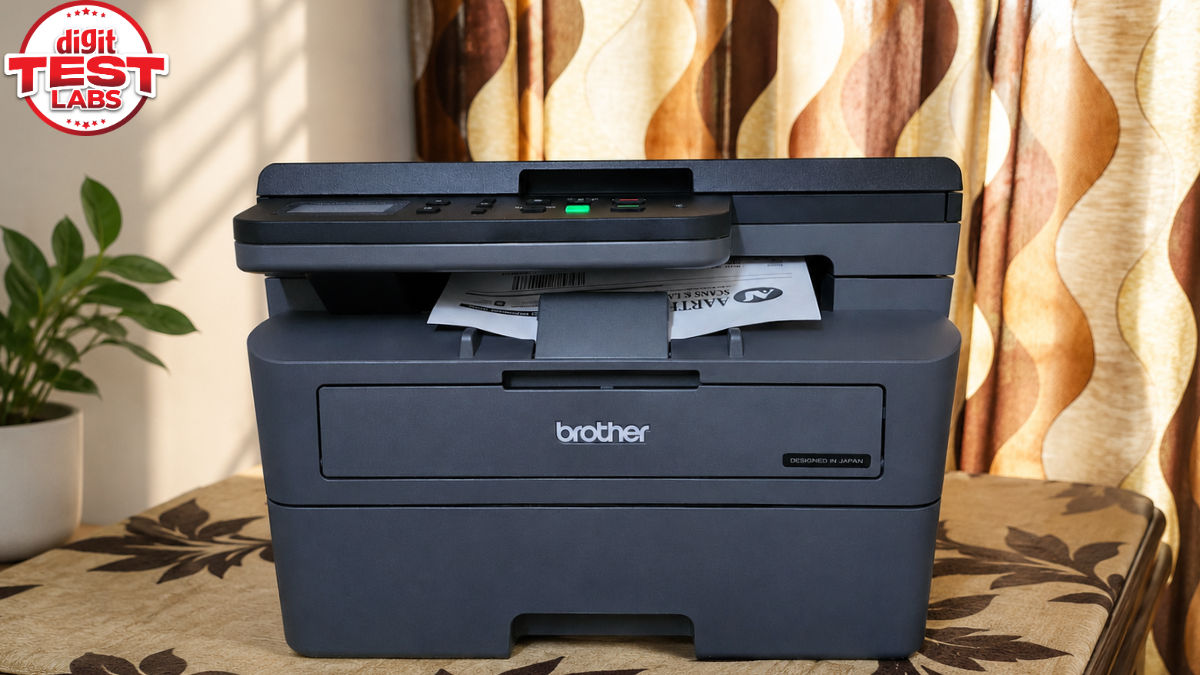

While looking for a printer, I was considering more than just the hardware price. I also looked at the printer type, colour output, cost per page, print speed, print capacity, and smart features such as Wi-Fi Direct and app support. The Brother DCP-B7620DWB ticked most of these boxes, and its specifications matched my requirements. At an asking price of Rs 21990, it is a monochrome laser printer with Brother’s Toner Box system, offering print speeds of up to 34 pages per minute, automatic duplexing (2-sided), dual-band Wi-Fi and a 250-sheet paper tray.
As part of my work, I regularly take printouts of questionnaires for interactions, daily and weekly work schedules for my team, and recently, various sheets for coordinating Digit India’s Top Appliance Awards. The Brother DCP-B7620DWB handled all of these tasks. It was simultaneously being used by my brother, my wife and me. And after using this review unit for a month, here’s my experience. I will tell you how well it fits the way I print, scan and copy documents, and whether it might fit your workflow too.
Brother DCP-B7620DWB: Industrial design
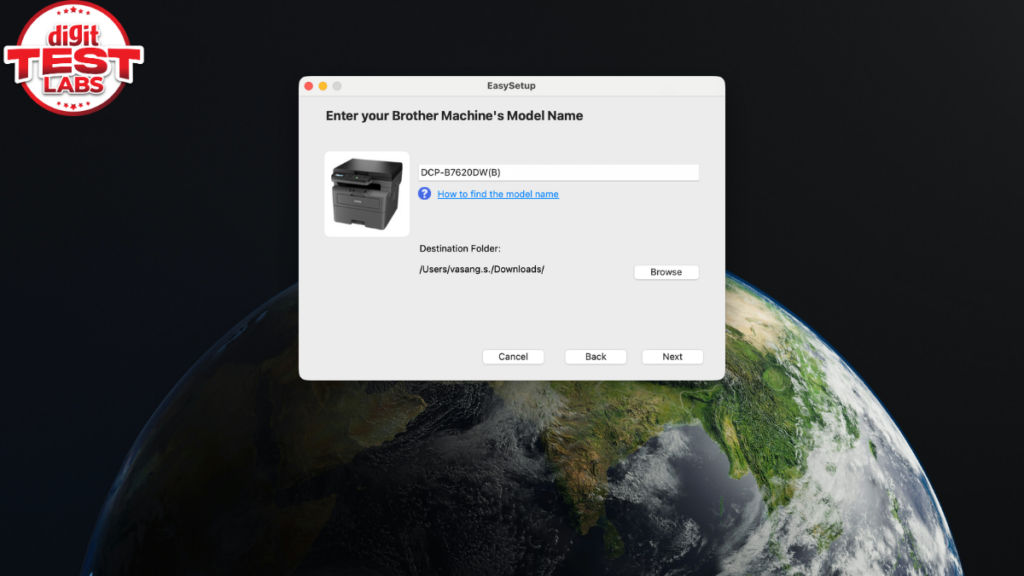
The DCP-B7620DWB comes in a black matte finish and looks as if it is designed to fit in an office environment. At 410 x 399 x 272 mm and 10.5 kg, it is very compact. It was easy to unbox and set it up. Follow any online video if you need help installing it. It doesn’t take much space on my work desk at home.
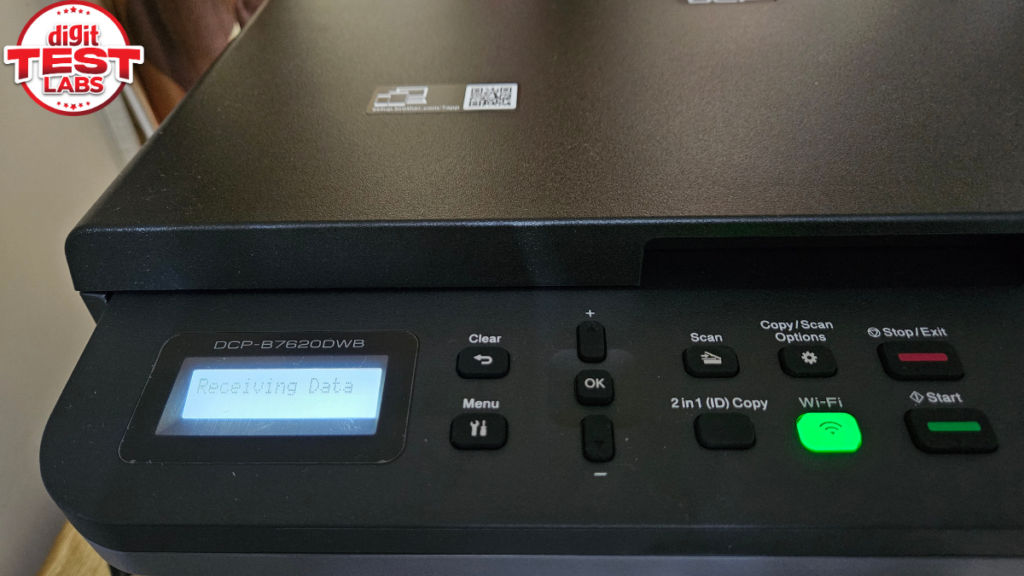
The build quality feels solid for the most part. Some parts feels a little flimsy but do not rattle during operations. The controls are also simple. You get a two-line LCD and physical buttons rather than a touchscreen. It is a boring but practical design.
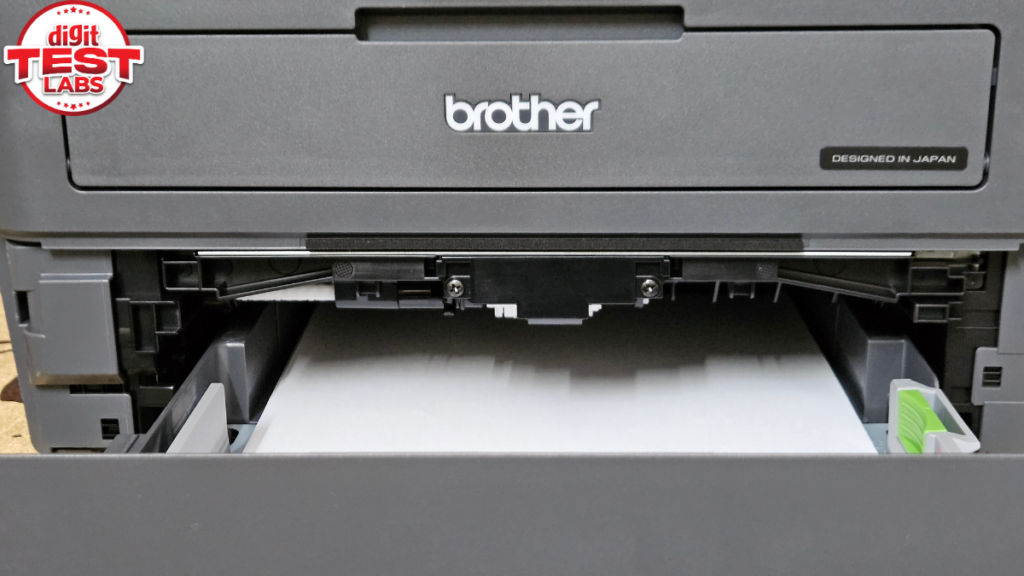
The main paper tray holds up to 250 sheets, and you can manually slot in single sheets with up to 230 gsm. You can protect the sheets from moisture in the paper cassette enclosure.
Brother DCP-B7620DWB: Easy, reasonably quiet and efficient printing
The DCP-B7620DWB’s print engine can print up to 34 pages per minute on A4, increasing to 36 ppm on Letter paper. It also supports 1200 x 1200 DPI output, and I didn’t have a problem getting printouts of text-heavy documents from it.
It comes with a 600 MHz processor coupled with 256 MB of memory, which in my use was sufficient for larger documents and multiple print jobs arriving over a network.
Since we bought a single bundle of A4 sheets, the Automatic duplex printing came in handy to print both sides automatically. It works with duplex speeds of up to 16 sides per minute on A4. Besides reducing paper usage, this makes longer reports and documents easier to handle.
I didn’t hit the quoted maximum duty cycle of 35,000 pages per month. But it does indicate that Brother designed the machine for much heavier workloads than a basic home printer.
The printer uses a TN-B021 Toner Box that is separate from the drum. The supplied toner can print around 2,600 pages, while replacing it could cost around Rs 1000 as per online listings. That is about 40 paise per page cost. That is fairly low, especially compared to what you pay for a paper printout in stores.
Also Read: Godrej Magnus 2026 split AC review: Gets the basics right under Rs 40000
Further, the DR-B021 drum cartridge is rated to last 12000 pages, and it is another cost component. But its cost can be spread across that much larger print volume.
Moreover, the laser printer does not have the same concern around ink drying or printheads clogging after long periods of inactivity. This matters a lot from a total cost of ownership point of view.
When operational, DCP-B7620DWB produces around 49 dB(A). There is a Quiet Mode that reduces this to roughly 44 dB(A), but of course with slower motor speed. Ready-mode noise is rated at around 30 dB(A). Last but not least, the printer consumes around 43 W in ready mode and about 4.1 W in sleep mode.
Brother DCP-B7620DWB: Basic scanning
The DCP-B7620DWB is equipped with a flatbed CIS scanner with an optical resolution of 1200 x 1200 DPI. Copying can reach up to 34 copies per minute, and documents can be scaled from 25% to 400%. This is perfectly fine for occasional scanning.
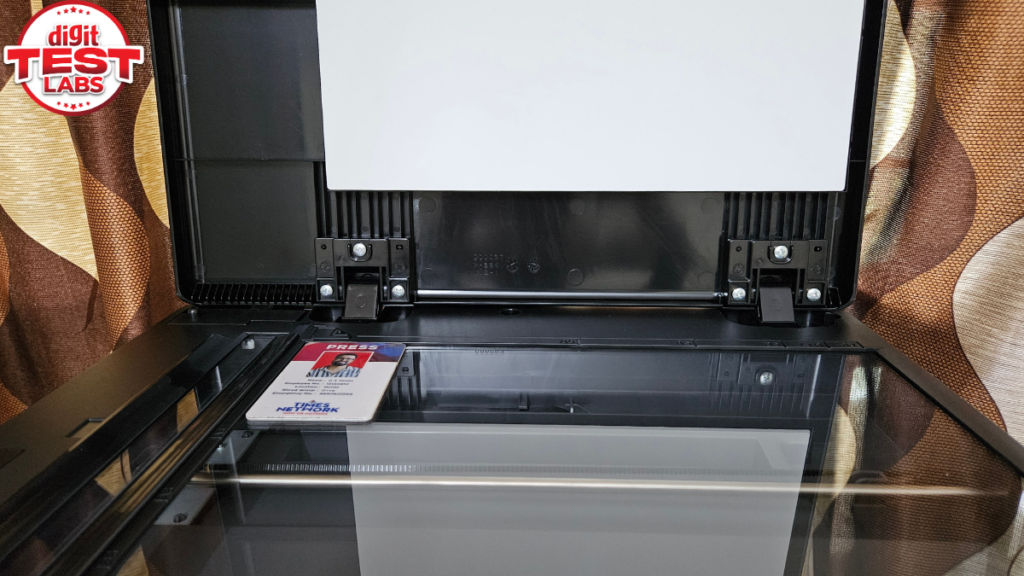
But if you decide to scan a stack of pages, the absence of an Automatic Document Feeder means you’ll have to place every single page individually, and that can get frustrating. Do keep this in mind while you are making the purchase decision. You can consider DCP-B7640DWB if ADF matters to you.
Brother DCP-B7620DWB: Useful connectivity
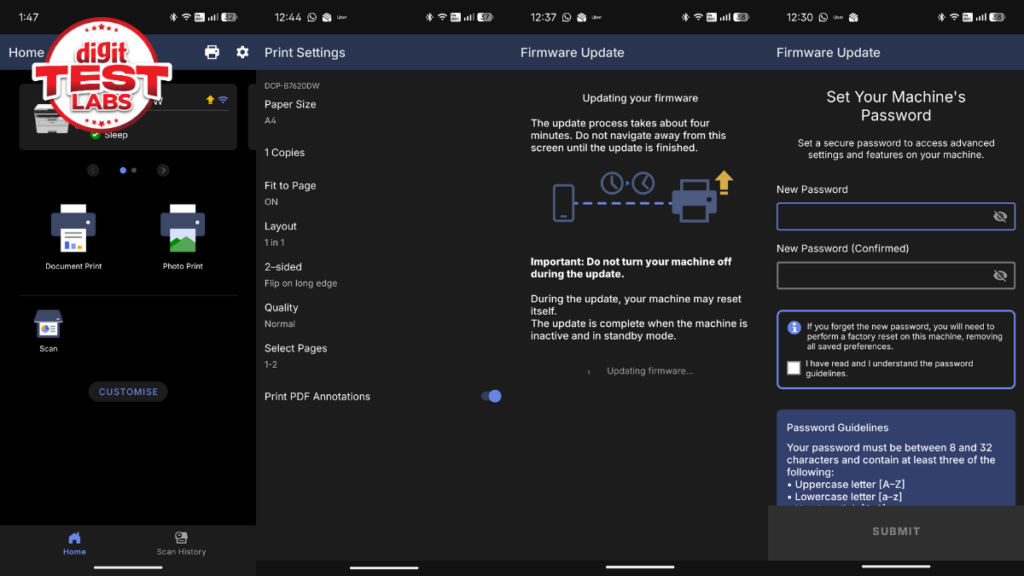
This Brother printer supports USB 2.0, Ethernet and dual-band Wi-Fi, including both 2.4 GHz and 5 GHz networks. It also features Wi-Fi Direct, Apple AirPrint, Mopria and Brother’s Mobile Connect app.
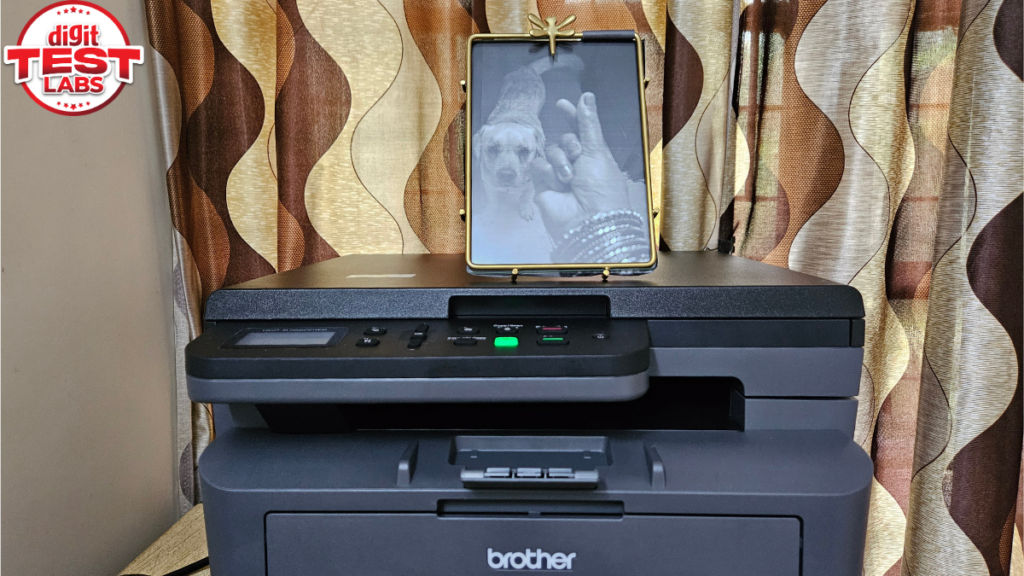
You can connect it to a network and share it across multiple systems. This makes it a better fit for an office space with a lot of users relying on one printer.
And since Brother has baked in the WPA3 security protocol, you can be reassured while sending sensitive documents for print or scan. For a small office in particular, this is crucial.
Should you buy the Brother DCP-B7620DWB?
Having a printer that can print quickly at 34 PPM, handle duplexing and keep the toner cost around 40 paise per page has made it a practical addition to my home office.
I also like that I don’t have to worry about ink drying if the printer sits unused for a few days. At the same time, the 250-sheet tray means I don’t have to keep loading paper when several of us are using it. With multiple people using the printer, the ability to connect it over Wi-Fi and share it across devices has been useful.
For people who print regularly in black-and-white, say in small offices, home offices and professionals and want predictable running costs, the DCP-B7620DWB is easier to recommend.
Still, there is a big limitation, which is the flatbed-only scanner. I only scan documents occasionally, so placing one sheet at a time is not a major issue. But if you regularly scan or copy multi-page documents, the lack of an ADF will become frustrating. In that case, Brother’s own DCP-B7640DWB or the HP LaserJet Tank MFP 2606sdw would make more sense. They are more expensive, though.
So, at around Rs 21990, I think the DCP-B7620DWB is a good fit if printing is the main reason you are buying a multifunction printer. For my workflow, it has been reliable and practical. But if scanning is just as important as printing, I would spend a little more on one of those ADF models.
Keep reading Digit.in for similar stories.
Also Read: LG OLED G6 review: One of the most complete TVs I have tested this year


