
Insta360 X6 Review: The 360-degree camera that edits for you
 Follow Us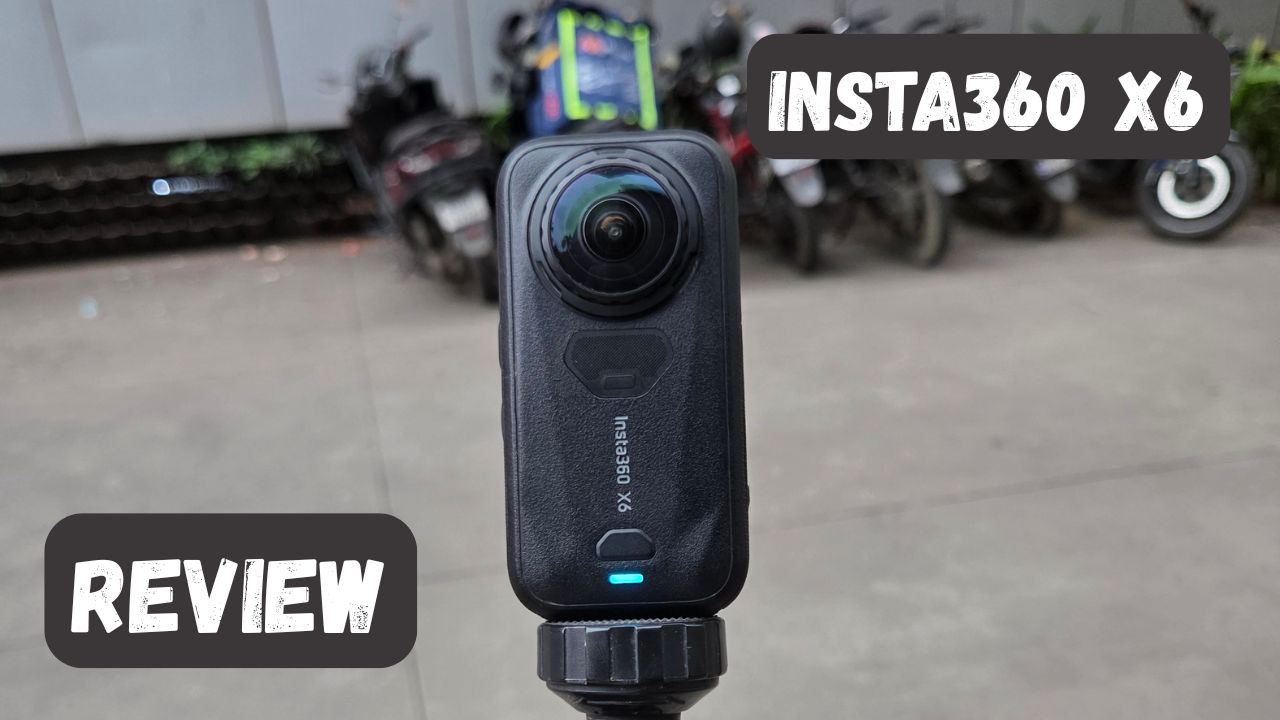

The Insta360 X6 landed on my desk almost immediately after the launch even, and I had it out of the box before I’d even read the spec sheet entirely. I’d spent years scrolling past mini planet shots and gravity-defying follow-cams online, always from the outside looking in, and this was the first time one of these cameras was actually in my hand. So I did the obvious thing: went straight out into the rain with friends, hopped a local train, and generally treated a review unit like a toy I’d waited too long to unwrap. Round two came a few days later on a bike ride through the hills near a dam outside Pune. A few hundred clips and one very confused editing app afterward, I have a solid read on what this little camera can actually do.
Also read: Vivo S2 review: A stylish comeback with a massive battery
Design and handling
It is notably smaller and even slightly lighter compared to its predecessor. In terms of design, Insta360 has included a pressure-sensitive touch feature, which allows to press any place on the screen for starting or stopping recording, which has become the reason for making it compact. Of course, if you are used to pressing the button rather than the screen, then you will find the record button right under the power button on the right side.
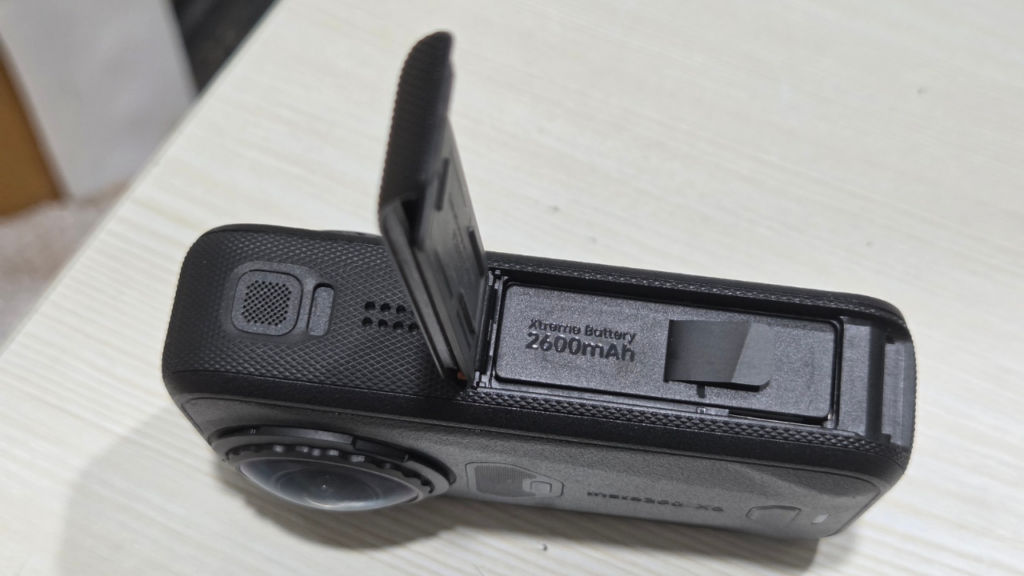
Moreover, battery life was increased to 2,600 mAh (compared to 2,400 mAh), which provides up to 140 minutes of recording at 8K30 format in the Endurance mode. X6 also comes with the 64 GB internal storage (usable 47 GB) along with the microSD card, which means that not having a memory card at hand will no longer be a problem. It should be noted that lenses are replaceable just like on the X5, which can become quite important when one lens gets scratched accidentally. I did not have the invisible selfie stick provided by Insta360, but my old tripod served its purpose well. This is one of the benefits of the camera – it does not require a lot of equipment.
The one thing that can be a problem is how much it heats up and how rapidly. It can get really hot really quickly that if you are using it handheld, you will feel the heat and it will be uncomfortable. However, it isn’t exactly a camera that is meant to be used handheld, you will always have it attached to a selfie stick or a mount so that should not be too big of an issue.
Image Quality and Shooting Modes
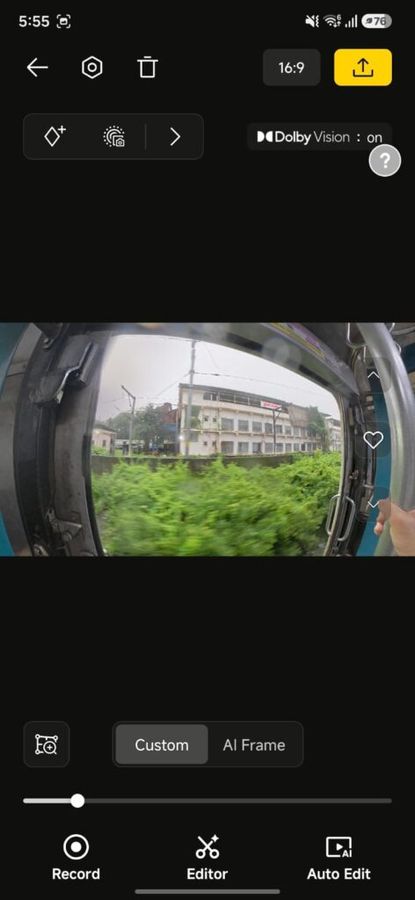
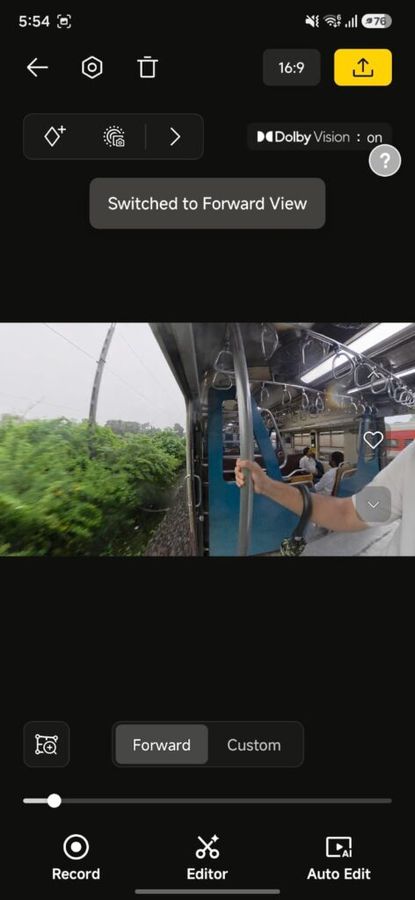
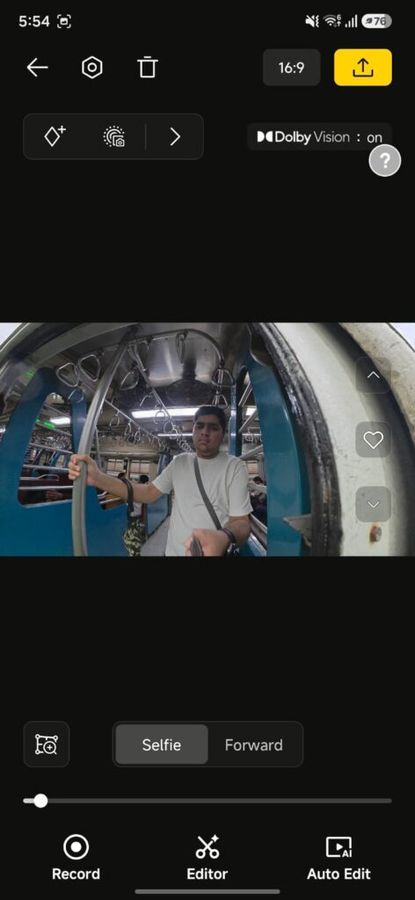
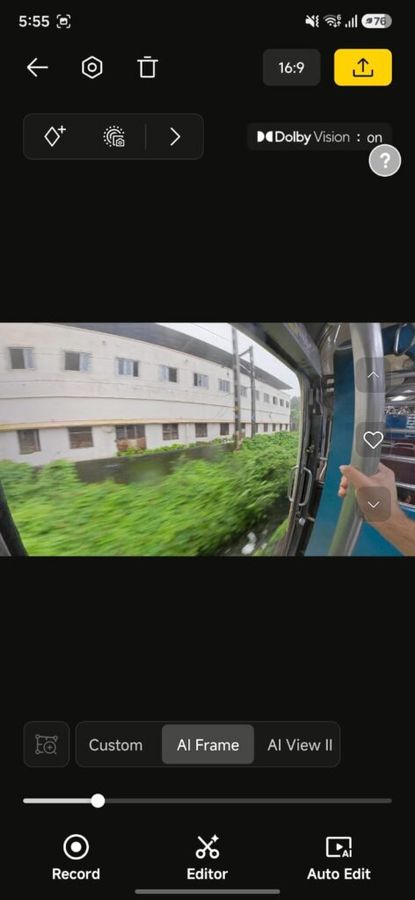
The bigger sensors are the headline upgrade here, and they show up most obviously in the 120-megapixel 360 stills, which is a big jump for a camera this size. Video tops out at 8K50, with the option to drop to 6K or 4K, the latter hitting 100fps in standard 360 mode. Colour-wise, you get regular SDR, Dolby Vision, and a 10-bit I-Log profile, so if you’re the sort who wants full grading control, the I-Log is there for you.
Also read: Intex GQ5531 55-inch QLED TV review: Plenty to like, a few things to fix
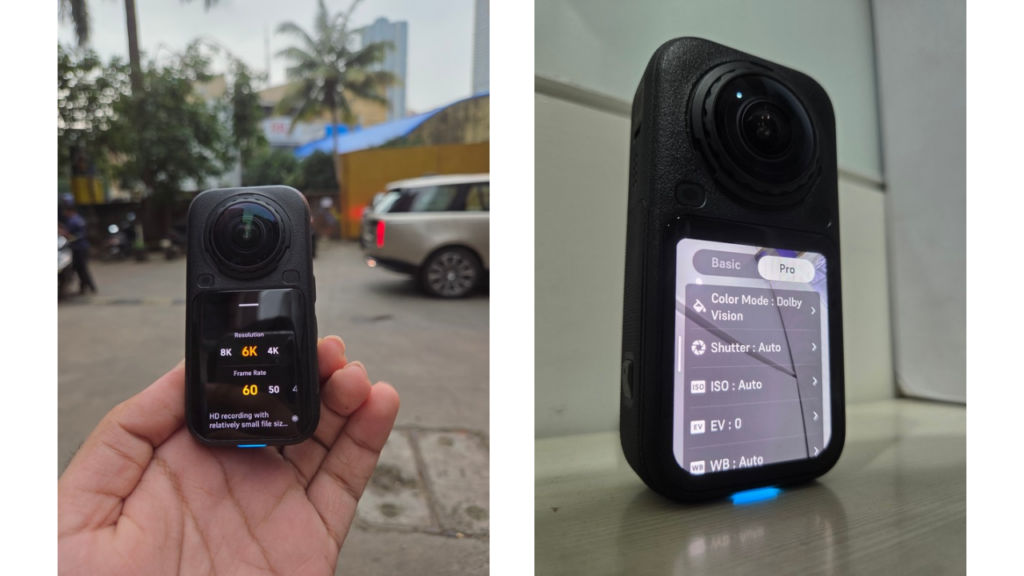
With the camera turned into Flat mode, the X6 functions as a wide-angle point-and-shoot, recording 16:9, 1:1 or 9:16 videos and taking photos using the same ratio. It does limit the performance a bit (5K60 video and 24MP stills due to the fact that you use only half the camera), but it is still noticeably larger than the sensors found in phones. Finally, the InstaFrame 2.0 feature follows the subject in the picture and creates an automatically edited 16:9 or 9:16 video while retaining the full 360 version just in case.
How 360 footage actually gets edited
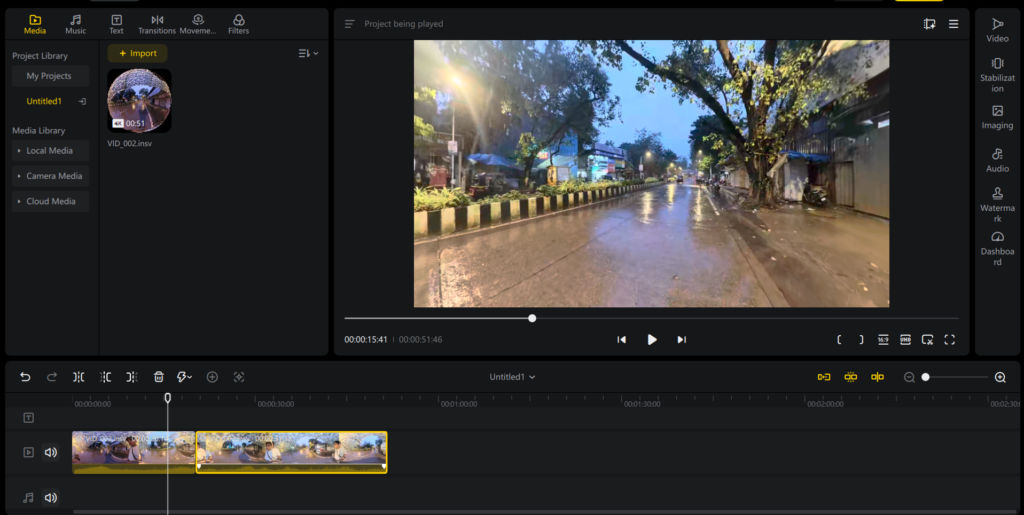
This is worth explaining, since it tends to confuse people. Post processing 360 content has always been the most annoying thing about owning such a camera in the first place, and this is why so much footage has never made its way out of SD cards. Insta360 solves that problem through two different methods.
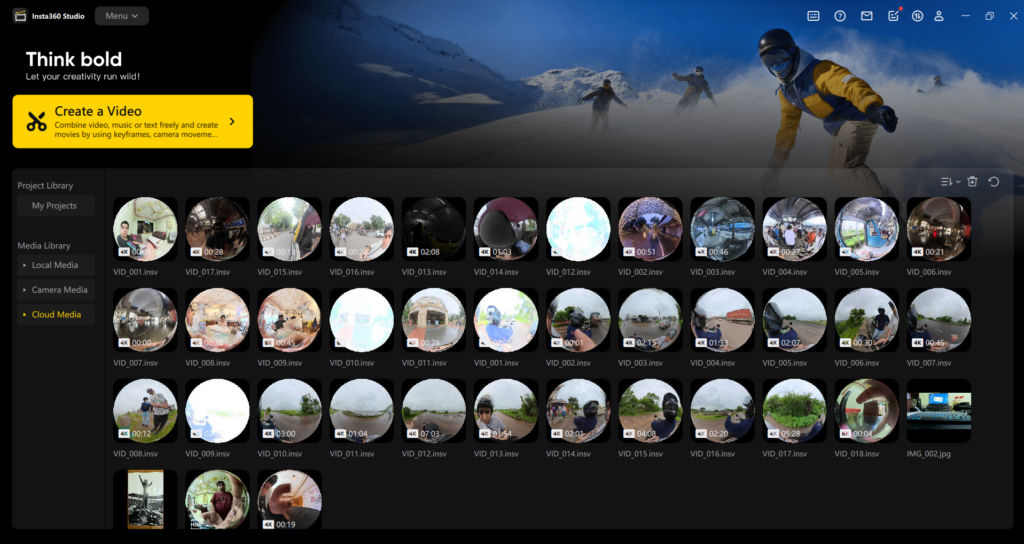
The first is connected to the footage you extract from the X6. In case you haven’t exported a video using a fixed aspect ratio, you will get two files – the 360 video itself, and the low-resolution version of it. The LRV is the low-resolution video file that can be used for scrubbing and previewing without causing your editing software to freeze all the time.
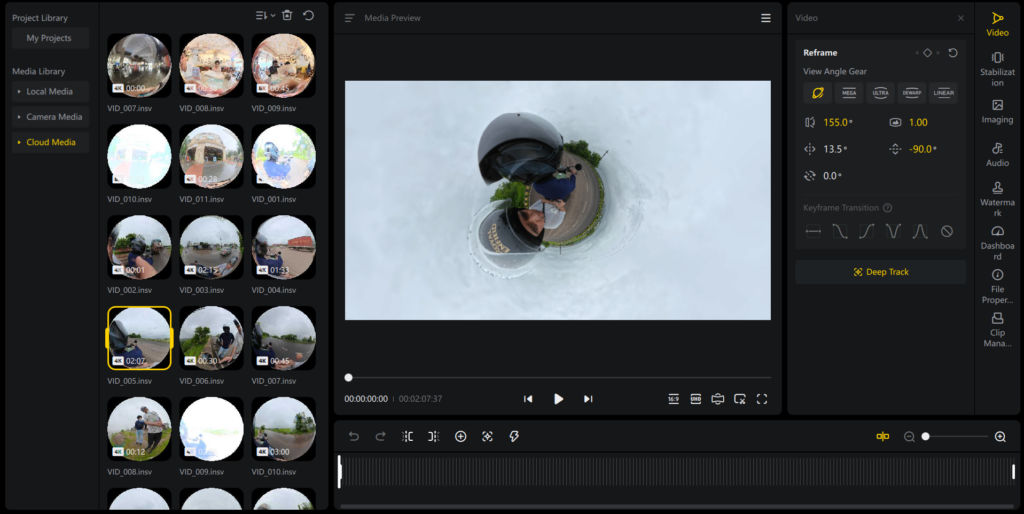
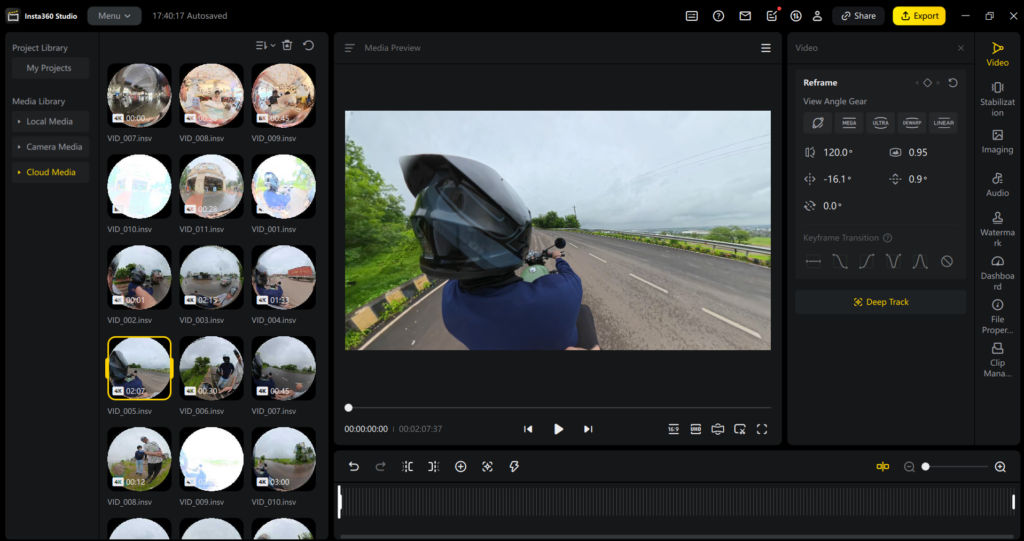
Second, once you’re in the Insta360 Studio app, reframing happens through what’s essentially a virtual camera you steer inside the sphere. With this camera, you are able to move closer or pan, tilt or create keyframes for transition between different viewpoints after the shoot since the 360 sensor had already recorded all the surrounding environment. In this program, there are five viewing modes available, Mega, Ultra, Dewarp, Linear and the Mini planet view, with the ability to zoom within the selected viewpoint. The mini planet mode is quite unique, and something that I enjoyed a lot. This mode takes the 360 sphere and transforms it into a small globe containing both yourself and the surrounding environment, and it is actually quite fun to observe besides its functionality.
The AI Director
And if there is one thing that makes a difference in how you will be using this camera on a daily basis, it would be the AI Director, and it certainly needs some attention. The manual refocusing of 360 videos takes so much time that it becomes impossible to do, which is why so many 360 videos end up on an SD card never to see the light of the day again. And that is what the AI Director of Insta360 is all about; all you have to do is launch the app, press a button and let the software do its magic on your video. You need to have your camera on charge at the time when you do it and if you want to do it with footage that you have on your cloud and not the one on your camera, you have the Moments/Moments Pro available as well.
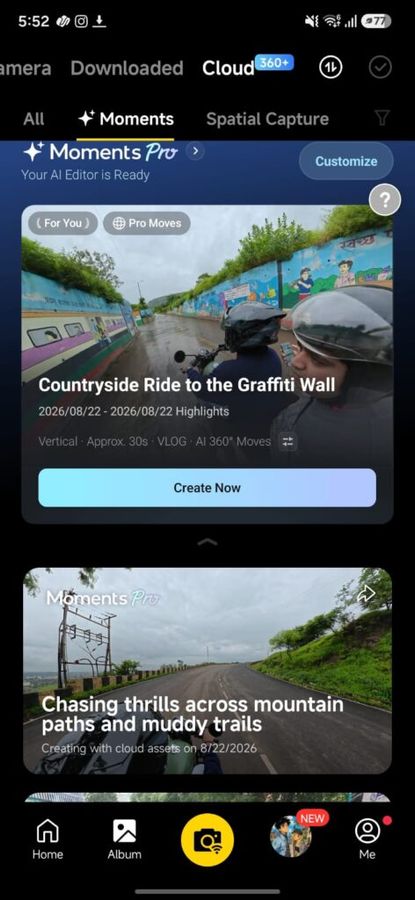
I tested it using videos from both my trips to Mumbai and Pune, and it really does what it’s supposed to. It selected the clips that were worth saving, added pans and reveals that I would not have imagined keyframing myself, and did it all faster than it takes to brew a cup of coffee. The problem, atleast for me, is its pacing. By default, it is very aggressive, full of quick edits, designed for reels more than for the shot itself. During the Pune trip, when the dam and the hills provided much of the visuals anyway, I actually wished that it gave each frame a chance to breathe and kept it on screen a bit longer without cutting to another clip. It’s more of a matter of taste than a bug, and if you want reels, this tool does exactly what it should be done.
Audio
And this is where I was surprised. You won’t have to lug along your own external microphone for the X6, and while riding a bike or out on trails, you’ll only realize how convenient this is when it works. During my trip in Pune, the internal microphone recorded sounds from the engine of the bike, the noise of the wind, Kendrick Lamar song playing from my phone, and my voice singing along to it – all at once. All of it was heard and nothing seemed to be overpowering anything else. This is quite a feat of technology for a microphone hidden within a tiny camera like this one.
Using it
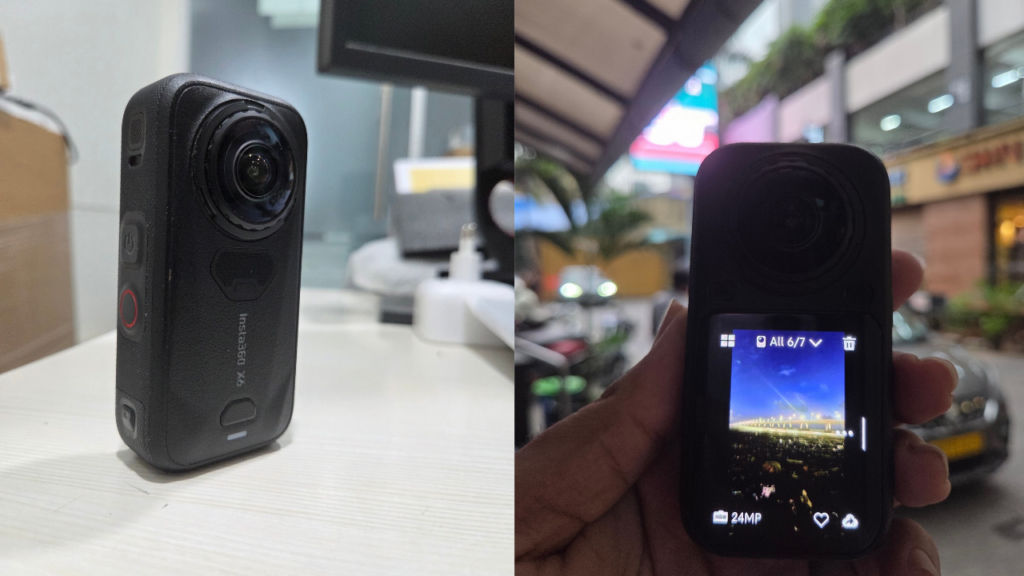
I tested out the X6 in two different outdoor settings. The first one was a day out in Mumbai, taking public transport and moving around the city in the rain with some friends. The second one was a bike ride through the hills near Pune, simply because it seemed like a good idea at the time. In both cases, video performance has been decent, and the 360-degree videos bring up a lot of unplanned moments when you catch yourself narrating the views and even humming along to Kendrick Lamar on Spotify while biking by an old army base. The closest competitor that it has is the DJI Osmo 360 II and here’s how that spec comparison looks.
| Spec | DJI Osmo 360 II | Insta360 X6 |
| Sensor | 1-inch square HDR CMOS (DJI-claimed industry first) | Dual 1/1.1-inch square Sony CMOS (1-inch equivalent combined area) |
| Max 360 video | 8K/60fps, plus native 4K/240fps slow motion | 8K/50fps |
| Single-lens mode | 4K/120fps | 5K/60 and 4K/120 |
| Dynamic range / HDR | 14.5 stops (DJI lab measurement) | First native in-camera Dolby Vision |
| Colour / log | 10-bit, D-Log M | 10-bit, I-Log |
| Aperture | f/1.9 | f/2.0 |
| Low-light mode | SuperNight 2.0, up to 60fps | PureVideo, capped at 30fps |
| Photo resolution | 120MP RAW panoramic | 120MP |
| Internal storage | 105 GB | 64 GB |
| Battery runtime | 100 min | 140 min (8K30), 2,600 mAh |
| Fast charge | 80% in 22 min | 80% in 24 min |
| Waterproofing | 10 m | IP68, 20 m bare, 60 m with dive case |
| Price | Rs. 75,000 | Rs 81,999 |
Verdict
The Insta360 X6 was the first 360 camera that got me excited about capturing more content. Bigger sensors, 120MP stills, native Dolby Vision, and 140 minutes of battery time in 8K30 make it the best camera overall in the category. It solves the main problem with any 360 footage that prevents the videos from ever being edited with its AI Director. Audio worked well during biking, rainy and windy conditions, which saves us the effort to carry an extra microphone.
There are downsides as well. It is hot in use, which makes it difficult to hold in your hand. AI Director sometimes reacts weirdly to long shots but it’s just personal preference, which means you should slow it down yourself.
Let’s talk about price now. It costs ₹81,999, which is more than the DJI Osmo 360 II for ₹75,000. The latter supports 8K60 and has greater storage capacity but I don’t have one to compare with. But still, I recommend you to buy this camera if you capture rides, treks, and city life.
Also read: Bambu Lab A2L 3D printer review: Once you start printing, you will not stop


