
Windows 10 support ends tomorrow for all users: Here’s what it means for users and what should they do
 Follow Us
Support for all Windows 10 editions ends on October 14, 2025.
Extended Security Updates (ESU) available till October 2026 for a fee.
Users advised to upgrade to Windows 11 or switch to another OS.
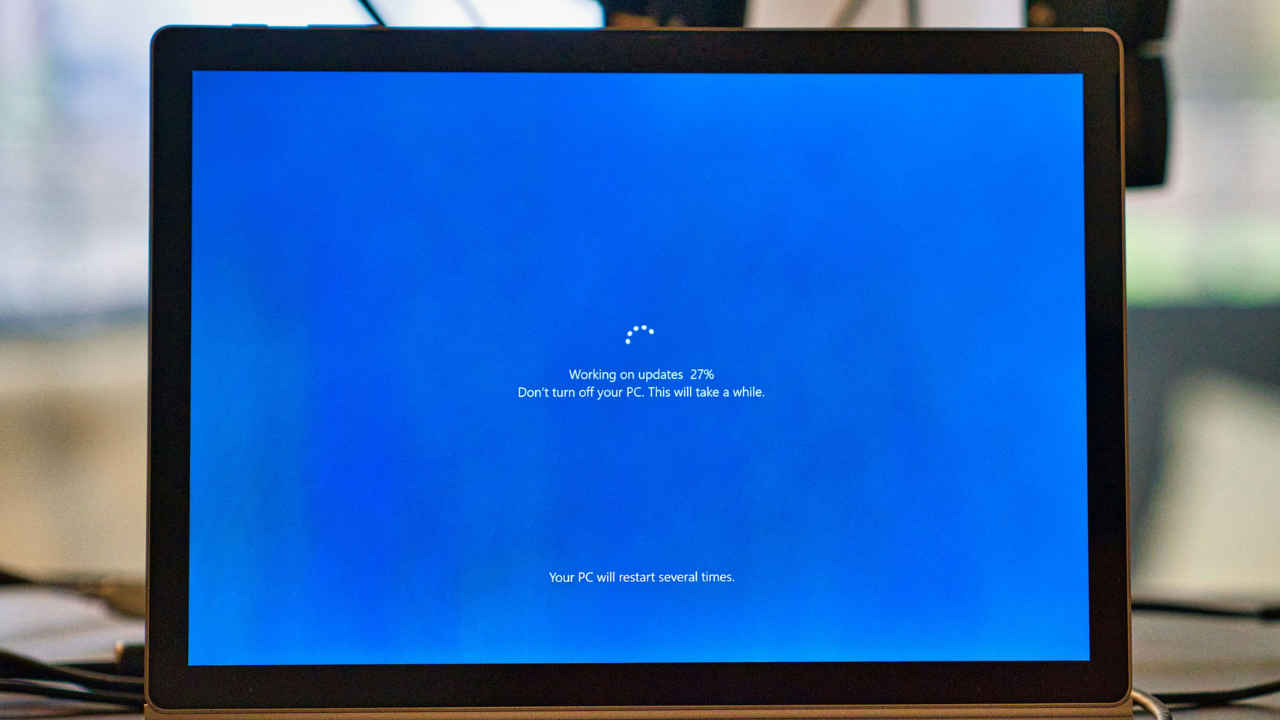

Microsoft has officially announced the end of support for Windows 10 for millions of users worldwide. Starting October 14, 2025, all versions of Windows 10, including Home, Pro, Enterprise, and Education, will no longer receive security updates, bug fixes, or technical support. This means that while your Windows 10 PC will continue to function, it will become increasingly vulnerable to security threats, viruses, performance issues, and software incompatibility over time.
 Survey
For the unversed, Windows 10 has been around since 2015. With Windows 11 now available, users must update to the latest version. If you’re still on Windows 10, here’s what this means for you and what you can do next.
What “End of Support” means
Once support ends, Microsoft will no longer issue security patches or updates, leaving systems open to malware and other exploits. Unpatched vulnerabilities could put personal data and networks at risk, especially for businesses. Microsoft is introducing an Extended Security Updates (ESU) program that allows eligible users to continue receiving essential patches for one more year, until October 13, 2026. However, ESU doesn’t include new features or technical assistance and may involve a small fee or Microsoft account enrollment, depending on your region.
Also read: OpenAI vs. Elon Musk: Lawsuit escalates with claims of intimidation against AI safety advocates
How to check Windows version and what to do next
You can easily verify your Windows version by going to Settings → System → About. If your PC is running on Windows 10, here’s what you should do.
1. Upgrade to Windows 11: If your PC meets the system requirements (Secure Boot, TPM 2.0, compatible CPU), upgrading is free and ensures long-term support. Make sure to back up your files before updating.
2. Enrol in ESU: If you can’t upgrade yet, the Extended Security Updates program offers temporary protection until 2026.
3. Switch systems: If your device isn’t compatible with Windows 11, consider switching to a lightweight OS like Linux or ChromeOS, or invest in a new Windows 11–ready PC.


