
Raksha Bandhan 2026 WhatsApp Status video download: Short videos to share on Insta, FB on Rakhi
 Follow Us
Find short Raksha Bandhan 2026 videos to share on social media.
Add your own message, emojis or photos to the videos.
Learn how to share a Raksha Bandhan video on WhatsApp status.
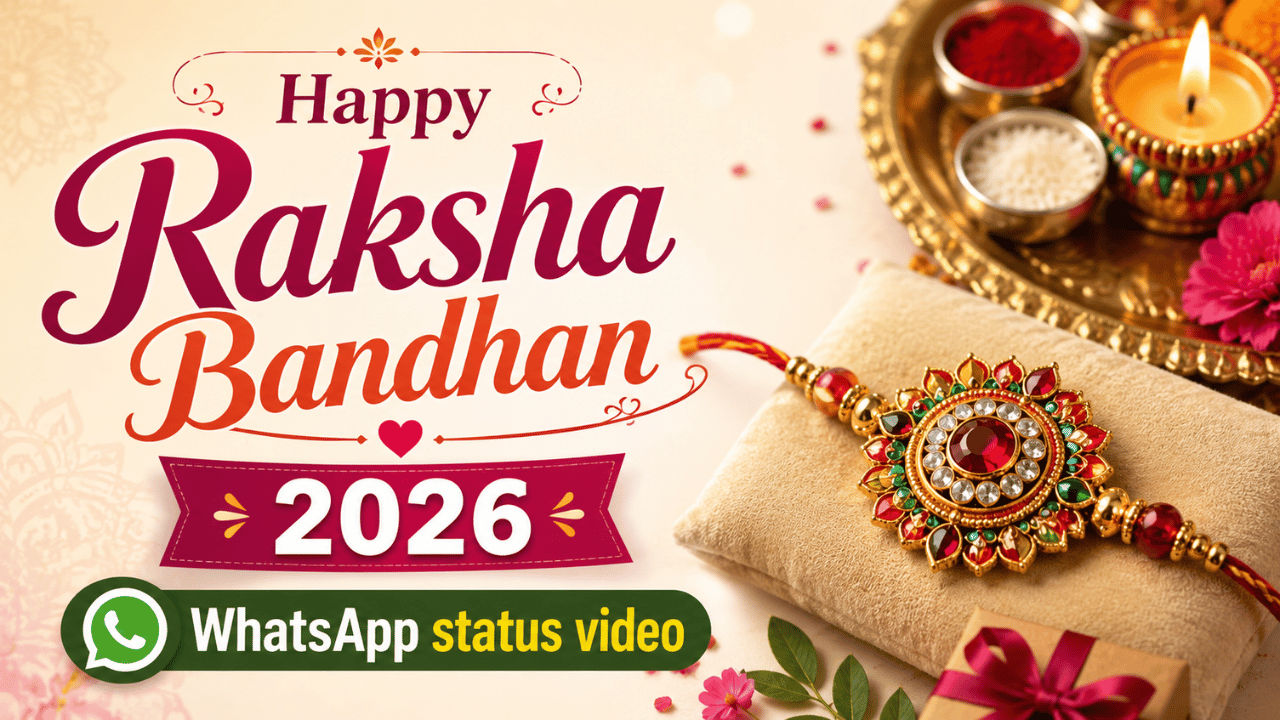

Rakhi, which is also known as Raksha Bandhan, is a traditional Hindu festival that celebrates the loving and protective bond between brothers and sisters. This year the event will be celebrated on August 28. While the main attraction of the festival is usually the rakhi, gifts, sweets and heartfelt moments, one thing that usually goes unnoticed is the heartwarming messages one shares with our loved ones on social media. If you are looking for short festive videos that you can share on your social media to share the warm emotions, then you’re at the right place. In this article I’ll be sharing small, happy Raksha Bandhan 2026 videos that you can easily download and put as your WhatsApp status or Facebook and Instagram story.
 Survey
Happy Rakhi 2026 WhatsApp status videos
I’ve shared some short videos below that capture the warmth and joy of the Raksha Bandhan festival. Check them out and download any that you like. You can also personalise them by adding a custom text message, emojis, photos, and more.
Also read: Sam Altman makes big claim, says OpenAI will achieve AGI internally this year
How to share your Happy Raksha Bandhan 2026 video on WhatsApp status
Here are the simple steps you can follow to share your Happy Raksha Bandhan 2026 video status on WhatsApp:
- Open the WhatsApp app on your device.
- Go to Updates and tap on Add Status.
- Upload the video you want to share.
- Add a caption if you wish to personalise it. You can also add an emoji.
- Choose who to share the video with under Status settings.
- Tap Share to post your Raksha Bandhan wishes.
Also read: Realme C100i with 6500mAh battery launches in India: Check specs and price
The videos that I’ve shared above have been sourced from open-source websites like Canva, Pixabay and Pexels. If you want to create a personalised video, then you can also use AI tools like ChatGPT, Gemini, and more. Alternatively, you can also create one using video editing tools by simply clubbing some images of you and your siblings with a heartfelt message or can edit the videos that I have shared above in any way you want.


