

Phone freezes after clicking an ad? Scammers may be trying to steal your money, here is what you should do
 Follow Us
The scam starts when a user clicks a suspicious advertisement or link.
The phone may appear to freeze or show a fake error message.
The victim may receive a call from someone who claims to be a customer support executive.
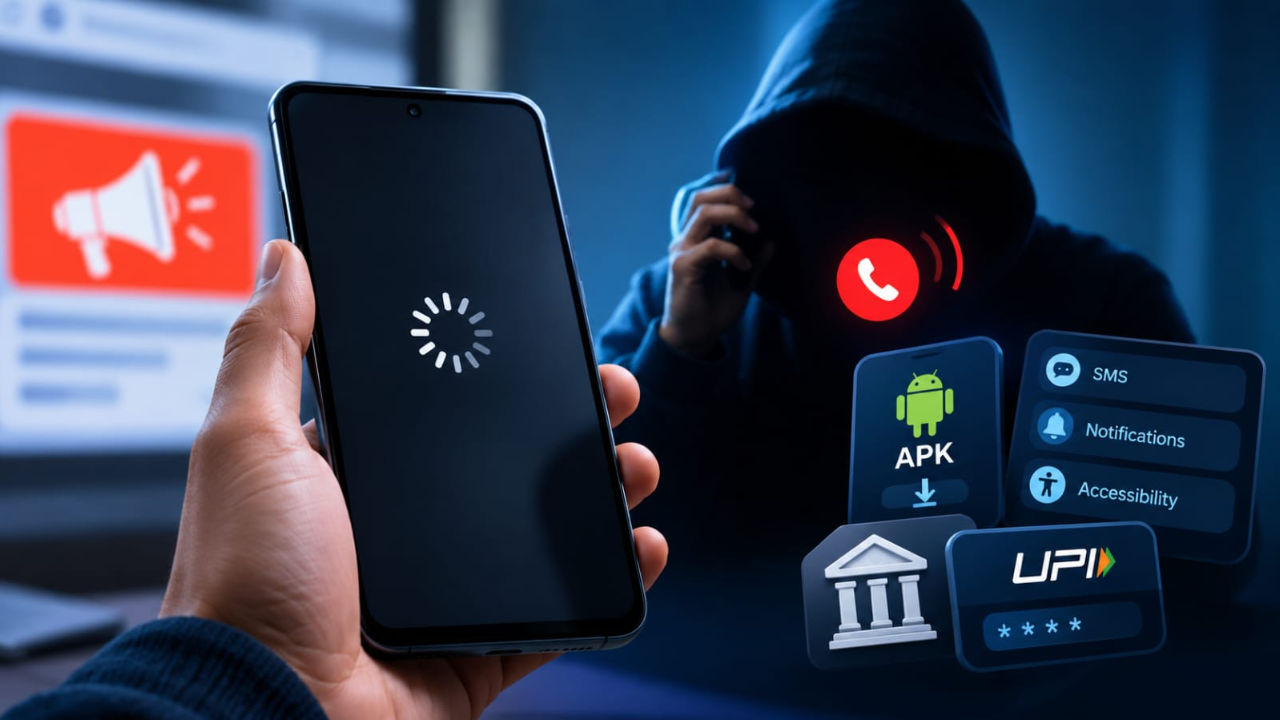

A phone screen that suddenly freezes after you click an advertisement or an unfamiliar link may look like a normal technical problem. But scammers are now using such incidents as a way to trick users. The frozen screen can create panic and make people believe that something is wrong with their phone, banking app or UPI account. Fraudsters may then pose as customer care agents and eventually take access to sensitive information. Keep reading for all the details, including how the scam works and how you can protect yourself.
 Survey
How the scam works
The scam starts when a user clicks a suspicious advertisement or link. The phone may appear to freeze or show a fake error message. The victim may then receive a call from someone who claims to be a customer support executive. The scammer may say that the phone, bank account or UPI service has a technical problem. They then ask the user to install an APK file that is presented as a verification, cashback, reward or support app.
Once installed, such apps can request access to SMS, notifications and accessibility features. These permissions can allow scammers to read OTPs, monitor activity and control parts of the phone.
Harish Kumar, CEO of Quick Heal Technologies, said the frozen screen is often “not the real event, but the distraction.”
Scammers can also use remote-access or screen-sharing apps. Ruchin Kumar, Vice President- South Asia, Futurex, told NDTV that fraudsters usually target the device, credentials or transaction process instead of trying to break UPI security itself.
In some cases, victims may unknowingly enter their UPI PIN or approve a payment themselves after being manipulated.
Also read: Samsung Galaxy S27 Ultra launch timeline, India pricing, camera, display and all other leaks
How to protect yourself
If your phone suddenly freezes after clicking an unknown link or advertisement, do not panic. Disconnect mobile data and Wi-Fi first. Do not enter your bank details, OTP or UPI PIN. Do not install an APK sent by an unknown person. Also, do not give an unsolicited caller remote access to your phone or allow screen sharing. You should also check your phone for recently installed suspicious apps.
If you think your banking details have been exposed, you should contact your bank through its official number or website. You should also change important passwords. If money has been lost, report it immediately by calling the helpline number.
A genuine bank or service provider will not ask you to install a remote-access app or share your screen to fix a problem.


