

How to create viral handshake with your younger self video for Insta using Google AI: Complete guide with prompt
 Follow Us
While scrolling through Instagram Reels recently, you must have come across the 'handshake with your younger self' trend.
You don’t need professional photo editing skills or complicated software to create this trend.
With Google’s Gemini Nano AI, anyone can generate a realistic and emotional 'handshake with your younger self' visual within minutes.
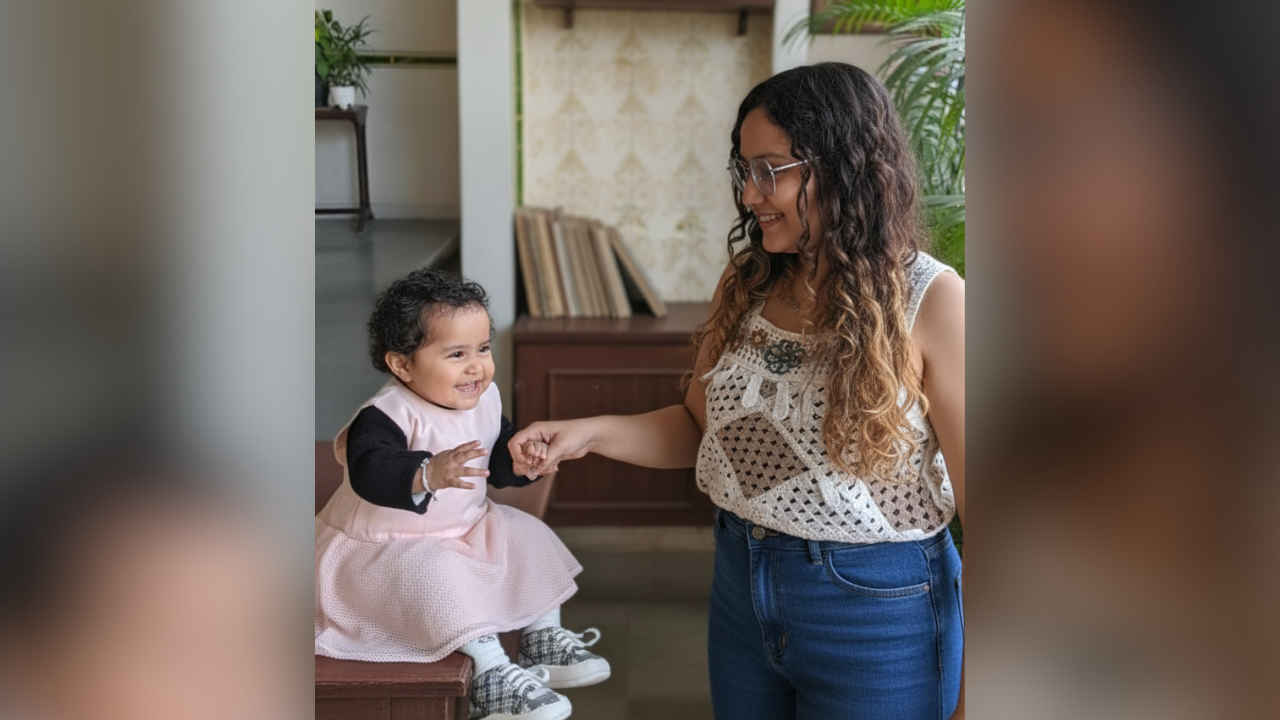

While scrolling through Instagram Reels recently, you must have come across the ‘handshake with your younger self’ trend. This concept has taken over social media, with creators showcasing a powerful visual moment- shaking hands with their younger selves. This comes right after the viral ‘hug your younger self’ trend, but this time, the idea is to show a connection between your past and present. The handshake becomes a metaphor, a moment of gratitude toward your younger self who dreamt of your current life.
 Survey
Well, you don’t need professional photo editing skills or complicated software to create this trend. With Google’s Gemini Nano AI, anyone can generate a realistic and emotional ‘handshake with your younger self’ visual within minutes. All you need are two good photos, a few edits, and meaningful storytelling.
How to create handshake with your younger self video on Instagram
- Open Google Gemini AI: Download or open the Google Gemini AI app on your phone or open Gemini on the web. Log in with your Google account. Ensure you have the latest version for the best results.
- Upload photos: Pick two clear, high-quality pictures- one of your present self and one from your childhood.
- Enter prompt: Type a creative description of the image you want to create. Or, use this- “Create a realistic image of my present self shaking hands with my younger self. Both are smiling in a warm, nostalgic setting with soft lighting and a simple emotional background.”
- Save the image: Once the image is generated, you can save your creation.
- Edit the image to convert it in a video: Start by selecting two different frames: one frame of your younger self and one of your current self. In a video editor like InShot, place the younger photo, follow it with the current photo, and then duplicate both images repeatedly to create a seamless loop. Use the text overlay feature to add a caption to each frame that tells your story.


