

Google Gemini can now turn your photos into videos, here’s how
 Follow Us
Gemini's new feature lets you turn your photos into short video clips with sound.
This new tool is rolling out to Google AI Pro and Ultra subscribers in select countries.
Every video includes a visible watermark showing it’s AI-generated, along with a hidden SynthID digital watermark.
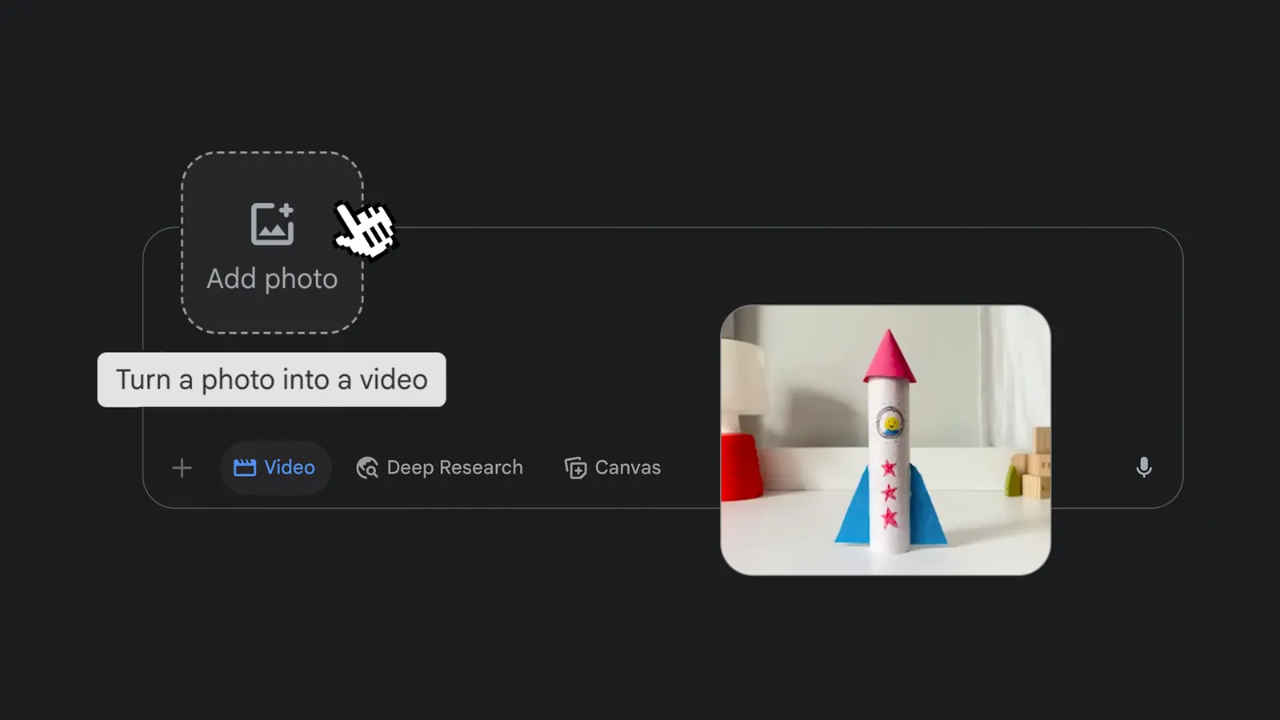

Creating videos from photos just got a whole lot easier. Google has introduced a new AI-powered feature in its Gemini platform that lets users transform photos into short video clips with sound. Whether you want to animate a drawing or bring a nature scene to life, Gemini is now equipped to make that happen with just a few steps.
 Survey
This new photo-to-video tool is currently rolling out to Google AI Pro and Ultra subscribers in select countries. Here’s everything you need to know, including how the feature works and the steps Google is taking to ensure safe and transparent use of AI-generated videos.
Also read: Apple may launch iPhone 17e, M5 MacBooks and more devices early next year
How to use
To start, go to gemini.google.com, tap on the prompt box, and choose the Videos option from the tool menu. Then upload your photo and describe the scene you’d like to create, including any sound effects or audio you’d like to include. Then Gemini will generate an eight-second video based on your image and instructions.
You can animate everyday objects, add life to your drawings, or even turn nature photos into moving landscapes. Once the video is ready, you can either download it or tap the share button to send it to friends and family.
Watermarks for AI-generated videos
Google says it is taking safety seriously when it comes to AI-generated videos. Every video includes a visible watermark showing it’s AI-generated, along with a hidden SynthID digital watermark.
“We take significant steps behind the scenes to make sure video generation is an appropriate experience,” Google explained. “This includes extensive ‘red teaming,’ in which we proactively test our systems and aim to fix potential issues before they arise.”
Also read: OpenAI may soon launch AI-powered web browser to take on Google Chrome


