

Apple iOS 27 to release tonight: Eligible devices, features and how to download
 Follow Us
Apple is set to release the stable version of iOS 27 tonight.
The update is likely to roll out at around 10:30 PM IST.
Siri AI will be the main highlight of iOS 27.
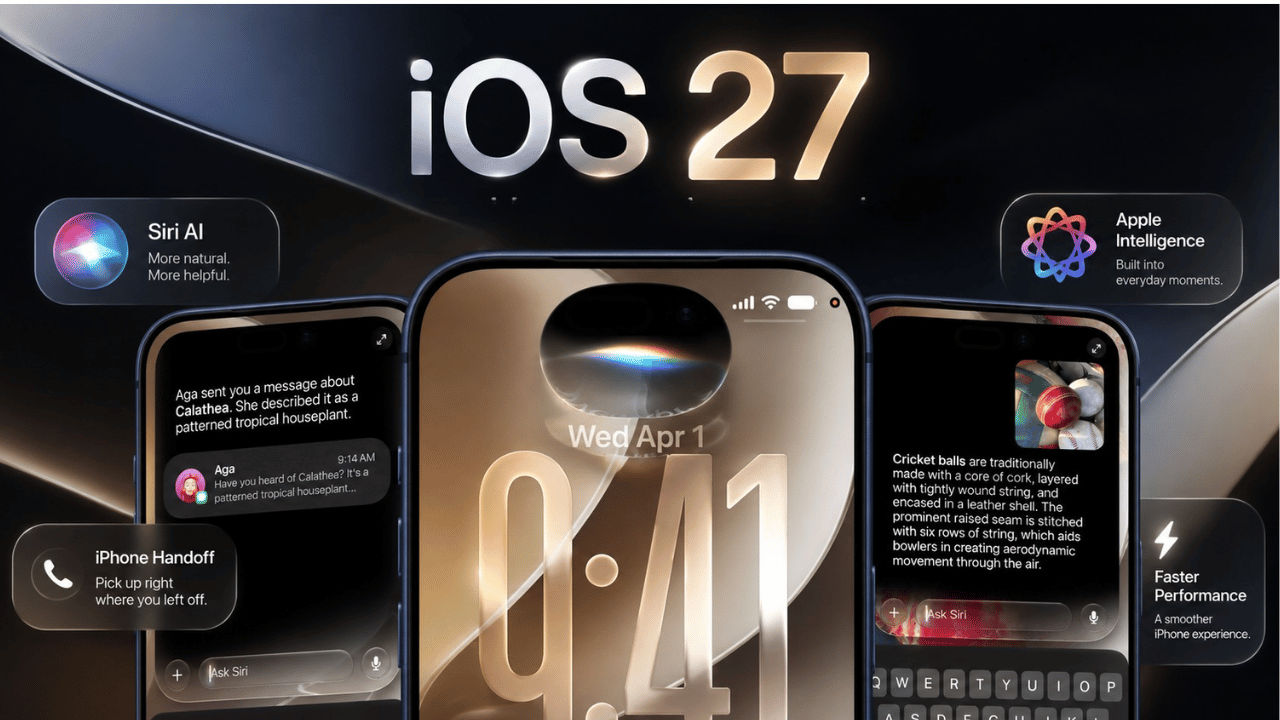

Apple is set to release the stable version of iOS 27 tonight, September 14. The update is likely to roll out at around 10:30 PM IST. The new software will bring changes to several parts of the iPhone experience, including Mail, Safari, Camera, Photos, Maps and Find My. However, the biggest change will be the new AI-powered Siri. It is designed to understand personal context and what is shown on the screen, making Siri more useful for everyday tasks. Keep reading for the details, including how to download iOS 27, eligible devices, and more.
 Survey
Apple iOS 27 eligible devices
The supported devices include:
- iPhone 18: iPhone 18 Pro Max, iPhone 18 Pro
- iPhone 17: iPhone 17 Pro Max, iPhone 17 Pro, iPhone 17, iPhone 17e
- iPhone 16: iPhone 16 Pro Max, iPhone 16 Pro, iPhone 16 Plus, iPhone 16, iPhone 16e
- iPhone 15: iPhone 15 Pro Max, iPhone 15 Pro, iPhone 15 Plus, iPhone 15
- iPhone 14: iPhone 14 Pro Max, iPhone 14 Pro, iPhone 14 Plus, iPhone 14
- iPhone 13: iPhone 13 Pro Max, iPhone 13 Pro, iPhone 13, iPhone 13 mini
- iPhone 12: iPhone 12 Pro Max, iPhone 12 Pro, iPhone 12, iPhone 12 mini
- iPhone 11: iPhone 11 Pro Max, iPhone 11 Pro, iPhone 11
- iPhone SE: iPhone SE (2nd generation), iPhone SE (3rd generation)
- iPhone Air
- iPhone Duo
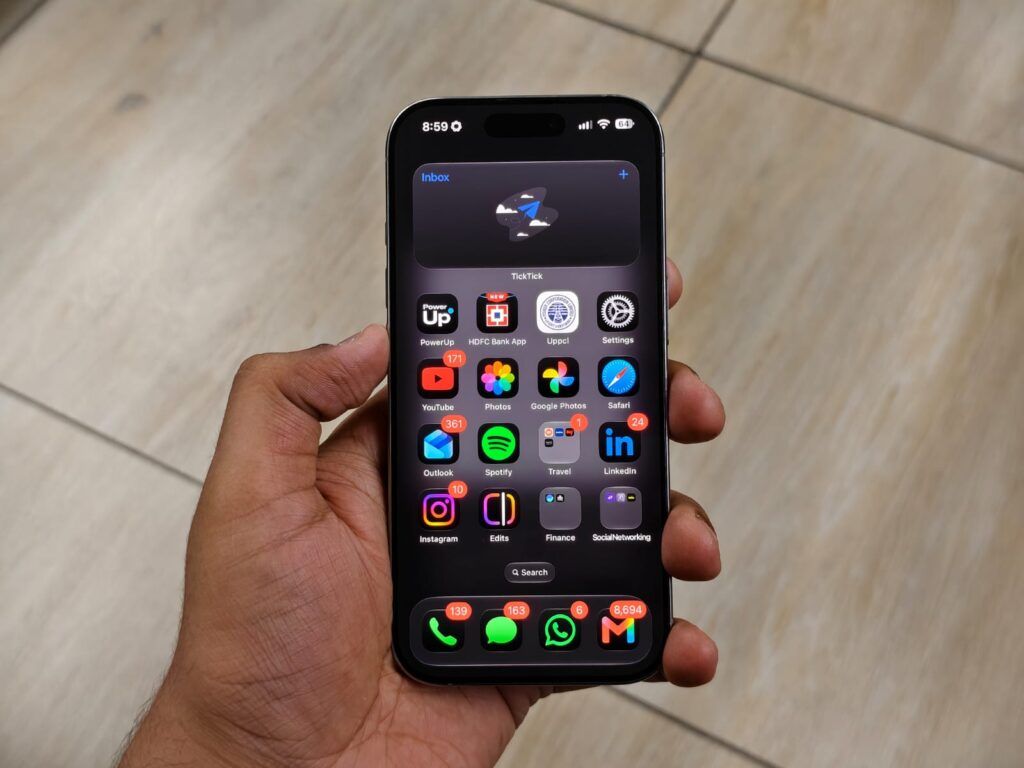
Apple iOS 27 key features
The new Siri AI will be the main highlight of iOS 27. Siri will be able to understand information from your screen and use personal context to give more relevant answers. It will also be able to perform tasks such as finding photos and notes, changing calendar appointments, editing messages and creating playlists.
Furthermore, Siri will be able to answer more complex questions and provide up-to-date information. With Visual Intelligence, Siri will be able to understand objects and information captured through the iPhone camera and take action based on them.
Maps will offer local lists and improved Flyover features. Find My will give users more control over how long they share their location. Another useful change will be easier photo sharing with Android and Windows devices through iCloud.
How to download iOS 27
Before installing the update, it is advised to back up your iPhone. To install iOS 27, open Settings, tap General and select Software Update. Wait for iOS 27 to appear, then tap Download and Install.


