

Apple iOS 27 developer beta is here: How to download, features and eligible devices
 Follow Us
Apple kicked off its much-awaited Worldwide Developers Conference (WWDC) 2026 last night.
One of the biggest highlights of the event was the introduction of iOS 27.
Apple has already released the iOS 27 developer beta for testing, while the public beta will arrive next month.
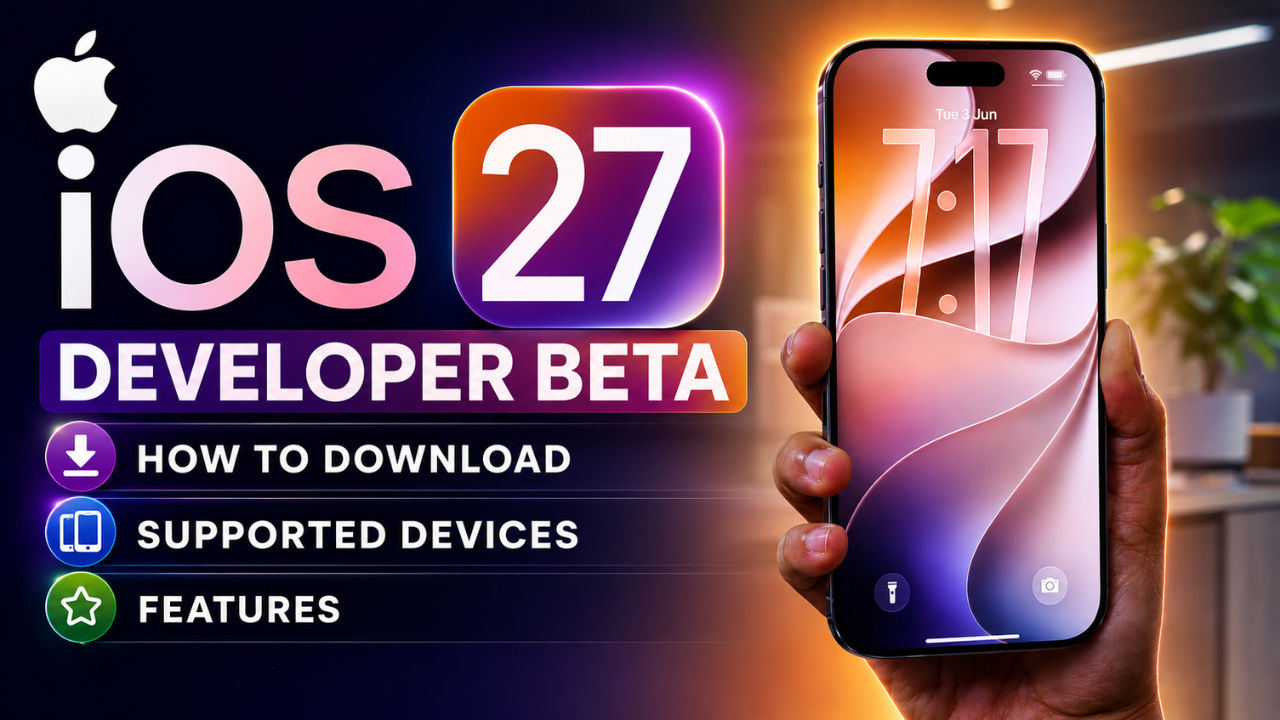

Apple kicked off its much-awaited Worldwide Developers Conference (WWDC) 2026 last night, where the tech giant made several AI-focused announcements alongside updates to its software ecosystem. One of the biggest highlights of the event was the introduction of iOS 27, the latest software update for iPhone users.
 Survey
The company has already released the iOS 27 developer beta for testing, while the public beta will arrive next month. If you are curious about trying out the new software before its official release, here’s everything you need to know about downloading the developer beta, its key features and the list of supported devices.
How to download Apple iOS 27 developer beta
To install the iOS 27 developer beta on your iPhone:
- Download the Apple Developer app from the App Store.
- Sign in with your Apple ID and enroll in the Apple Developer Program.
- Open Settings on your iPhone.
- Go to General > Software Update > Beta Updates.
- Select iOS 27 Developer Beta and start the installation process.
If the beta update does not appear on your device, head to Settings > Privacy & Security and enable Developer Mode.
Before installing the beta version, Apple users are advised to back up their data. Since developer betas are primarily meant for testing, they may contain bugs that can affect performance, apps or stored data.
Apple iOS 27 key features
One of the notable additions is a new transparency control for Apple’s Liquid Glass design, allowing users to adjust the opacity of interface elements. At WWDC 2026, Apple also announced an upgraded version of Siri, called Siri AI. The assistant is designed to offer more natural conversations, better context awareness, and the ability to understand content displayed on the screen. Siri interactions now appear through the Dynamic Island, and users can customise voice characteristics for a more personalised experience. A dedicated Siri app has also been announced.
The update also expands Apple Intelligence across apps. Safari gets AI-powered tab organisation and a new Notify Me feature. The Passwords app can automatically update credentials for supported accounts. Users can also create shortcuts using natural language commands.
Also read: WWDC 2026 recap: iOS 27, macOS Golden Gate, Siri AI and everything Apple announced
Apple iOS 27 eligible devices
Apple’s iOS 27 update will support the following iPhones:
- iPhone 11
- iPhone 11 Pro
- iPhone 11 Pro Max
- iPhone 12 series
- iPhone 13 series
- iPhone 14 series
- iPhone 15 series
- iPhone 16 series
- iPhone 17 series


