
Apple iOS 27 beta 2 is here: What is new, how to download and supported devices
 Follow Us
Apple has released the second developer beta of iOS 27.
One of the biggest additions in iOS 27 beta 2 is a new Write with Siri button that appears above the keyboard in apps.
Apple is expected to release a public beta version of iOS 27 next month.
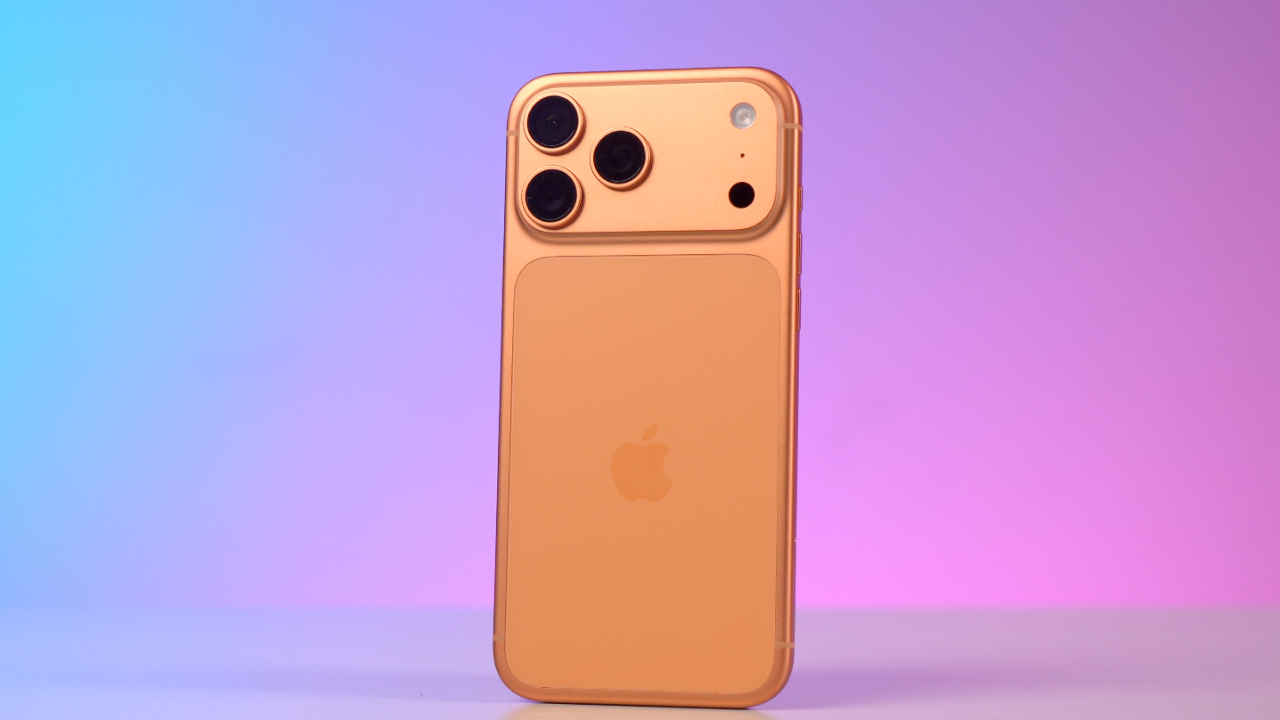

Apple hosted its Worldwide Developers Conference (WWDC) 2026 earlier this month, where the tech giant made a lot of AI-focused announcements alongside updates to its software ecosystem. One of the biggest highlights was the iOS 17 announcement. Just after the event, Apple released the first developer beta of iOS 27. Now, the company has released the second developer beta of iOS 27. Below is everything you need to know about the update, including what it includes, how you can download it and if your device is compatible.
 Survey
Apple iOS 27 beta 2: What’s new
One of the biggest additions in iOS 27 beta 2 is a new Write with Siri button that appears above the keyboard in apps such as Notes, Mail and Messages. This makes Siri’s writing tools easier to access. Furthermore, there is a new Visual Intelligence option in the Siri section of the Settings app. The Wallet app now has a new Insights feature. Once available, it will allow users to view spending details, account balances and recurring transactions after linking supported accounts.
Apple has also added the ability to remotely update an Apple TV through the Home app. Messages has also got support for replying to specific messages in RCS chats with Android users.
Other key changes include support for AI photo tools on RAW images and better visibility for some Weather app text.
Also read: Tata Electronics hit by data breach, Apple and Tesla files found in leak: Here is what happened
Apple iOS 27 beta 2: How to download
- Download the Apple Developer app from the App Store.
- Sign in using your Apple ID and join the Apple Developer Program.
- Open Settings on your iPhone.
- Go to General > Software Update > Beta Updates.
- Select iOS 27 Developer Beta and start the installation.
If the update does not appear, go to Settings > Privacy & Security and enable Developer Mode. Users should back up important data before installing the beta because test versions may contain bugs.
Apple is expected to release a public beta version of iOS 27 next month.
Also read: OpenAI updates GPT 5.5 Cyber AI model, claims it outperforms Mythos 5 on important benchmark
Apple iOS beta 2: Supported devices
- iPhone 11
- iPhone 11 Pro
- iPhone 11 Pro Max
- iPhone 12 series
- iPhone 13 series
- iPhone 14 series
- iPhone 15 series
- iPhone 16 series
- iPhone 17 series
- iPhone Air
- iPhone SE (2nd generation and later)


