
 E-Magazine
Bhai Dooj wishes 2026: Download AI images with quotes to share on WhatsApp Status, Facebook and Instagram stories
Bhai Dooj 2026 will be celebrated on November 11, marking the conclusion of Diwali festivities this year.
Create personalised greeting images with AI prompts featuring siblings, tilak, diyas and festive quotes.
Plus, you can generate customised Bhai Dooj WhatsApp stickers using ChatGPT, Gemini or Meta AI.
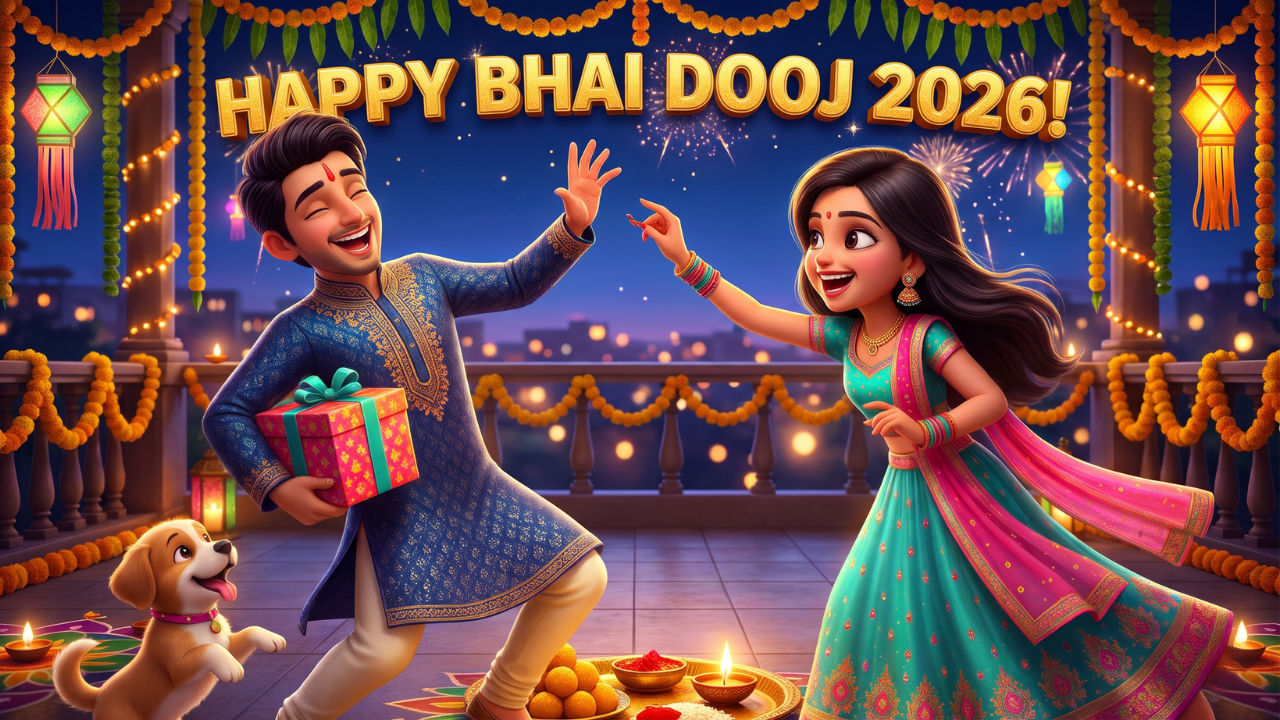
Bhai Dooj 2026 will be celebrated in India on November 11, 2026. The day will mark the conclusion of the Diwali 2026 festivities. Also known as Bhaiya Dooj, the Hindu festival is dedicated to the bond of brothers and sisters, where a sister applies tilak and performs aarti of their brother, while praying for their long-term well-being and good health. While exchanging wishes for the festival with your sister or brother in person is a known practice, resorting to online wishes if your sister or brother resides far away from your place can be a good idea.
These wishes can be even better if they are personalised with an image and a quote of your choice, sourced from the internet or your own unique creation. Many people also resort to sharing another popular medium of communication, WhatsApp stickers, to extend wishes to their loved ones. If you are also planning to share wishes with your sister or brother, or want to upload greetings on WhatsApp Status, Facebook or Instagram stories. Here are a few AI-generated images you can use and prompts you can customise for a more personalised output.
Bhai Dooj 2026 wishes: Download images with quotes from here
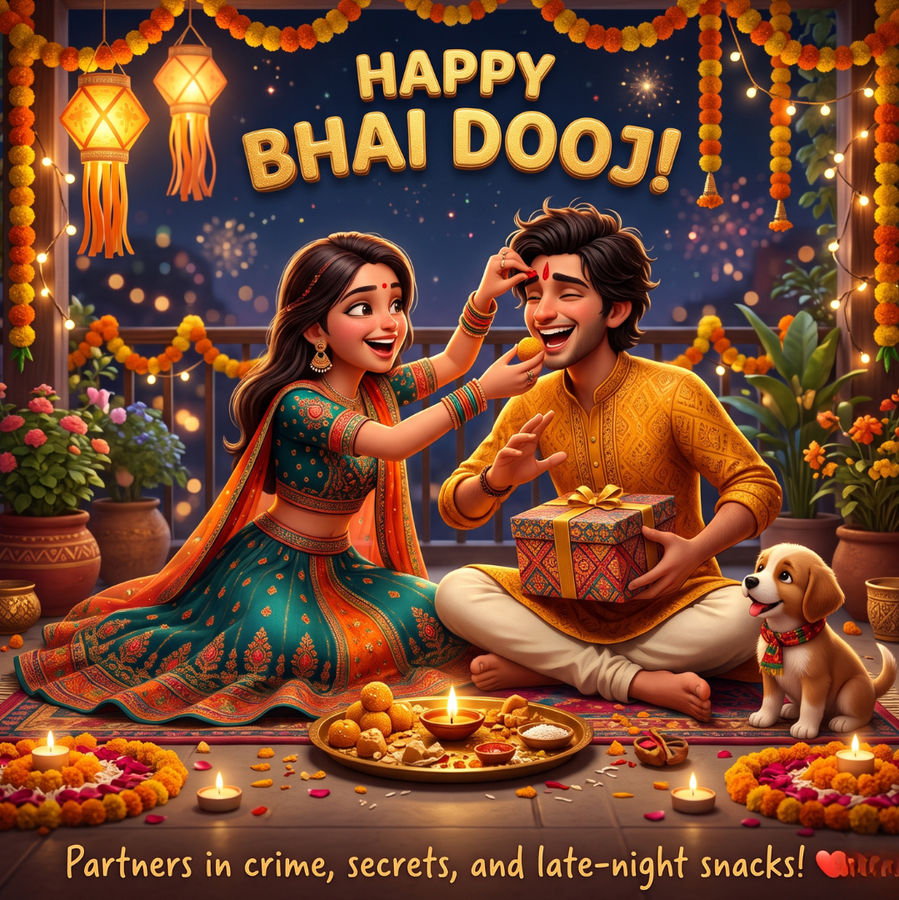
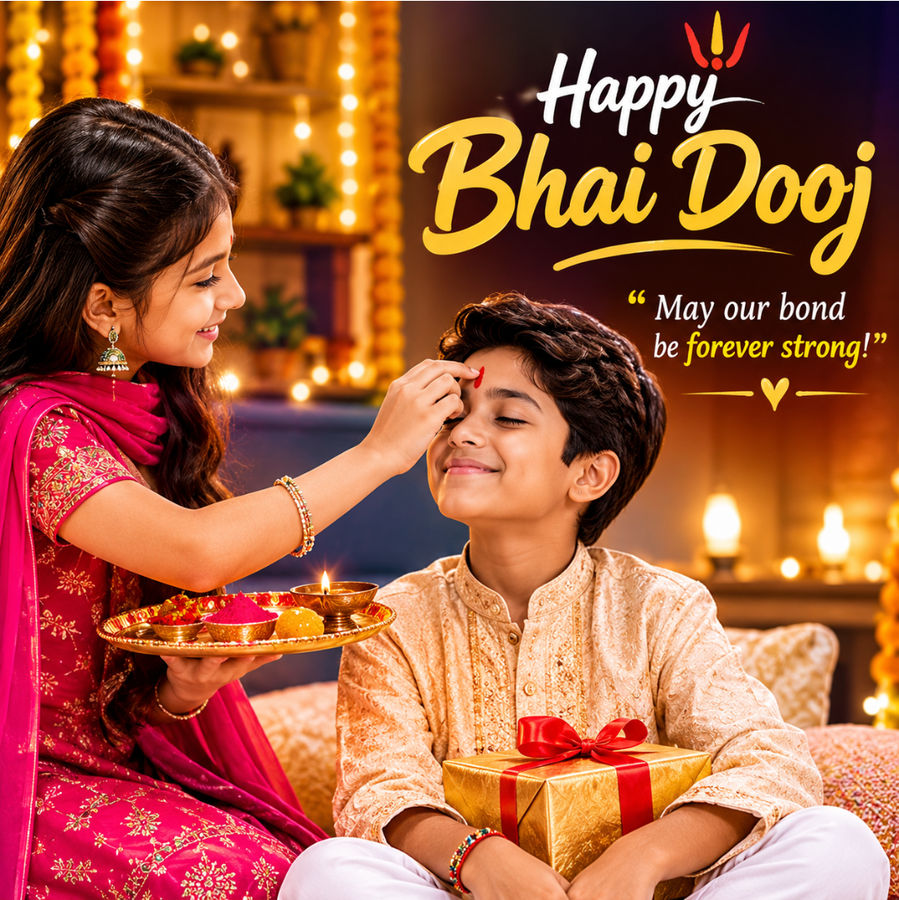
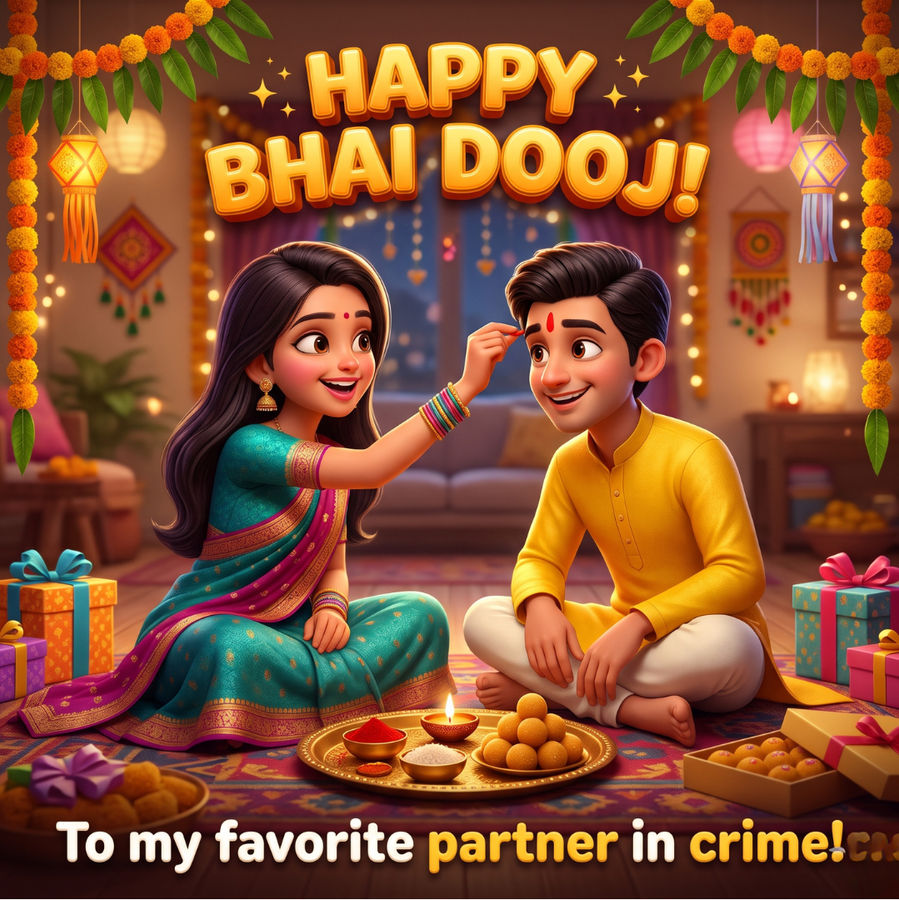
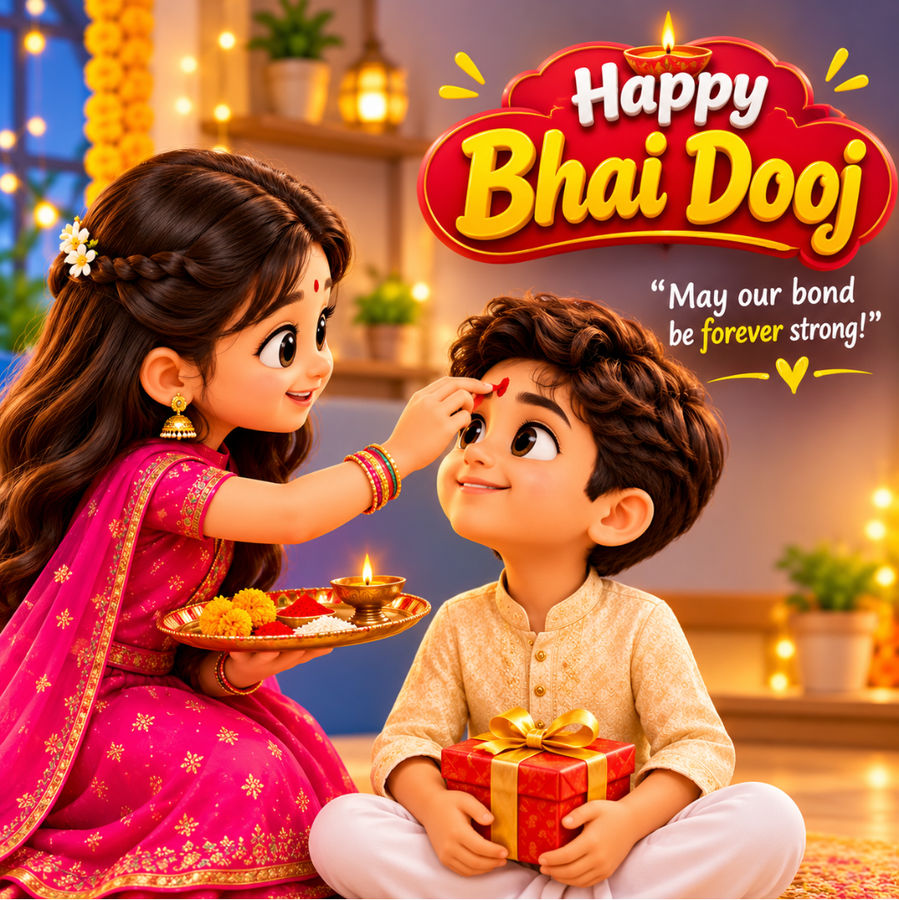
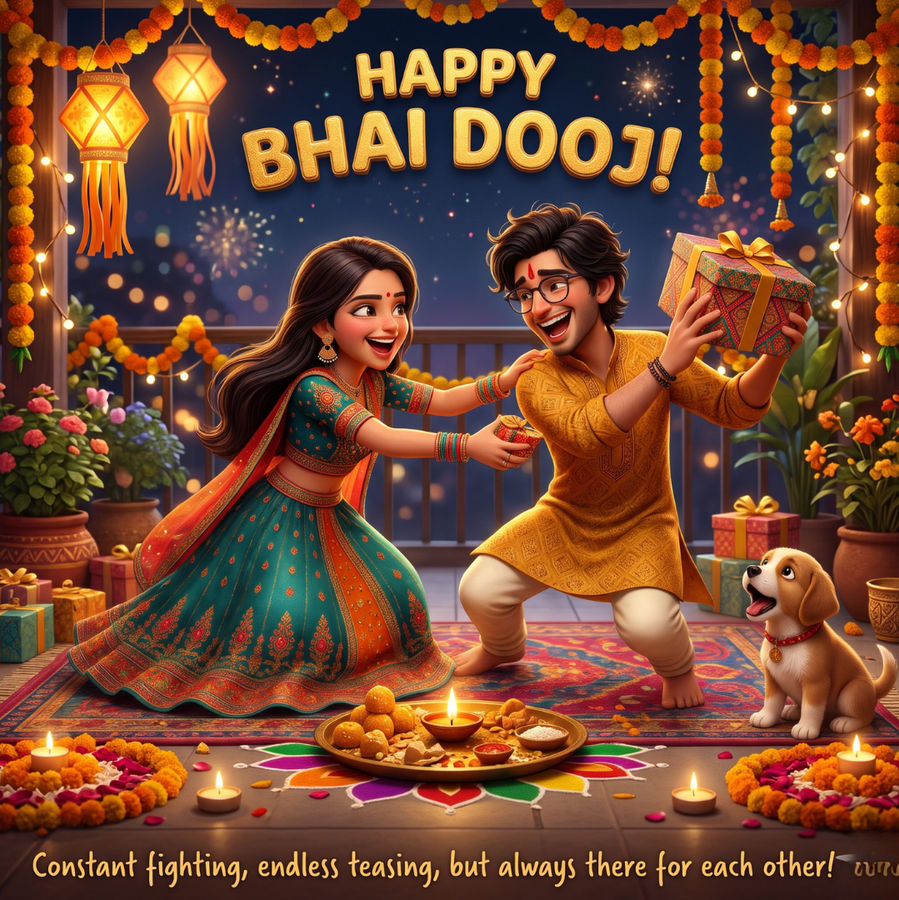
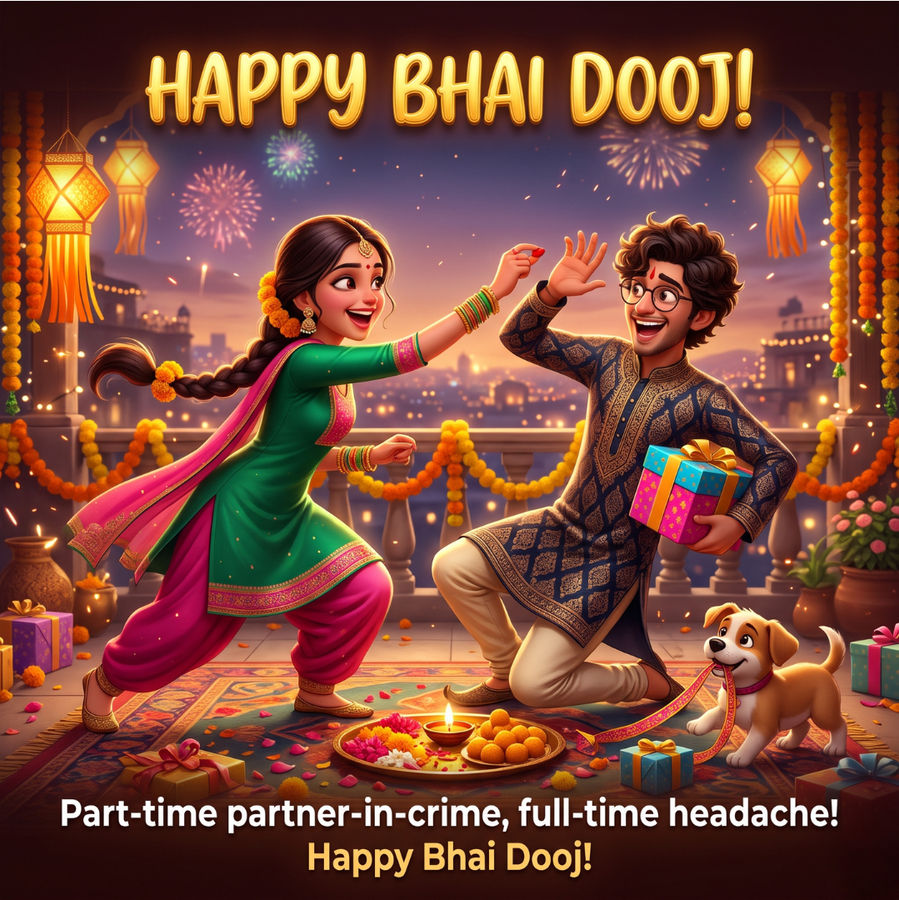
Here is the prompt we used to generate these images. Do note that we used an image of a sister-brother duo to ensure there is an anchor point in the image.
- "A festive 1:1 Bhai Dooj 2026 greeting featuring an Indian brother and sister in colourful traditional outfits. The sister lovingly applies a red tilak to her smiling brother. Decorate the cosy home with marigold garlands, puja thali, glowing fairy lights and more elements. Add “Happy Bhai Dooj!” text and insert a short Quote in readable typography."
- "A modern, culturally rich square graphic design for Bhai Dooj, blending digital painting and elegant graphic typography. At the centre, a stylised artistic 3D illustration shows a sister and brother, both in ethnic attire, with elements like a diya and sweets nearby. Bold, decorative and easily readable typography in gold and white takes centre stage, reading: "Happy Bhai Dooj!" at the top, with a short quote inserted at the bottom."
Output:
-
-
-
-
-
-
Bhai Dooj 2026 WhatsApp stickers: How to generate personalised stickers using AI?
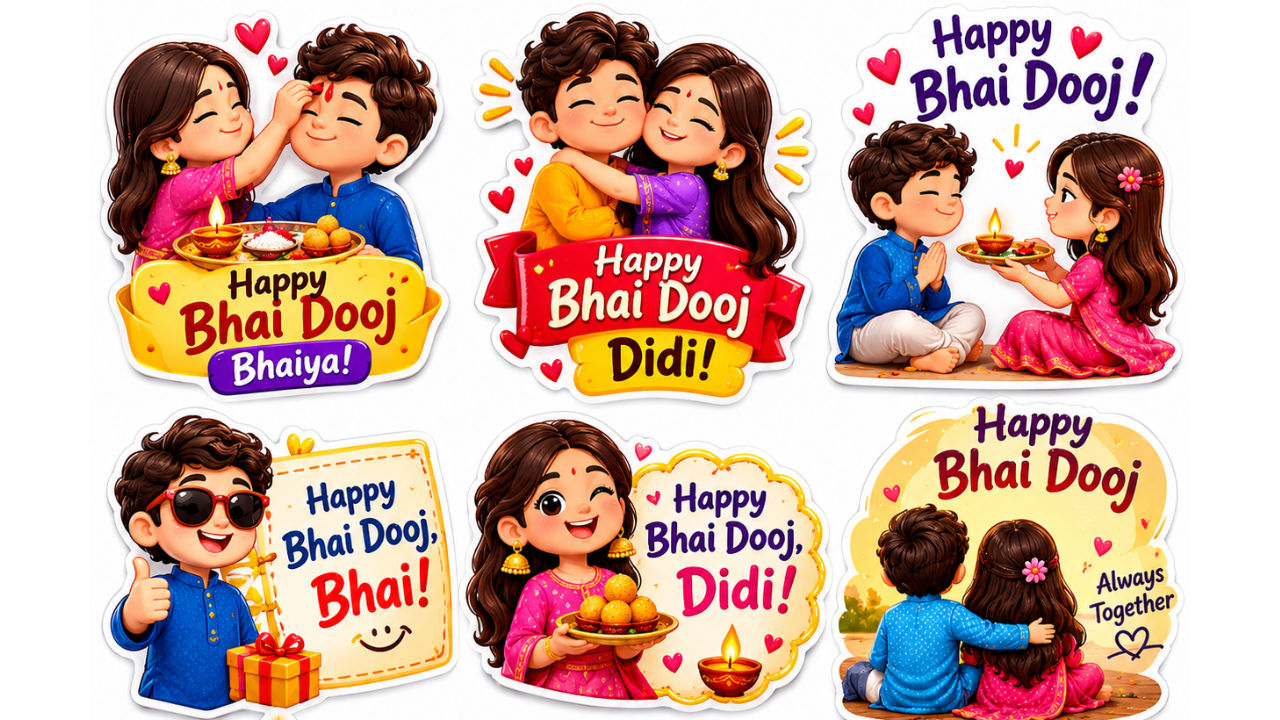
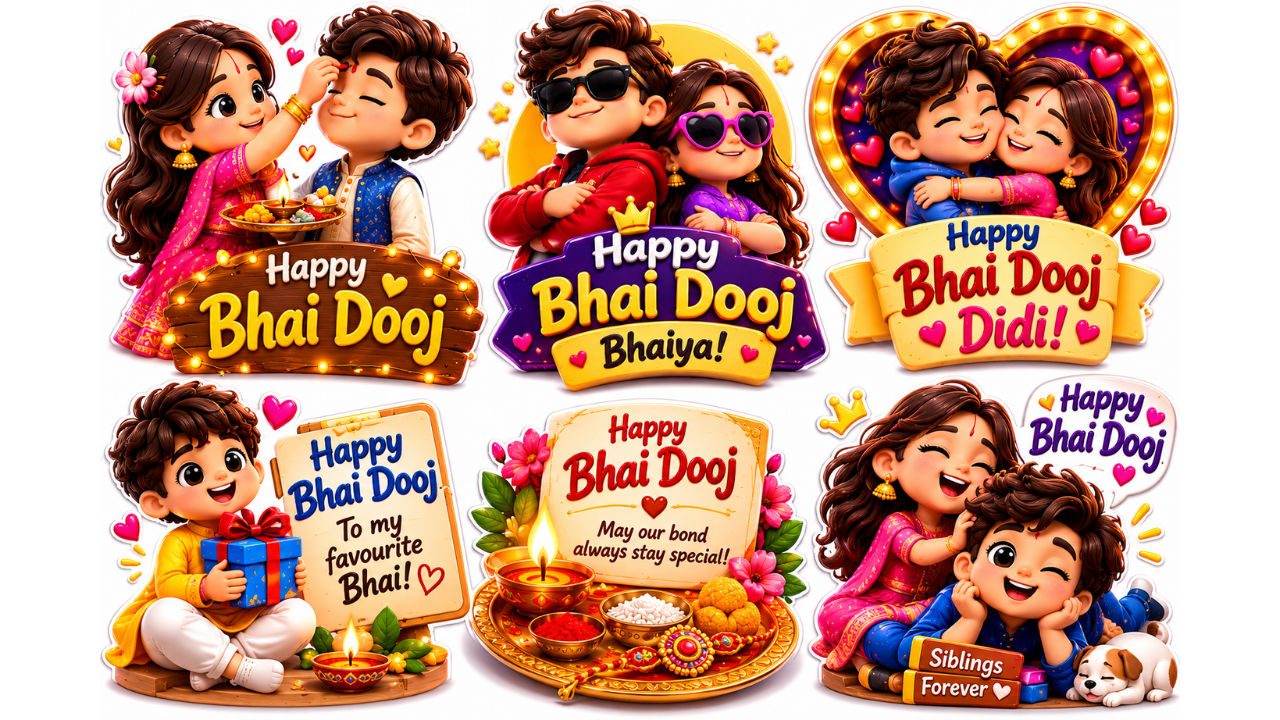
To make a personalised sticker to share with your sister or brother, you can rely on AI chatbots such as OpenAI's ChatGPT, Google's Gemini or Meta AI in WhatsApp. You can simply give the AI model the required images and provide a prompt to generate a sticker by combining the two into one to send wishes for the festival. You can also try out the prompt given below:
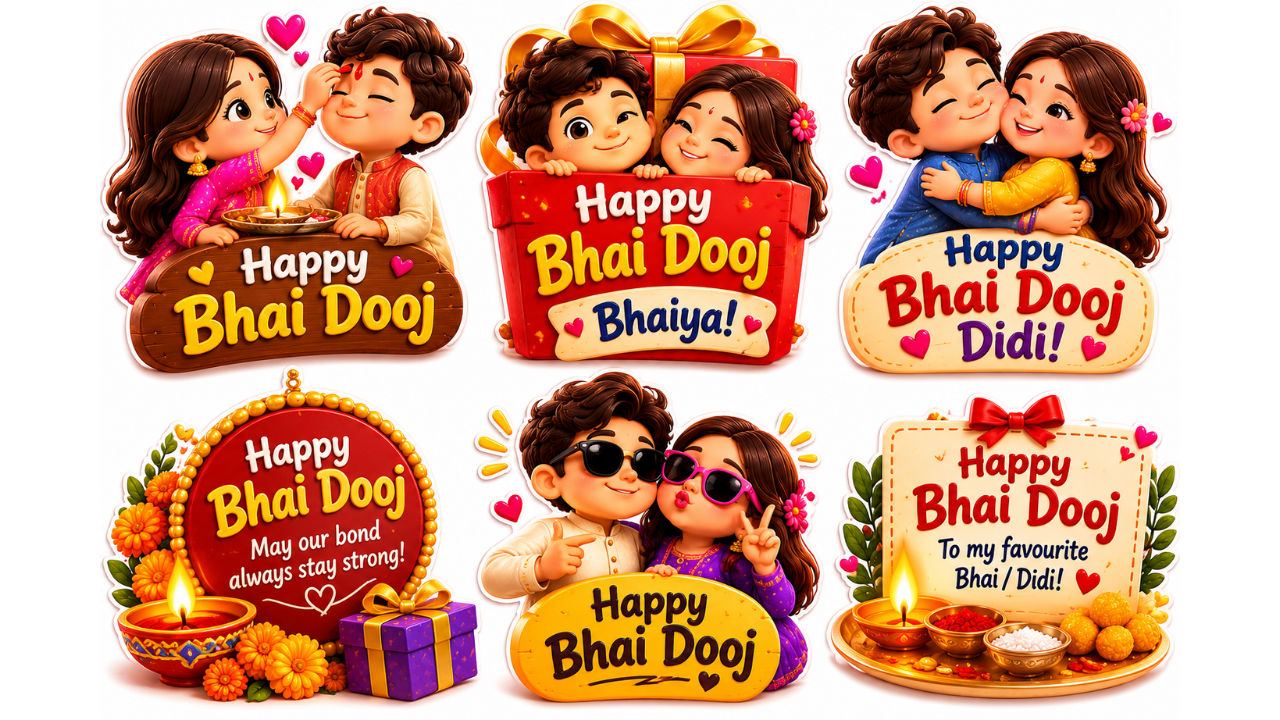
- “Create a unique Bhai Dooj 2026 sticker pack using this image as the reference. Generate multiple distinct versions so I can share them with different people without repetition. Include traditional brother-sister moments, applying tilak, exchanging gifts, festive ethnic outfits, diyas, sweets, flowers, rangoli and festive decorations. Add different poses, expressions and memorable Bhai Dooj greetings. Keep the stickers colourful, cheerful, expressive and visually distinct.”
Here are a few output images from the prompt.
-
-
-
Meanwhile, here are the steps to send an AI-generated sticker on WhatsApp.
Bhai Dooj 2026 WhatsApp stickers: How to send in chat?
Step 1: Head to WhatsApp and open the chat of the person you want to send the sticker to
Step 2: Now tap the emoji icon at the bottom left in the text bar (the virtual keyboard should pop up now)
Step 3: Head to the stickers tab (placed next to the emoji and GIF tabs) and tap "Create sticker"
Step 4: Choose the AI-generated media from the Gallery picker
Step 5: Edit and customise the sticker based on your requirements in the sticker editor screen, and tap the Send button

Vikas Yadav
Vikas Yadav Vikas, a Copy Editor at Digit, writes to express his interest in technology. He covers consumer-centric tech news while hunting the day's most "VFM" smartphone deal. Plus, this curious geek enjoys digging into the last-mile intricacies of latest gadgets. Before Digit, he reported for Jagran English. Off work, you'll find him emotionally attached to historical sites or lost in tales of India's past. Simply put, tech is his 9-to-5, the rest is history.
View full profile