Aadhaar–PAN linking ends on December 31, 2025. Unlinked PANs may become invalid from tomorrow.
Status can be checked online (with or without login) or via SMS.
You’ll see if your Aadhaar–PAN is linked, not linked, or under verification.
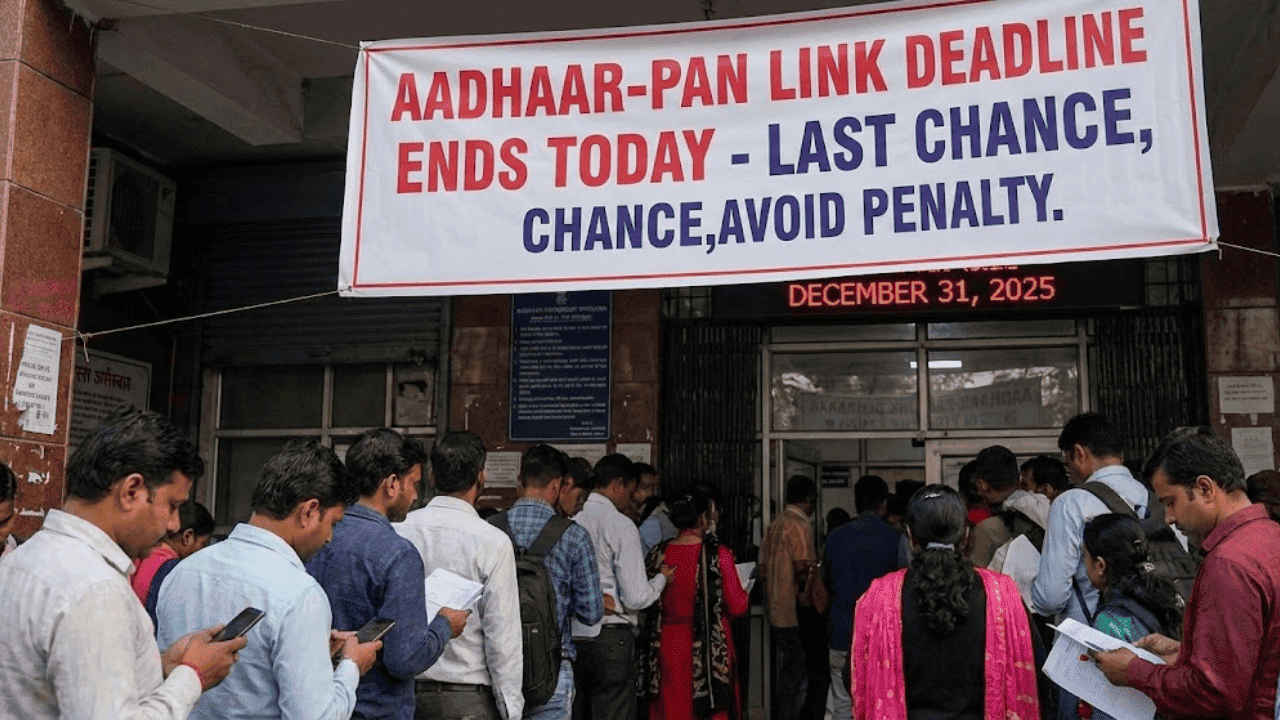
Aadhaar-PAN linking has reached a critical stage, and taxpayers who have not yet linked the two must act to avoid consequences. As the year comes to an end, the government has once again urged users to check whether their Aadhaar and PAN are linked. With the ending of this year, the government is once again warning its users to check their Aadhaar and PAN linking status. December 31, 2025 (today) is the final deadline for the Aadhaar and PAN linking process. Beginning from tomorrow, your PAN can be made invalid, which can affect your income tax returns, refunds, and financial transactions like banking and investment. Here’s how you can check the Aadhaar-PAN link status using the website and SMS.
 Survey
Things you need to check Aadhaar–PAN link status
You need the following items to check Aadhaar-PAN link status:


- Valid PAN card
- Valid Aadhar number
Active mobile number linked to your Aadhaar card.
Also read: OnePlus 16 could finally fix OnePlus 15’s camera gap with 200MP sensor: Here’s what we know
1. Check without logging in to the Income Tax Website
- Launch your web browser.
- Head to the Income Tax e-filing website.
- Enter your PAN number and Aadhaar number and press the View Link Aadhaar Status.
Once done, you may see any of the following results:
- If linked, you’ll be displayed with a prompt saying, ‘Your PAN is already linked with the given Aadhaar.’
- If the request is under process, then the prompt will show ‘Your Aadhaar-PAN linking request has been sent to UIDAI for verification. Please check later.’
- If not linked, then you’ll be prompted ‘PAN not linked with Aadhaar. Please click on ‘Link Aadhaar’ to link.’
Also read: Apple may plan AI comeback in 2026 with focus on software integration: Here’s what we know so far
2. Check by logging in to the Income Tax Website
- Open your web browser and head to the Income Tax e-filing website.
- Log in to the Income Tax e-filing portal.
- Go to Dashboard and click ‘Link Aadhaar Status’. Alternatively, you can also go to My Profile and select ‘Link Aadhaar Status’.
What you’ll see:
Now that you’re logged in, you will see one of the below-mentioned messages depending on your Aadhaar–PAN link status.
- If linked: Your Aadhaar number will be shown.
- If not linked: The option ‘Link Aadhaar Status’ will appear.
- If verification is pending with UIDAI: You will need to check again later.
3. Check Aadhaar–PAN link status via SMS
- Open your Messages app.
- Type the following message:
- UIDPAN <12-digit Aadhaar number> <10-digit PAN number>
- Send it to 567678 or 56161.
- Once you’ve sent the message, you’ll have to wait for the reply.
- The SMS response can be as follows:
- If linked, then the message will say, ‘Aadhaar is already linked with PAN in the ITD database.’
- If not linked, then you’ll receive a message saying, ‘Aadhaar is not linked with PAN in the ITD database.’
 Follow Us
Bhaskar Sharma
Bhaskar is a senior copy editor at Digit India, where he simplifies complex tech topics across iOS, Android, macOS, Windows, and emerging consumer tech. His work has appeared in iGeeksBlog, GuidingTech, and other publications, and he previously served as an assistant editor at TechBloat and TechReloaded. A B.Tech graduate and full-time tech writer, he is known for clear, practical guides and explainers. View Full Profile


