
WhatsApp now lets you hide locked chats with a secret code: Here’s how
 Follow Us
WhatsApp has announced a new secret code feature for locked chats.
With the secret code feature, you can set a unique password different from what you use to unlock your smartphone.
You can also hide the Locked Chats folder from your chatlist so that they can only be found by typing the secret code in the search bar.
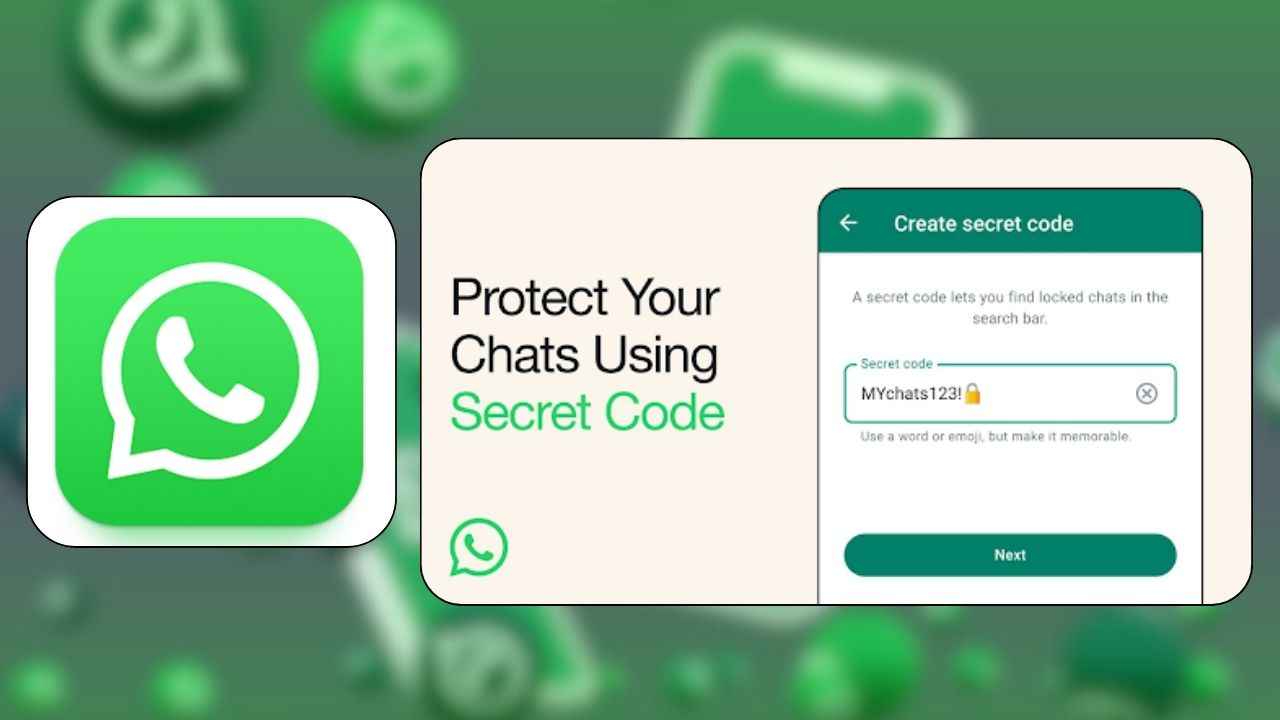

Meta-owned instant messaging platform WhatsApp has announced that it is rolling out a new secret code feature for locked chats. This feature aims to help users better protect their sensitive conversations.
 Survey
“We’re launching secret code, an additional way to protect those chats and make them harder to find if someone has access to your phone or you share a phone with someone else,” the company announced in a blogpost on November 30.
Also read: WhatsApp to introduce secret code feature for locked chats: Here’s how it works
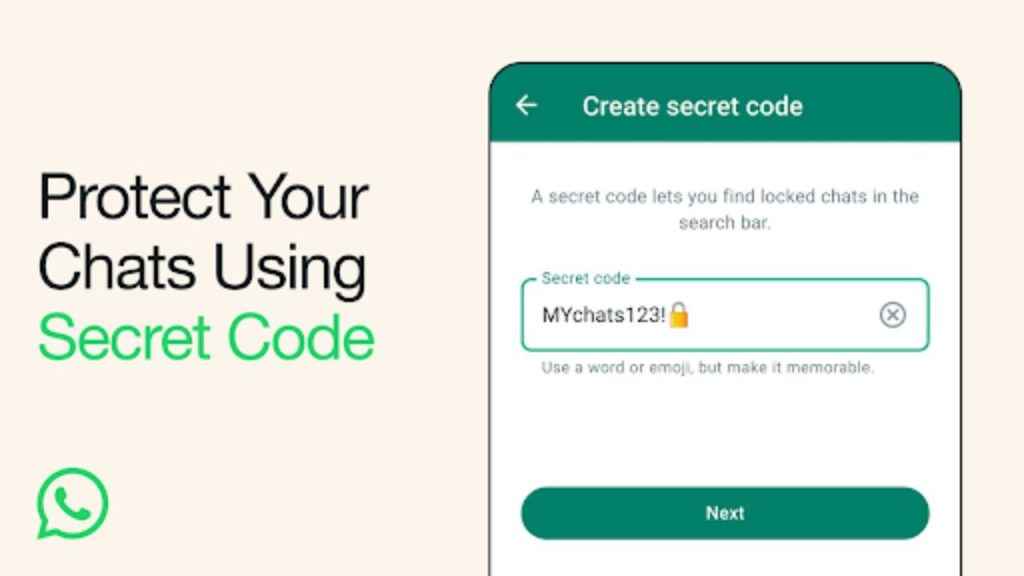
With the secret code feature, you can set a unique password different from what you use to unlock your smartphone to give your locked chats an extra layer of privacy.
Also read: WhatsApp now allows iPhone users to log in through email: Here’s how
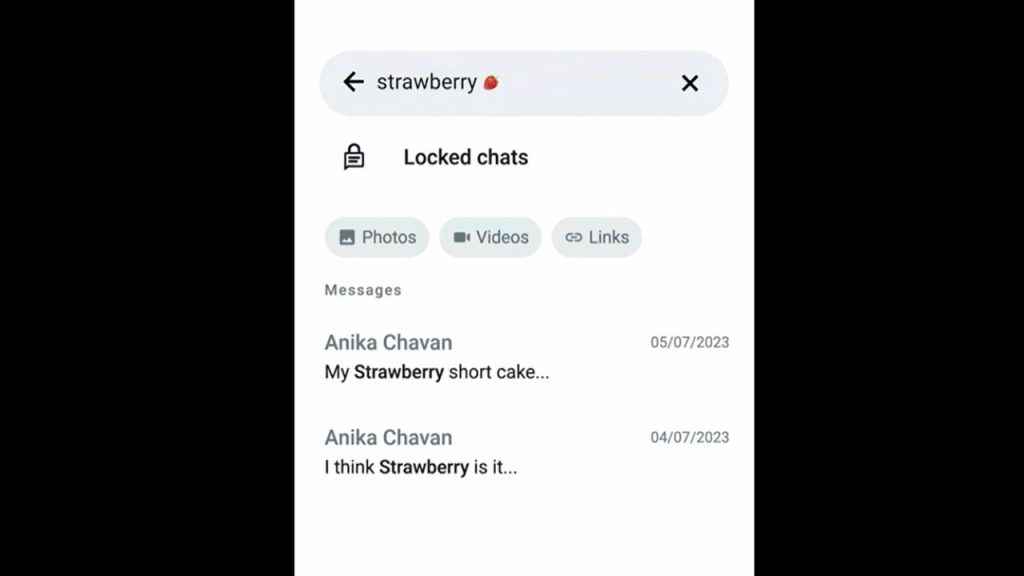
You will also have the option to hide the Locked Chats folder from your chatlist so that they can only be found by typing the secret code in the search bar.
Moreover, if there’s a new chat which you want to lock, you can now long press to lock it rather than visiting the chat’s settings.
How to create a secret code for locked chats on WhatsApp
After turning the chat lock on, you can choose to lock your chats with a secret code that’s different from your phone passcode.
Step 1: Go to your Locked Chats folder.
Step 2: Now, select the Settings option.
Step 3: Tap Secret Code and then choose the Create Secret Code option.
Step 4: Create your code and tap Next.
Step 5: Confirm your code and finally tap Done.
How to hide the Locked Chats folder on WhatsApp
In order to hide your Locked Chats folder so that it doesn’t appear in your chat list, go to your Locked Chats folder > Settings and toggle Hide Locked Chats on.
The new secret code feature is currently rolling out, so wait a little while if you haven’t received it yet.


