
Got an email from X about a suspicious login? It can be a phishing scam
 Follow Us
Fake X login alert emails are designed to create panic and steal user passwords.
X never asks for passwords via email or sends security-related attachment files.
Users should avoid suspicious links and report online fraud in India by calling the cybercrime helpline 1930.
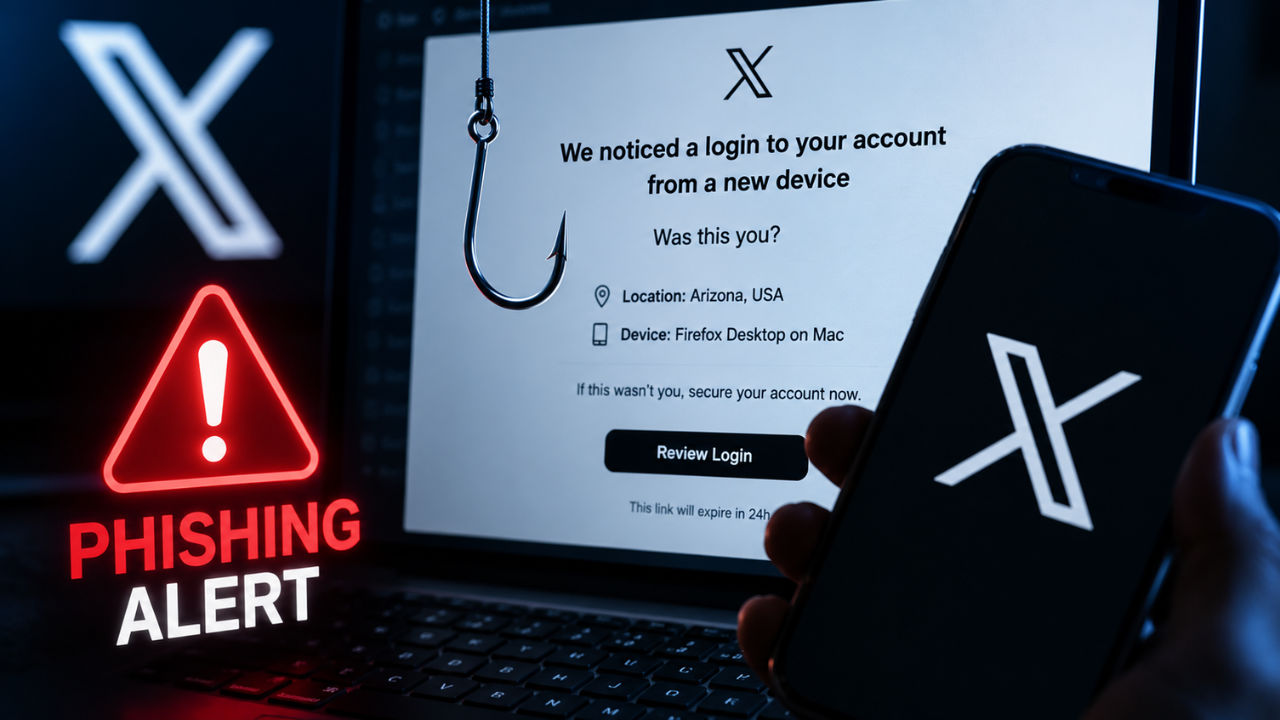

Cybercriminals are once again targeting users of X (formerly Twitter) via a fresh phishing campaign designed to steal account credentials. The scam relies on fake security alerts that closely resemble official emails from the platform, making it difficult for users to spot the fraud at first glance. The security experts warn that the emails are intended to create panic and trick users into revealing their login details.
 Survey
Fake login alerts used to steal passwords
As per reports, victims are getting emails claiming that someone has attempted to log into their X account from an unfamiliar location or device. The message typically asks users to verify whether the login attempt was legitimate and urges them to secure their account if it was not.
While the emails appear convincing and even include X branding, they are designed to lure recipients into clicking malicious links or opening attachments that ultimately lead to credential theft. Cybersecurity experts note that X does not ask users to share passwords via email or direct messages, nor does it send security-related attachment files.
The latest campaign follows a pattern seen in previous phishing attacks. Similar scams in the past falsely accused users of copyright violations or suspicious account activity to pressure them into sharing sensitive information. The high-profile accounts have often been targeted because they can be misused to spread cryptocurrency scams and other fraud promotions after being compromised.
How to stay protected
All users are advised to verify the sender’s email address carefully before interacting with any security-related message. If an email creates urgency or asks for personal information, it should be treated with caution.
The cybersecurity experts also recommend avoiding links and attachments received via unsolicited emails, downloading apps only from official stores and never sharing passwords or banking details through emails or messaging platforms.
Users are also advised to keep their smartphones and computers updated with the latest security patches and use a trusted antivirus.
In India, anyone who becomes a victim of online fraud should immediately report the incident by calling the national cybercrime helpline 1930.


