
Feel that your Instagram is hacked? Here’s what you should do
 Follow Us
Visit Instagram's Hacked helpline to recover an account if you cannot log in.
Instagram uses video selfies to verify identity and confirm account ownership.
Enable two-factor authentication and change passwords to secure compromised accounts.
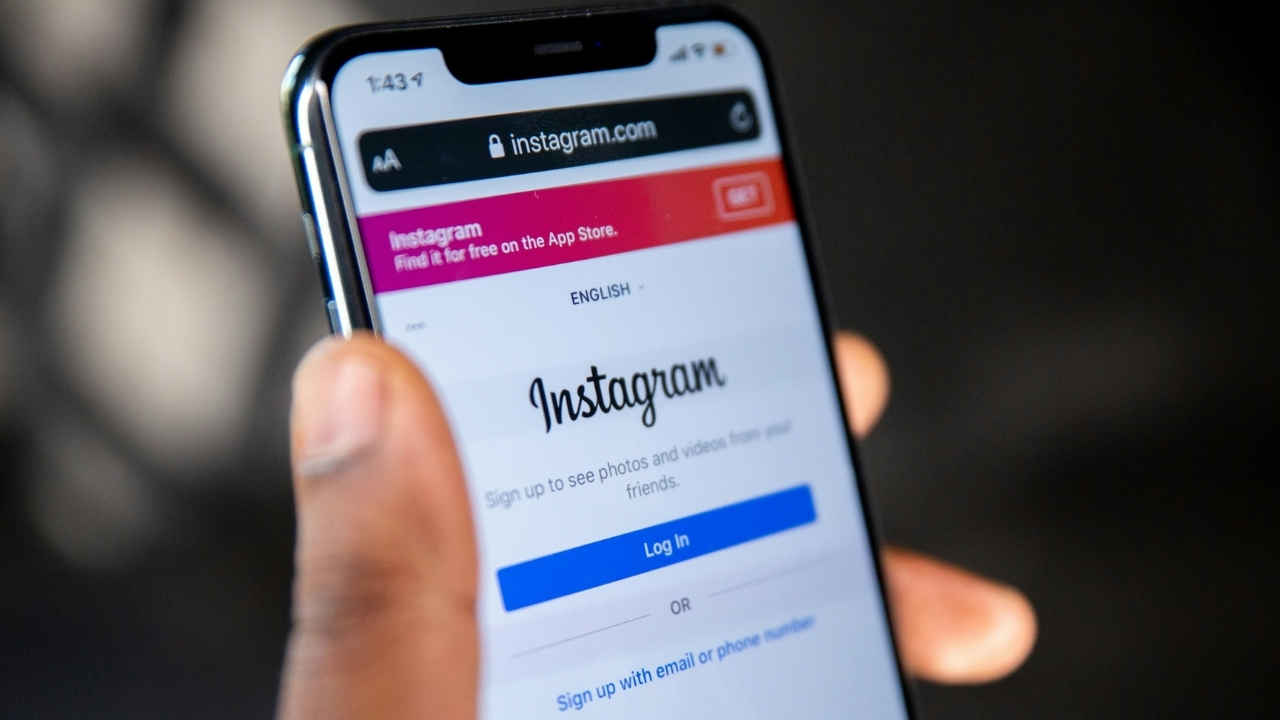

In the digital age we live in, scams and hacking-related issues are more common than we think. Sadly, there’s not much most people are able to do, as they are simply not aware of what to do when something like this happens. Take Instagram, for example. Even though most users use it on a regular basis, there are many cases when people find out that their Instagram has been hacked and the account is involved in cases of scams, and most aren’t even aware of it before something serious happens. But did you know Instagram has a dedicated support line that could assist you in these cases? Without wasting much time, let’s take a look at it and check the steps to follow in case your Instagram gets hacked.
 Survey
Also Read: Xiaomi Pad 8 India price leaks ahead of launch: Here’s how much it can cost
If you’re unable to log in to Instagram

First and foremost, and this is for the most serious cases, if you think your account has been hacked and you’re unable to log in using the website or the app, then your best bet would be to visit the instagram.com/hacked webpage. On this website, you can follow the steps displayed and successfully recover your hacked account.
The page will ask for some basic information to confirm whether or not you’re the real owner of the account. To verify your account identity, Instagram will ask for your pictures to confirm if you’re a real person or not. Not only that, but in cases they can even ask you to take a video selfie of you turning your head in different directions to check that you’re a real person and confirm your identity.
Steps to ensure your safety
In case you feel like your account has been hacked but you’re still able to log in to the account, these are just a few simple and basic steps you could follow:
- Change your Instagram password as soon as possible.
- Turning on two-factor authentication for additional security.
- Confirm your phone number and email address in account settings are correct.
- Check the Accounts Center and remove any linked accounts you don’t recognise.
- Revoke access to any suspicious third-party apps.
Also Read: Elon Musk’s AI chatbot Grok sparks outrage with racist, offensive replies


