
How to stop apps from tracking your location
 Follow Us
Easily review and change location access for apps on iPhone and Android.
Turn off location permissions for apps that don't really need them.
Limiting location access can help protect your privacy and daily routines.
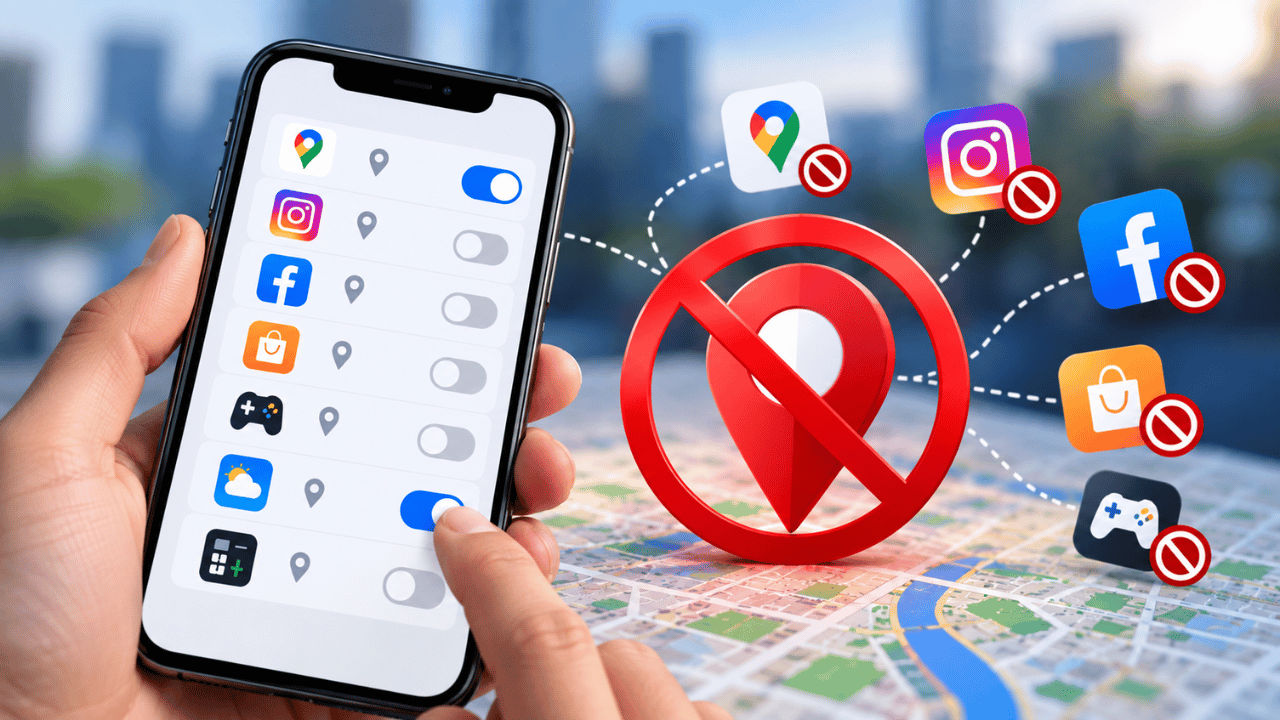

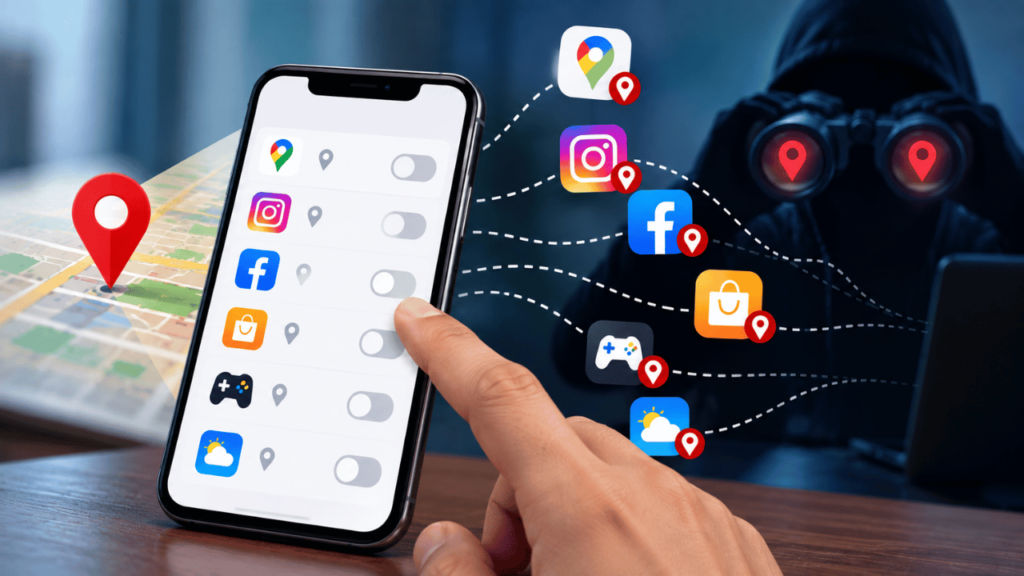
Your smartphone is something you carry with you everywhere, making it a constant companion throughout your day. However, while the device can be useful in many aspects, it can also threaten your privacy. One of the reasons is that your smartphone keeps track of the locations you visit. Additionally, some apps can also retain your travel patterns and location data, which might pose a major privacy issue, especially if the data ends up in the wrong hands. Fortunately, taking control of your location settings can help limit unnecessary tracking and protect your privacy. Follow along with the article to learn how to stop apps from tracking your location.
 Survey
How to revoke location access from your smartphone
It’s very easy to stop apps from tracking your location. However, the overall steps may differ depending on the device you’re using. If you’re running an iOS device, then you can simply open Settings > go to Privacy & Security > select Location Services. Now, you will see a list of apps and the type of access each one has. Check location access for all the apps, and you can always alter them between always, while using the app, or never.
On the other hand, if you’re using an Android device, then you can go to Settings > tap Location > go to App location permissions > you can now review individual apps and change their access.
If you’re confused about whether you should revoke the location access of a particular app, then you can simply ask yourself a simple question: ‘does this app really need to know where I am?’ And if the answer is no, then you can stop it from tracking you. A maps app may need your location, while a game, shopping app, or simple calculator may not. If an app does not need it, turning off access is an easy privacy win.
What can happen?
When you allow an app to use your location, it can use that information to provide features based on where you are. For example, a maps app can give directions, while a weather app can show local forecasts.
Also read: Vivo V80 vs OnePlus 15R vs Motorola Signature: From price to specs everything compared
However, the concern starts when more apps have access than you expect. For example, a malicious app can reveal your current location or places you visit to notorious people. Not only that, but it can also reveal your daily routine and the areas you spend time in, and this is definitely not the kind of information you want every app to have.


