
 E-Magazine
How to turn your images into animated GIFs using ChatGPT Images 2.6
ChatGPT Images 2.6 lets users turn photographs, sketches, and text prompts into animated GIFs using simple instructions.
Users can customise animations, refine GIFs with follow-up prompts, and create seamless looping effects.
Free ChatGPT users can also generate, download, and share animated GIFs on social media platforms.
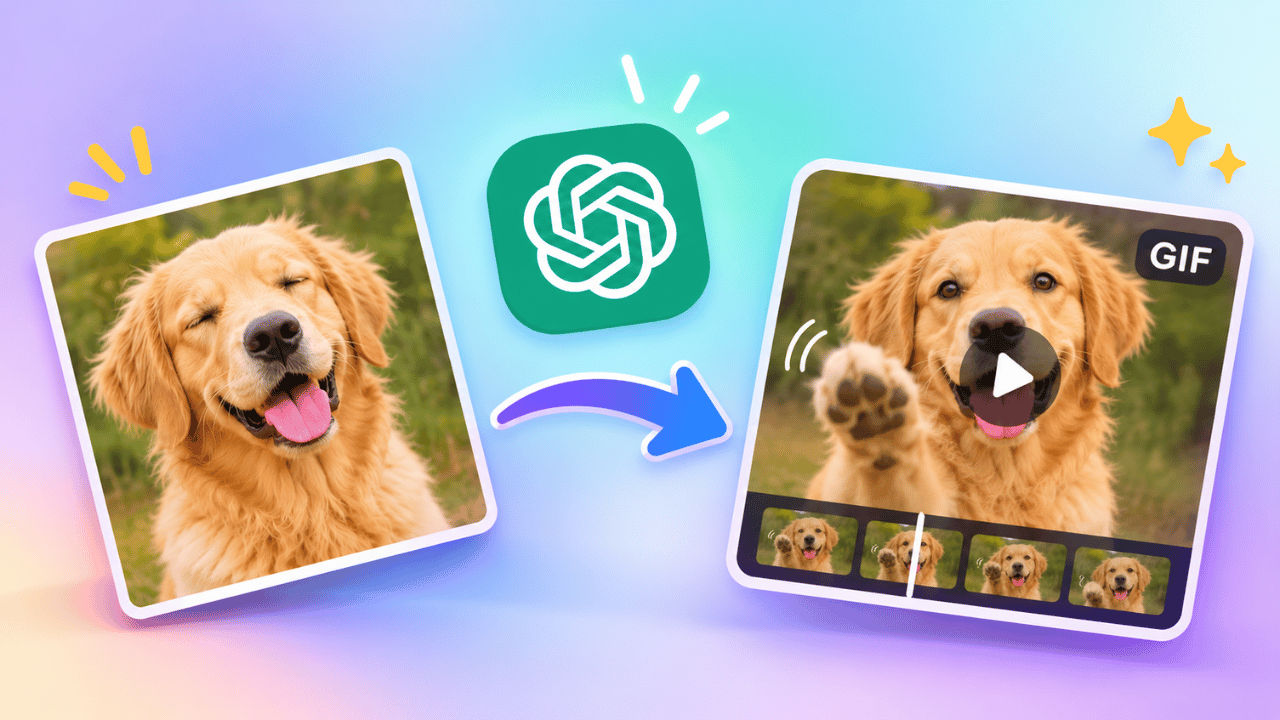
OpenAI has recently introduced GPT 2.6 Images, which allows the users to now take photographs, sketches and simple text ideas and turn them into animated GIFs. All you need to do is explain the output you need in plain English. Not only that, but you can add images or stickers you want to animate. The good part is that you can also save these GIFs and can share them on social media platforms. Animated GIFs are a fun way to express emotions, share greetings and bring ordinary pictures to life. Follow along with the article to learn how to generate animated GIFs using ChatGPT.
Things to know
Before you go ahead and learn how to create your first GIF, here are some things you should know:
- You can animate photographs, hand-drawn sketches or a text description.
- Ensure to clearly describe the movements you want in the animation.
- Ask for a seamless loop if you want the GIF to repeat smoothly.
- Free users can also generate animated GIFs on ChatGPT.
How to make animated GIFs using ChatGPT
To create animated GIFs using ChatGPT, you need to head to the ChatGPT website or app > open a fresh conversation > upload an image (you can also skip this step) > write a detailed prompt > the AI tool will now take some time to generate your output.
You can also re-prompt and ask the AI tool to make changes to the GIF generated by the AI tool. Download the final GIF once satisfied.
5 prompts to create animated GIFs
Here are some prompts that you can copy and paste to generate GIFs on ChatGPT:
- Turn this photograph into a GIF. Make the person blink, smile gently and move their head naturally. Preserve the original appearance.
- Create a birthday GIF with a cake, flickering candles, colourful balloons and falling confetti. Add a Happy Birthday text.
- Animate this photograph of the woman. Make her blink naturally, gently smile, move her head slightly, and let her hair sway softly, while keeping her original appearance, clothing, and background unchanged.
- Create a cartoon reaction GIF showing a character looking confused, raising its eyebrows and finally performing a facepalm.
- Animate this beach photograph. Make the waves move, clouds drift and palm trees sway gently.