
mAadhaar app is shutting down soon: Here is how to move to the new Aadhaar app
 Follow Us
UIDAI has confirmed that the mAadhaar app will shut down soon, and users will need to switch to the new Aadhaar app.
The new Aadhaar app offers offline access, selective data sharing, and stronger privacy controls for users.
Users can set up the app using Aadhaar verification, face authentication, and a secure six-digit PIN.


The users who have been using the mAadhaar app have to shift to the new Aadhaar app soon, as UIDAI has recently confirmed that the app will soon shut down. The Indian government launched the new Aadhar app earlier this year with better privacy features. The new app allows the users to access their Aadhar details in the offline mode and works in a way similar to the physical card but better. Users can hide the extra info on the app and only share the selected info required for a certain task, eliminating the misuse of the details. If you are planning to switch from the current app, here is a quick guide on how to set up the new Aadhaar app and what benefits it brings after moving.
 Survey
How to set up new Aadhaar app
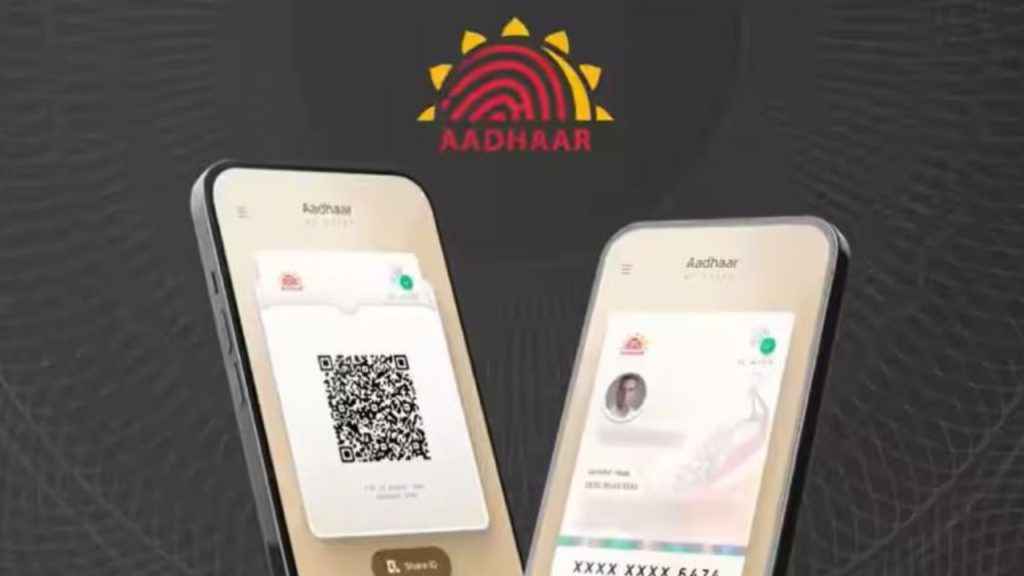
Setting up the new Aadhaar app is simple all you need to do is follow the steps outlined below:
1. Download the new Aadhaar app on your device using the Play Store or App Store.
2. Provide the app with necessary camera, SMS and call permissions.
3. Once done, press the Begin journey button followed by the Continue to Register button.
4. Enter your Aadhaar card number and confirm it.
Also read: iOS 27: Release date, AI Siri, new features, eligible devices and other latest leaks
5. Read the terms and conditions and hit the continue button.
6. Now, your details will be verified using SMS authentication.
7. Following that the app will ask you to go through facial recognition. To do so, all you need to do is put your face inside the camera circle.
8. Lastly, make sure that you choose a strong PIN of six digits. This PIN will help you quickly log in to the app later.
Note: The new Aadhhar app will automatically fetch your information now.
Also read: iQOO 16 leaks: Price in India, launch timeline, specs and everything we know
Benefits of new Aadhaar app
There are many benefits of using the new Aadhaar app over the current mAadhaar app. Some of them are as below mentioned:
- The new app gives you secure identity verification and data privacy.
- You can choose to hide sensitive details like your full address when sharing your digital Aadhaar QR code with merchants or government offices.
- To add an extra layer of security, you can enable fingerprint or face unlock in the app.
- It’s a one-stop solution to your verified digital credentials. Moreover, you can access those in offline mode.
- A single profile can securely hold up to 5 family profiles on one device.


