
How to undo shared images on Instagram Instants
 Follow Us
Instagram Instants shares photos instantly without preview or editing.
Users can undo or delete an Instant before the other person views it.
The feature is made for quick and casual photo sharing with friends.

Disappearing messages and instant photo sharing have become hugely popular across all age groups, from Gen Z users to millennials and boomers. Snapchat was among the first platforms to popularise this trend on a massive scale, but now Meta-owned Instagram is trying to compete with its new feature called ‘Instants’. The feature allows users to quickly share casual photos with friends directly through the inbox. However, unlike normal Instagram posts or Stories, Instants does not let users preview or edit a photo before sending it. As soon as you take the photo, it is shared instantly. This has surprised many users and caused privacy concerns. If you accidentally sent a photo through Instants, don’t worry. In this article I’ll walk you through the easy steps on how to undo images shared on Instagram Instants.
 Survey
What are Instants on Instagram?
Instants is a disappearing photo-sharing feature available inside Instagram Direct Messages. Users can access it by tapping the small photo stack icon in the inbox section.
The feature opens directly into the camera and allows users to send live photos to either friends or close friends. Unlike Stories, users cannot upload old photos from the gallery. The idea is to make sharing feel more natural and less edited.
Once viewed, the photos disappear automatically. Instagram also says reactions remain private, and there is no public viewer list.
Also read: Want to buy Apple iPhone 17 Pro? Here is how to save over Rs 12,000 on your new device
Things to keep in mind
Before learning how to undo an Instant on Instagram, here are a few important things to keep in mind:
- Instagram keeps the audience setting on ‘Friends’ by default.
- Tapping the shutter button sends the photo immediately.
- Users cannot edit or review the image before sending it.
- Old photos from the gallery cannot be uploaded.
- The feature is designed mainly for spontaneous sharing.
- There is only a short window to undo the sent Instagram Inatants.
Also read: OpenAI brings personal finance experience to ChatGPT: Here is how it works
How to unsend Instants on Instagram
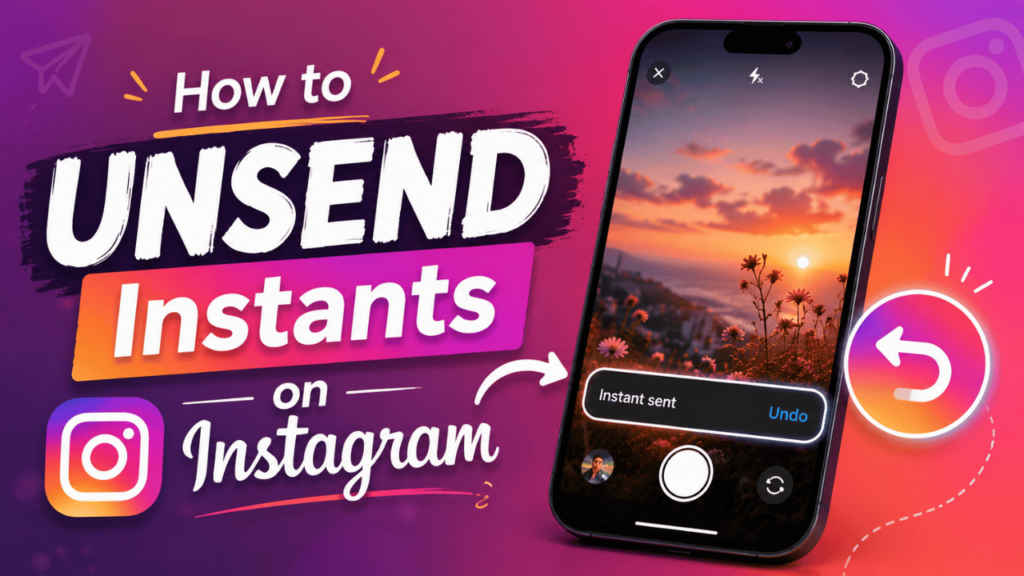
Follow the simple steps below to undo an Instagram Instant shared by accident:
1. Press the Undo button shown below the shutter button right after you share an Instants.
Note: It appears there for a short time, and you need to be quick on your hands to use it.
2. You can also open the archive section using the four-box icon inside the Instants camera screen and delete the Instant from the archive before the receiver opens it.
Note: If the photo has already been viewed, it may not be possible to remove it completely.
Also read: I turned off 5 settings on my Android smartphone and it finally feels mine
Why you may want to undo Instants on Instagram
Here are some of the reasons why it is useful to know how to undo an Instant shared on Instagram:
- You could have shared the Instagram Instants by mistake or accidentally.
- You may send personal or awkward images that you don’t want others to have a look at.
- The image was meant to be shared on Close Friends, but you accidentally shared it on Friends, as it’s the default setting.


