
How to reserve your WhatsApp username before everyone else
 Follow Us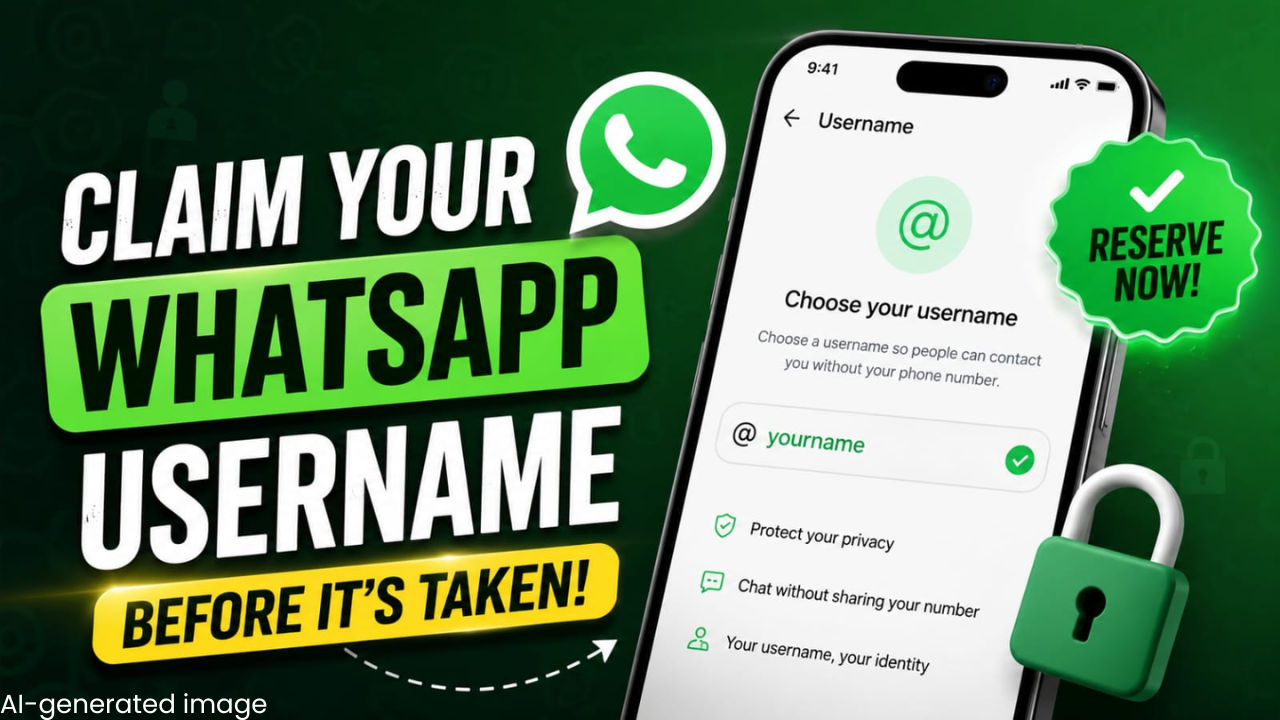

WhatsApp is one of the most popular messaging platforms, and millions of people use it every day to stay connected with friends, family and colleagues. But sometimes, you may want to chat with someone new without sharing your personal phone number. To solve this, WhatsApp has announced a new username feature. It is designed to let users start conversations without revealing their phone numbers. The feature is planned to roll out later this year, but WhatsApp has already started allowing users to reserve their usernames.
 Survey
The company is also introducing an optional username key for added privacy. If you turn it on, people who are messaging you for the first time will need both your username and your username key to contact you.
WhatsApp is also allowing creators, businesses and organisations to claim the same username they already use on Instagram or Facebook. This will help them to keep a consistent identity across Meta’s apps.
If you’re wondering how to reserve a WhatsApp username for yourself, below is everything you need to know.
Also read: WhatsApp usernames announced, CEO Kunal Shah wants you get yours now
How to reserve your WhatsApp username
- Open WhatsApp on your smartphone.
- Head to Settings.
- Tap on Account.
- Select Username.
- Follow the on-screen instructions to create and reserve a username.
How to set up a username key on WhatsApp
- Open WhatsApp on your phone.
- Go to Settings on Android. On iOS, Tap You.
- Tap the area around your profile photo.
- Select Username, followed by Contact me by username.
- Select People who know my key. A key will be generated for you.
- Tap Save key.
Also read: Google reportedly limits Meta’s access to Gemini AI models, here is why
Who doesn’t need your WhatsApp key
- People who have your phone number saved.
- People you have talked to before on the platform.
- People you share a group with.
- People who scanned your QR code.
- People you texted first.
Do note that reserving a username is optional. Also, you can change your reserved username or delete it at any time. If you change or delete your reserved username, others can claim it. You cannot reserve a username through WhatsApp Web or Desktop. To reserve a username, you have to use your primary mobile device.


