How to get cool filters on Instagram Video Call
 Follow Us
Instagram is one platform that allows users to video call someone without the need to have mobile numbers.
The video calling feature on the gram also comes with some cool options like filters.
During the video call, you will have a list of icons on the left side of the screen.
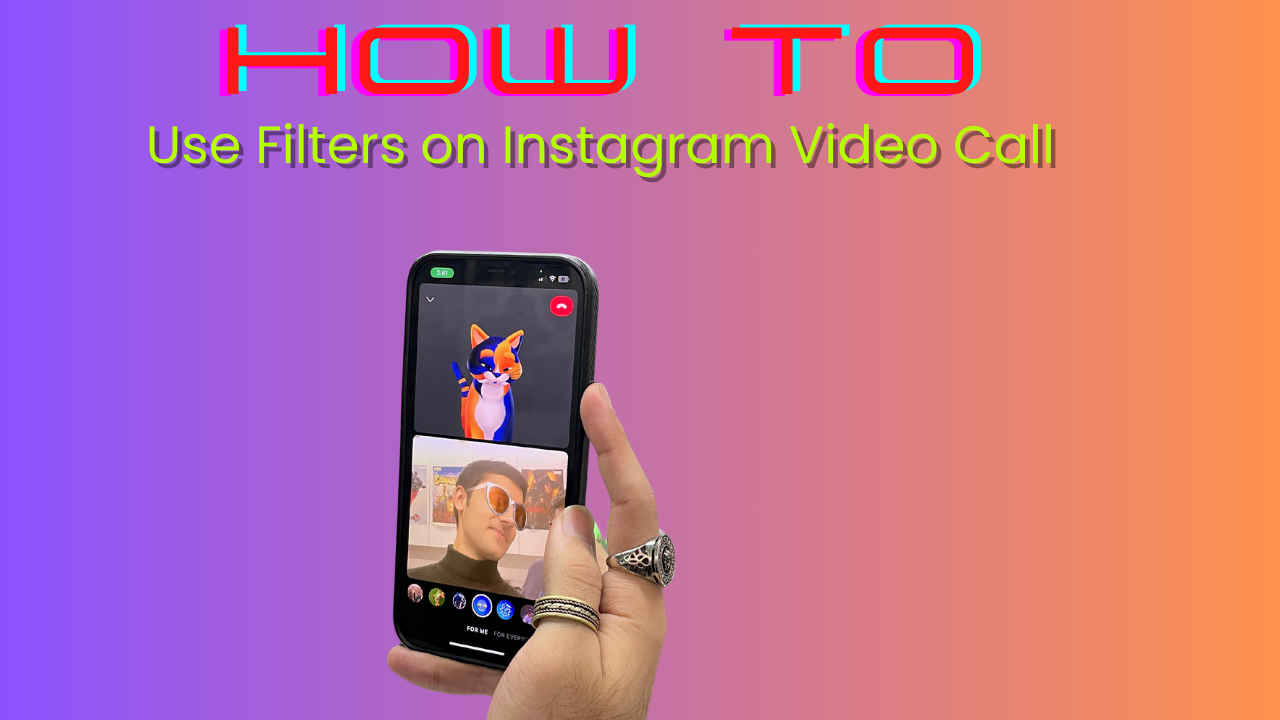

Instagram is our go-to app. We spend a significant amount of time on this platform every day, owing to work, and even just for fun. Instagram has too many crazy features that allow us to up our social media games and even make us stick longer to our screens. From sharing content to chatting, to calls, and even video calls, everything happens on this platform. It’s not just limited to personal stuff anymore, businesses are flourishing on Instagram.
 Survey
But today we are going to talk about something that not a lot of people talk about – video calls on Instagram. Well, Instagram is one platform that allows users to video call someone without the need to have mobile numbers. The video calling feature on the gram also comes with some cool options like filters to give it a classic Instagram touch. Let’s find out more about it.
Firstly, let me tell you how you can make video calls on Instagram.
Also read: How to send disappearing photos & videos on Instagram: Easy guide
How to make video calls on Instagram?
To start a video call on Instagram, follow these steps:
- Open the Instagram app.
- Go to your DMs section.
- Click on a chat.
- On the top right corner of the chat, you will see a video camera icon. Click on it.
- This starts your video call,
You can even make group video calls on Instagram. It even allows you to invite others during a video call with your friends.
Now, to make the video calls even more fun, there are some cool filters that you can try to make your video calls a little fun.
Also read: Customise your Instagram chats with themes & colours: Here’s how
How to use filters on Instagram video calls?

You can even make group video calls on Instagram. It even allows you to invite others during a video call with your friends.
Now, to make the video calls even more fun, there are some cool filters that you can try to make your video calls a little fun.
The video calling feature on Instagram is available on both iOS and Android. You should however note that the filter’s option will work only when the cameras of both the users are turned on.
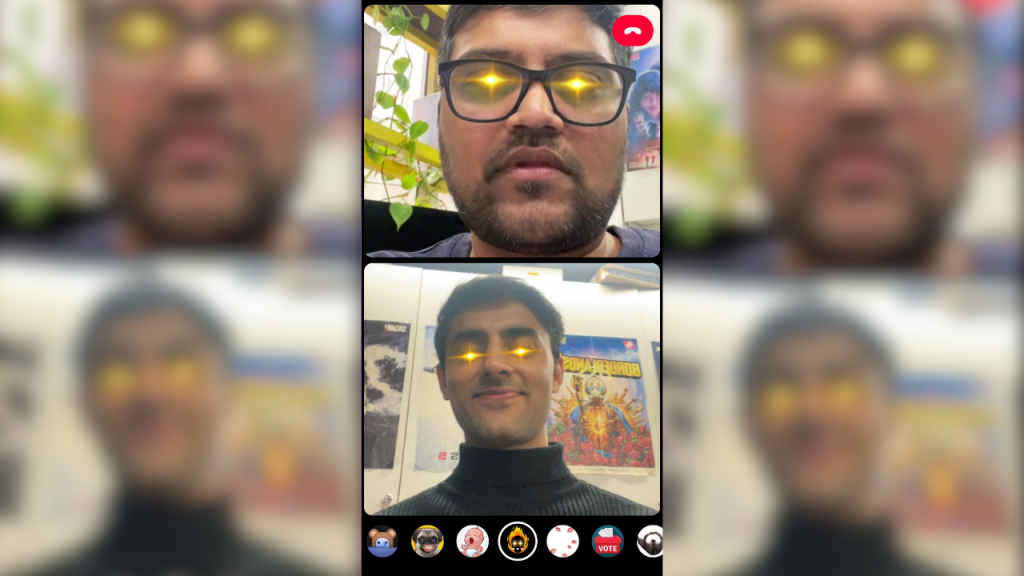
During the video call, you will have a list of icons on the left side of the screen. From there, click on the filters icon which looks like this – ✨.
Once you click on this, you will see a list of filters at the bottom of your screen. You can easily scroll through them and choose the best one.
That’s it, it’s so simple. You can now play around with different filters while you video chat with your friends on Instagram. You can find a filter that suits your mood and makes video calls even more personal. Sounds great, doesn’t it?


