

Robot vacuum with a camera vs without one: Which should you buy?
 Follow Us
Cameras help robot vacuums recognise and avoid small objects such as cables, toys and socks.
LiDAR provides reliable mapping and navigation without needing a camera.
Camera-equipped models are more useful in homes with frequent floor clutter.
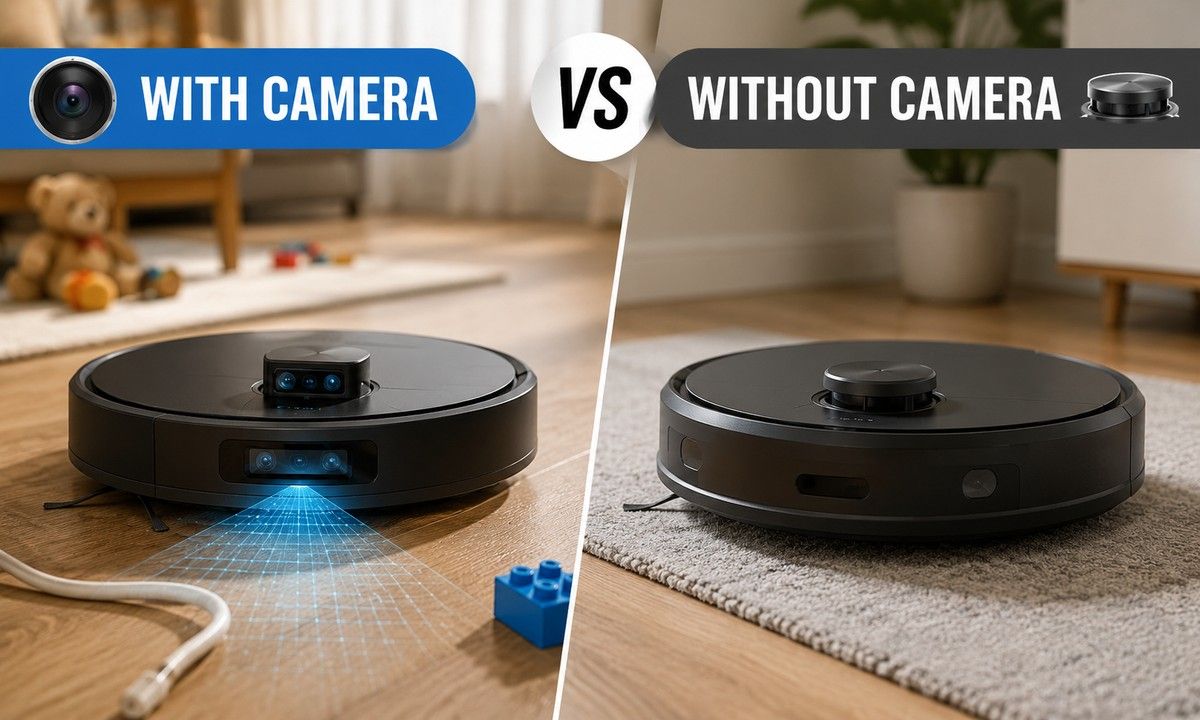

While testing the Milagrow W300 Eco, one of the more interesting things I noticed had little to do with its suction power. I had left a roughly 3cm-long piece of plastic wire on the floor, and the robot picked it up and carried it along. It was a small thing, but it highlighted one of the less glamorous problems with robot vacuums: the floor isn’t always as clean and predictable as the robot would like it to be.
 Survey
That got me thinking about the cameras fitted to some of the more expensive robot vacuums. A camera is often presented as part of the robot’s smarter navigation system, but that’s only half the story. A robot can map a room perfectly well without one. The more interesting question is what happens when there is something on that map that shouldn’t be there.
The W300 Eco doesn’t have a camera, yet it could still detect and interact with objects on the floor during testing. So, what exactly do you gain by spending more on a robot with a camera? And is it something you will actually notice at home?
What does a camera add?
Robot vacuums use several sensors to understand their surroundings. LiDAR is mainly responsible for mapping and navigation, allowing the robot to measure distances, create a map of the home and plan its cleaning route.
Cameras bring visual information into the mix. Computer vision can analyse what is sitting in front of the robot and, on capable models, recognise common household objects such as cables, socks, toys and shoes.
Also read: Is a premium air purifier really better? Here’s what our testing found
A robot without a camera can still detect an obstacle, but it may slow down, stop or change direction when one of its sensors detects something in front of it. The camera gives the robot more information about the object itself.
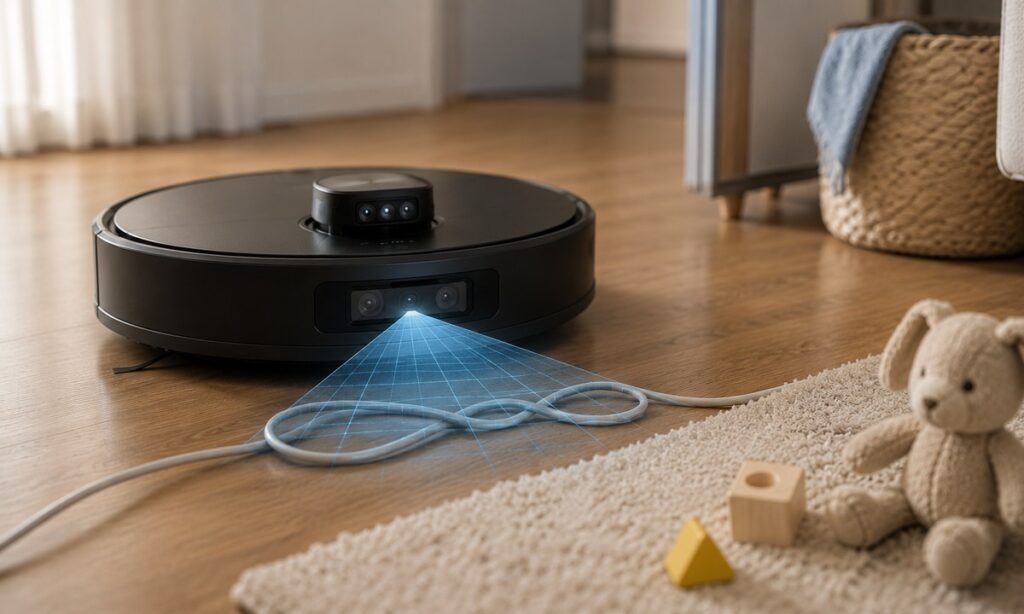
A dining table and a charging cable are both obstacles, but they aren’t obstacles in the same way.
Small objects are the real test
Fixed furniture is relatively easy for modern robot vacuums. Once the robot has mapped the room, the sofa, table and chairs are unlikely to surprise it during the next cleaning run.
Loose objects are another story: 1) Cables can be left across the floor, 2) Socks can end up under a bed, 3) Toys move from one room to another, and 4) Pet bowls and toys can appear in places where the robot wasn’t expecting them.
A camera can help identify these objects before the robot gets too close. The software can then decide whether to go around them instead of simply treating them as another obstacle.
The results depend heavily on the robot, though. Thin wires remain difficult for many systems, and transparent or unusual objects can cause problems too. A camera is only useful when the software can make sense of what it sees.
Modern robot vacuum cleaners doesn’t need a camera to detect things
The plastic wire I left during testing is a good example.The W300 Eco noticed the object well enough to pick it up. It didn’t need a camera to detect something on the floor. What it couldn’t do was use visual recognition to identify the wire and decide that it should be avoided.
For everyday cleaning, this distinction may not matter much. If the floor is mostly clear, the robot will spend most of its time dealing with furniture and other fixed obstacles. A camera starts becoming more useful when the floor is full of things that weren’t there when the robot last cleaned.
Who needs a camera?
A camera makes more sense when the robot has to deal with a changing environment. A home with kids or pets is a good example. Toys, slippers, cables and pet accessories can end up in its path without much warning.
Also read: How healthy is an air fryer? What you should know before buying one
Visual recognition gives the robot a better idea of what it’s looking at. It can identify certain objects and avoid them instead of treating everything as a generic obstacle.
If you already keep things out of the robot’s way before every cleaning run, you probably won’t gain much from this feature. For everyone else, it can make unattended cleaning a little more practical
What about privacy?
A camera-equipped robot vacuum is still a camera inside your home. It can move through bedrooms, living rooms and other private spaces while using its camera to analyse the surroundings. How that visual data is handled depends on the manufacturer and the particular model. Some people may be perfectly comfortable with it, while others may prefer not to have a camera moving around their home at all.
If you’re in the second group, a LiDAR-only robot is the simpler option. You still get mapping and navigation without adding a camera to the device
Should you get one with both?
If you’re already looking at the more expensive robot vacuums, having LiDAR and a camera together can be useful. LiDAR takes care of mapping and navigation, while the camera helps with objects that appear in the robot’s path.
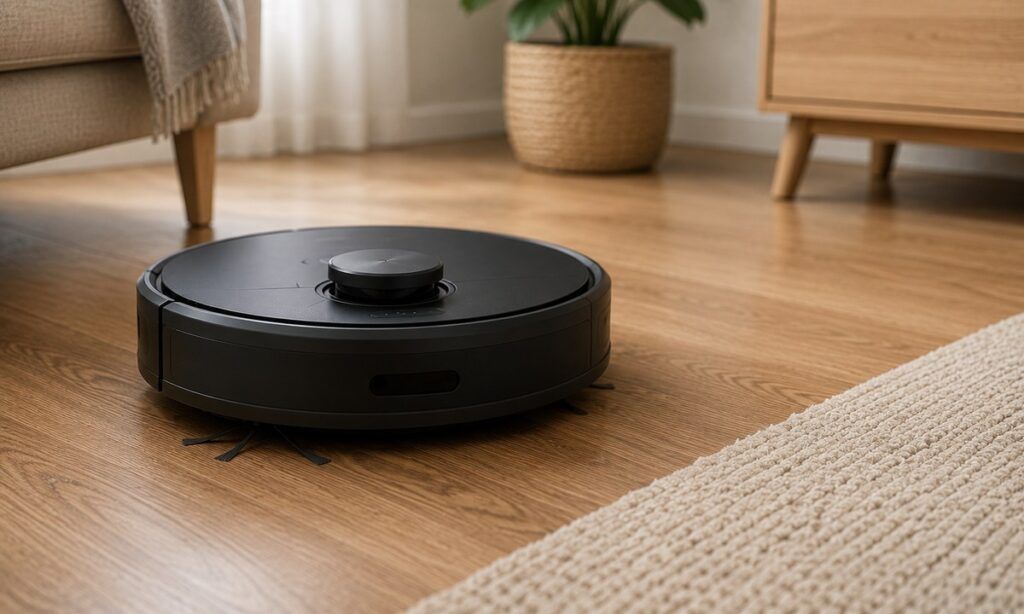
I wouldn’t pay extra for the camera just because a robot has one, though. Check how well it actually avoids cables and small objects. Some models are much better at this than others, even when they have similar sensors on paper.
For me, the camera makes more sense as an obstacle-avoidance feature than a navigation upgrade.
Where should you spend your money?
The camera shouldn’t automatically be the reason you choose the more expensive model. If the two robots are otherwise similar, I’d compare cleaning performance, navigation and the dock before paying extra for visual obstacle recognition.
For a home where loose items rarely get in the way, those upgrades are likely to be more useful. If cables, toys and other stuff regularly need moving before the robot can start, spending more on better obstacle avoidance makes more sense.
I’d also check real-world tests before making the call. A cheaper robot with good obstacle avoidance can easily be a better buy than a camera-equipped model that struggles with the same things.
Also read: Milagrow iMap Max W300 Eco review: A robot vacuum that takes cleaning seriously
FAQs
Does LiDAR work in the dark?
Yes. LiDAR doesn’t rely on visible light, so a robot can use it to map and navigate a dark room. This makes LiDAR useful for people who prefer running their robot vacuum at night.
Are robot vacuums with cameras safe for privacy?
It depends on how the manufacturer handles camera data. If you don’t want a camera moving around your home, a LiDAR-only robot vacuum avoids that concern while still providing mapping and navigation.
Does a robot vacuum need a camera to avoid cables?
No. A robot can detect an obstacle using other sensors, but a camera can help it recognise a cable and avoid it more intelligently. Thin wires can still be difficult for camera-equipped models.


