

Happy Republic Day WhatsApp status video download: Short videos to share on Instagram, Facebook
 Follow Us
Indonesia's President Prabowo Subianto will be the chief guest for Republic Day 2025.
Republic Day celebrations begin at 7:30 AM IST, with the parade at 10:00 AM.
Download and share short WhatsApp status videos to spread the patriotic spirit on social media.
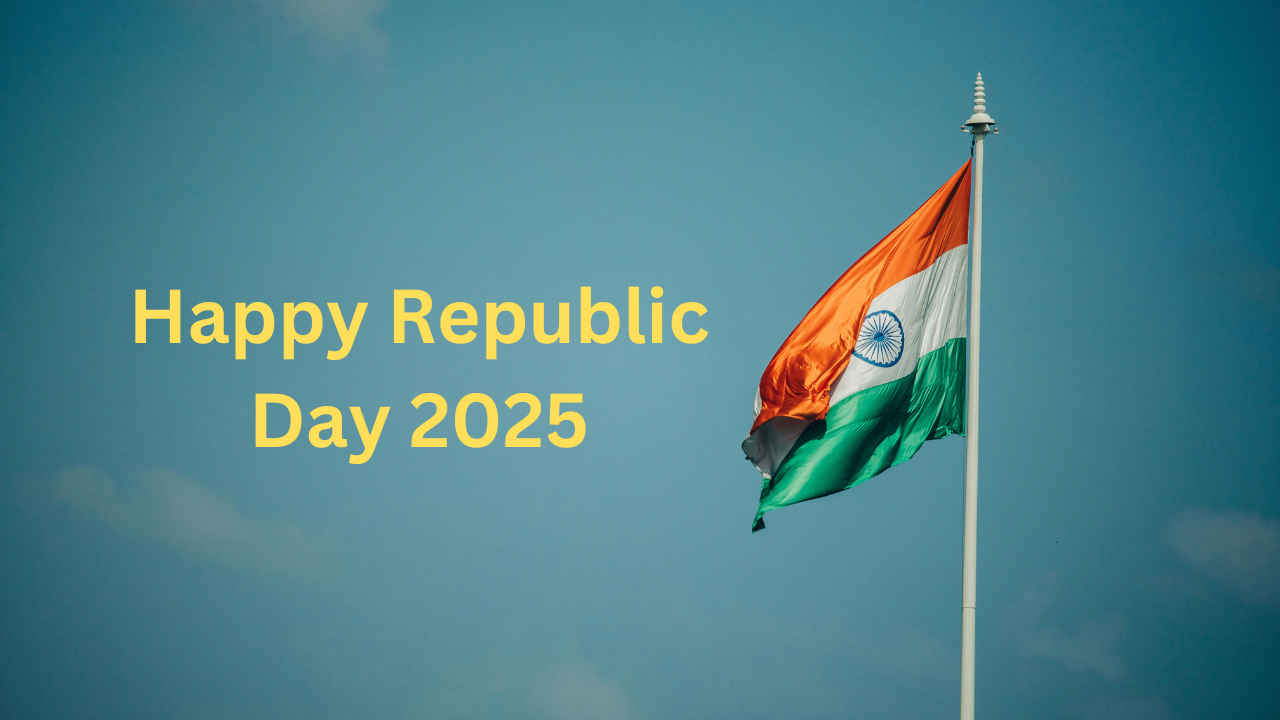

Republic Day WhatsApp status video download: India will celebrate its 76th Republic Day, and now is the time to reflect on the country’s rich history and the importance of the Constitution. Republic Day is more than just a national holiday; it celebrates India’s unity, diversity, and spirit of liberty. Republic Day commemorates the replacement of the British Government of India Act 1935 by the Indian constitution. The first Republic Day ceremony was held on January 26, 1950, and the Republic Day parade takes place every year on the Kartavya Path in New Delhi.
 Survey
This year, Indonesian President Prabowo Subianto will be the event’s chief guest. President Droupadi Murmu will display the national flag. If you’re wondering where you can watch the Republic Day 2025 live stream, go to YouTube and search for Doordarshan Republic Day. You can watch the video in both English and Hindi. The festivities will begin at 7:30 AM IST, followed by the parade at 10:00 AM.
READ: One UI 7 features unveiled with Galaxy S25 series: AI Interactions, new editing tools and more
If you want to send a meaningful Republic Day message, check out these short WhatsApp status videos that capture the spirit of the occasion. These videos are perfect for sharing on Instagram, Facebook, or any other social media platform, allowing you to spread the patriotic spirit to your friends and followers. These short videos, which range from animated to clips showcasing the tricolor and patriotic symbols, will add a unique twist to your Republic Day posts. Download and share the joy of this historic day with your online community.
Republic Day WhatsApp status video download: How to use
- Prior to selecting Pictures & Videos, select Status, followed by My Status.
- Choose a video from your gadget.
- Click. To add a caption to your video, add one.
- To include an emoji in your caption, click on it.
- In order to personalize your audience, select Status (Contacts).
- To share your status, click “share.”


