

Gmail users face sophisticated attacks, with rise in voice phishing
 Follow Us
Sophisticated Gmail phishing attacks surge, fueled by AI-driven vishing
Most users still rely on weak passwords and outdated protections
Safeguard Gmail account with unique passwords, authenticator apps, and passkeys

At first, it looks like any other call. A polite voice on the line, claiming to be from Google support, warning that your Gmail account may have been compromised. Maybe there’s even a follow-up email with a link that looks convincing enough. But, of course, the voice on the phone isn’t a person at all – it’s AI-generated, cloned to sound like a human. More importantly, it’s designed to trick you into handing over the keys to your digital life in a way that can damage you dearly, if you aren’t careful.
 Survey
Over the past few weeks, warnings have rippled across several websites, about how Gmail users are squarely in the crosshairs of increasingly sophisticated phishing campaigns. Some of these alerts point to a possible breach of Google’s Salesforce database, others highlight a hacking crew known as ShinyHunters. According to reports, the attackers seem to be combining old tricks like fake login screens, SMS links, phony emails, with new hacking methods like deepfake-powered “vishing” (voice phishing).
Also read: Cybersecurity in Age of AI: Black Hat 2024’s top 3 LLM security risks
And whether or not the database breach is directly tied to this surge in Gmail phishing attempts, the intended effect can’t be ignored that billions of Gmail accounts are now being actively probed and targeted on an industrial scale thanks to bad actors using AI.
Why Gmail is being attacked
With 2.5 billion active accounts, Gmail isn’t just a popular email service, if you think about it. For all of us, whether we like to admit it or not, our Gmail and Google accounts are intrinsically linked to countless parts of our digital lives. And a compromised Gmail account can unravel everything from your cloud storage to your YouTube history, even your banking credentials if they’re linked through recovery emails. Which is why scammers and hackers don’t need to hack Google’s servers directly. They just need to hack you.
And they’re getting better at it. Fake sign-in pages now come with cloned interfaces so accurate they can fool even the sharp-eyed. Worse, attackers don’t always stop at stealing a password, as they build extra steps into their traps to capture two-factor authentication codes, or bypass the need for them altogether. And add to that the latest voice phishing campaign as a Reddit user highlighted, It’s social engineering at an unprecedented scale, powered by AI.
Passwords are the weakest link
Google itself has admitted that only about a third of Gmail users regularly update their passwords. That means most people are walking around with outdated credentials, often recycled across multiple accounts. According to Harvard Business Review citing a 2019 Google poll, over 52% of users admit to reusing passwords and approximately 13% admit to using one password across all accounts. More startling results from the same poll revealed 68% of password users admit they reuse credentials because they fear forgetting them, and 36% do not consider their accounts valuable enough to need more stringent security measures. Combine that with the fact that many still rely on SMS-based two-factor authentication – a method that can be intercepted or spoofed – and you’ve got fertile ground for phishing to thrive.
Also read: Gmail users are at a serious risk: Here is what you should do to stay safe
While Google has been nudging users to shift to passkeys, which are passwordless logins that rely on your device’s built-in authentication (fingerprint, face scan, or screen lock), adoption has been slow. Humans are creatures of habit, and habits die hard, especially when passwords have been the default for decades.
Gmail user’s safety checklist
So where does that leave the average Gmail user staring down a flood of AI-assisted scams? The steps are plain and simple, even if not always followed by everyone:
- Change your password – now. If you haven’t done it this year, do it today. Whether you use a standalone password manager to generate something long or pick a unique combination that makes sense to you and you can remember, make sure it’s impossible to guess.
- Ditch SMS 2FA. Switch to an authenticator app like Google Authenticator, Authy, or Microsoft Authenticator. They’re vastly harder to intercept.
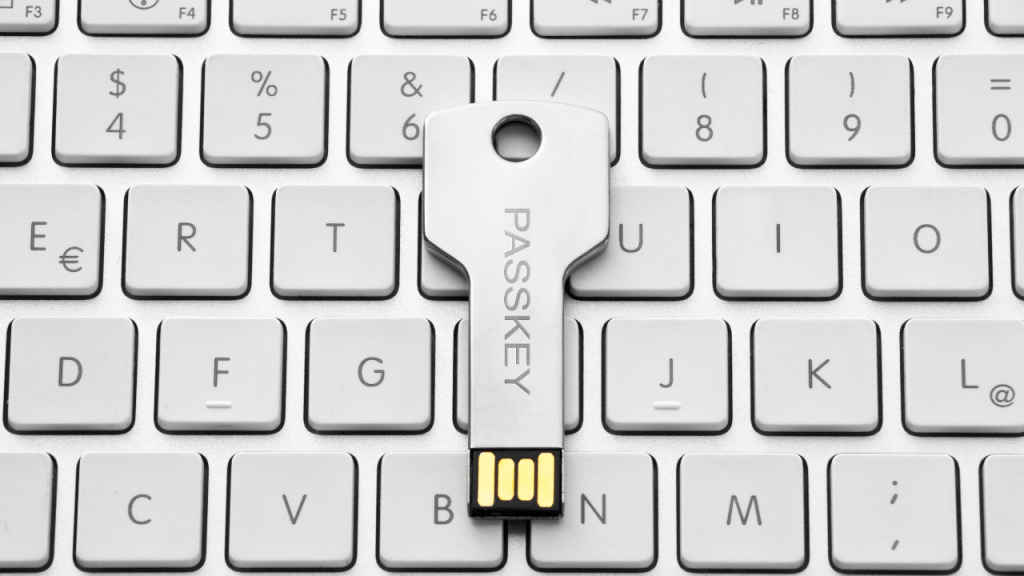
- Adopt passkeys. Add them to your account and make them the default sign-in method. If a login window still asks for your password on a device with a passkey, treat it as a red flag.
- Run Google’s Security Checkup. It will flag suspicious activity, recommend fixes, and keep you honest.
- Never sign in via a link. Even if it looks official, type in the address yourself or use saved bookmarks. This point can’t be emphasised enough!
It’s tempting to see this latest Gmail phishing wave as just another skirmish in the endless back-and-forth between hackers and tech giants. But I think there’s something different this time. The integration of AI into phishing – whether that’s cloned voices or generative emails – shifts the scale dangerously in the favour of scammers and hackers. It’s no longer a bored scammer firing off a badly written message, but a sophisticated system that continuously learns, adapts, and refines its technique in trying to outwit and ensnare unsuspecting (and gullible) Gmail users.
Google may be building stronger locks, but whether we’d like to admit this or not the brutal truth is that most users are still leaving the front door unguarded and wide open. The question isn’t whether Gmail users are at risk – they are. The real question is whether we’ll adapt our behaviours as fast as the attackers are adapting theirs. It starts with doing something about your Gmail password.
Also read: World Password Day 2025: New study highlights how weak our passwords are


