
Gemini Omni 1.1 Flash explained: Scene extension, frame control, and 4K upscaling
 Follow Us

Gemini Omni 1.1 Flash has been released by Google, and it is an essential improvement to its existing system, especially for those working on AI video rather than experimenting with it. First of all, the most important aspect is control, since the new Omni is able not just to create clips but to direct them using features that help solve the problem of combining AI-created videos properly.
 Survey
Also read: What is Anthropic’s Model Hardware Standard: A universal protocol for AI-controlled hardware
The main feature added to the new system is the ability to extend the scenes. Older models were capable of making references only to the last second of the generated video and, therefore, had problems with consistency, while the new one is able to process up to 10 seconds of past context and extend the video in 10-second intervals up to a cumulative length of 40 seconds.
And then there is the control of the first and last frames. Just feed Omni 1.1 your first shot and your last shot, and the AI fills the gap with animation. As you would expect from Google, the examples use ambitious camera shots, such as whip pans and continuous zooming, that were previously achievable through skilled cinematography or tedious manual keyframing. This, perhaps, is the feature that brings out the maximum creativity potential, as writing prompts becomes closer to storyboarding.
Also read: Why the PS5 might not run GTA 6 at 60 FPS: The CPU bottleneck explained
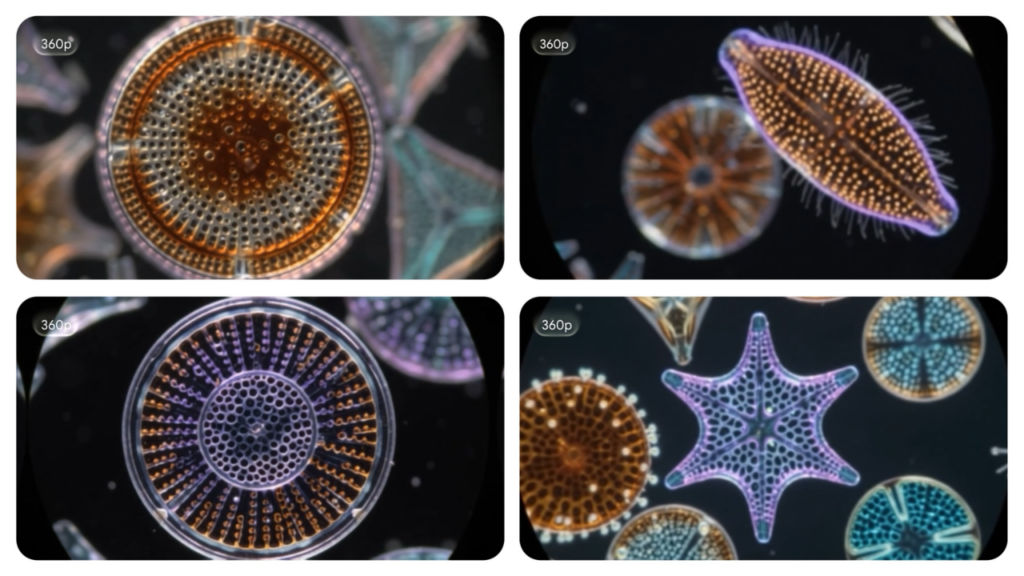
When talking about practical implications of the new release, Google has introduced the 360p draft mode which is intended for iterations only and not for the final product. This will allow developers to produce light-weight previews that will be twice as fast and three times cheaper at 360p resolution in comparison with the standard 720p mode of Omni 1.1.
After having the shot locked, Omni 1.1 will upscale the same into 1080p resolution or even complete 4K for use during production. The combination of this feature and the added capacity of referring to as many as three seconds of any uploaded video for visual and character consistency makes this model much more than a gimmick.
It’s not Google who alone offers Omni in this context because Adobe has already integrated it with Firefly while Figma’s Weave platform uses it for branching video generation and Runway treats this model as yet another way of input besides prompt and image uploads. That’s quite a serious demonstration of confidence from the enterprises for the model which just got out of its first revision.
Developers and studios can access Omni 1.1 via Google AI Studio and the Gemini Enterprise Agent Platform on a per-resolution basis. Scene extension functionality has been deployed to Google AI Plus, Pro, and Ultra subscribers on the Gemini platform. The full creative suite is also accessible in Google Flow. With the current fragmentation of the AI video creation tool ecosystem, this update seems more like a strategic move from Google rather than just another patch to make Omni their default backend for video creation tools.
Also read: We have understood the Indian consumer very well: Acer India on becoming No 2 and what comes next


