
5 prompting tips to maximise your token usage on Claude
 Follow Us

How many times has it happened that you’re mid-project, Claude is on a roll, and then all of a sudden nothing. The usage limit hits and you are stuck looking at your unfinished code or a half-baked excel. It’s not just bad luck, it’s bad habits in terms of how you are using Claude. However, a few simple changes to how you prompt can stretch your allowance dramatically. Here’s what actually works.
 Survey
Also read: Claude AI has functional emotions that influence behaviour, Anthropic study finds
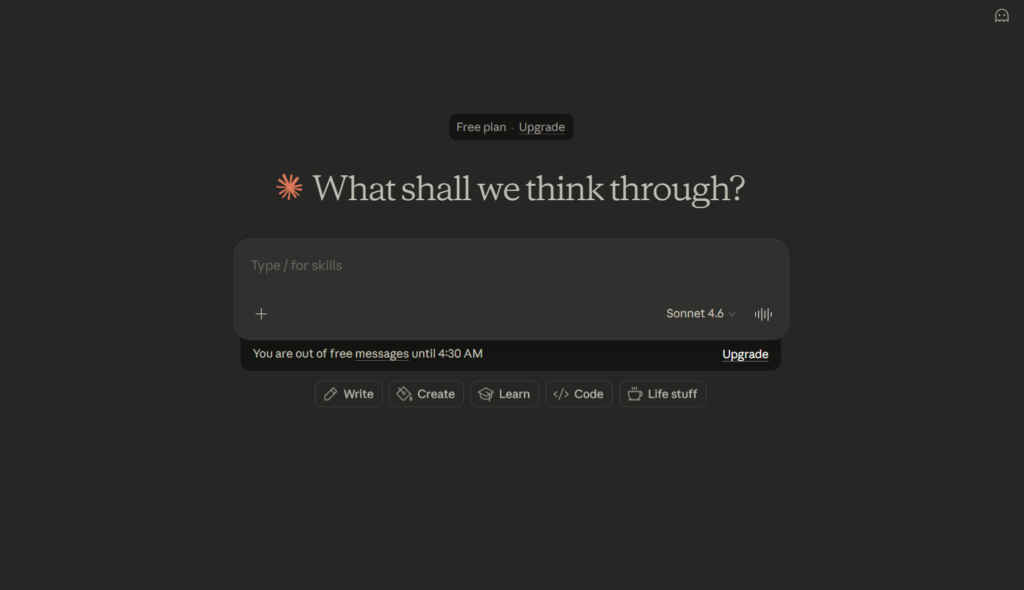
Edit the prompt, don’t pile on
When Claude misses the mark, your instinct is to fire off a follow-up. “No, I meant…” or “That’s not what I asked.” Don’t follow that instinct. Every message you send gets added to the conversation history, and Claude re-reads all of it on every turn. Costs compound fast and by message 30, a single exchange burns 31 times more tokens than your first one.
Instead, click Edit on your original message, fix it, and regenerate. The old exchange gets replaced, not stacked. Fix the prompt, don’t feed the history.
Batch your questions into one message
Three separate prompts mean that Claude will have three full context reloads. One prompt with three tasks, on the other hand, will have just one. It’s that simple, and the answers are often better for it, because Claude sees the full picture upfront.
So don’t start off with “Draft a follow-up email to a client” then ask Claude to “Make it shorter” then finally tell it to “Add a call to action.” Directly write “Draft a short follow-up email to a client with a clear call to action.”
Start a fresh chat every 15–20 messages
Long conversations are expensive by nature because the longer the thread, the more context Claude is carrying. When a chat starts feeling unwieldy, ask Claude to summarise everything, copy that summary, open a new chat, and paste it as your opening message.
Also read: He used Claude Code to apply to over 700 jobs and got hired: Here’s how
You keep the continuity. You ditch the dead weight. Claude also has automatic context management that kicks in for very long threads, but starting fresh yourself keeps things leaner from the outset.
Put recurring files in Projects
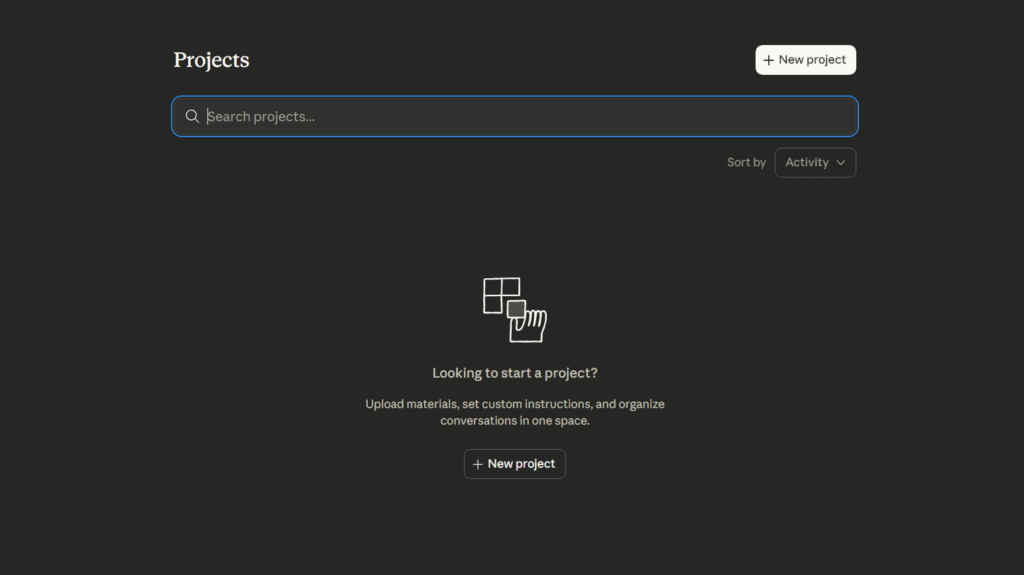
If you’re uploading the same PDF, style guide, or brief across multiple separate chats, you’re paying to re-process it every single time. Projects fix this. Upload a file to a Project once, and Claude uses retrieval-augmented generation (RAG) to pull in only the relevant parts of it per conversation rather than loading the whole document into the context window on every message. It’s a meaningful efficiency gain, especially if you work with long reference documents regularly.
Save your preferences in Memory
Every new chat that starts with “I’m a marketer, I write in a casual tone, keep things concise…” is burning tokens on setup you’ve already done before. Claude’s Memory feature fixes this permanently.
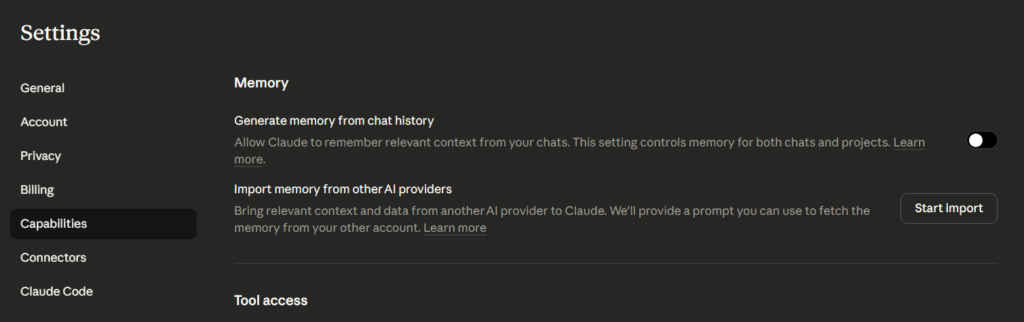
Go to Settings, then Capabilities, then Memory and toggle it on. From there, you can explicitly tell Claude what to remember such as your role, your preferred tone, your formatting rules and those preferences persist across every future conversation automatically. First-message setup, never again.
None of these tips require a new subscription or a workaround. They’re just smarter habits. Build them in, and the limit stops feeling like a wall.
Also read: Sam Altman in 2023: AI that lies has “magic”


