
EvoFox Deck 2 is a near-perfect gaming controller under Rs 3000 but there is a catch
 Follow Us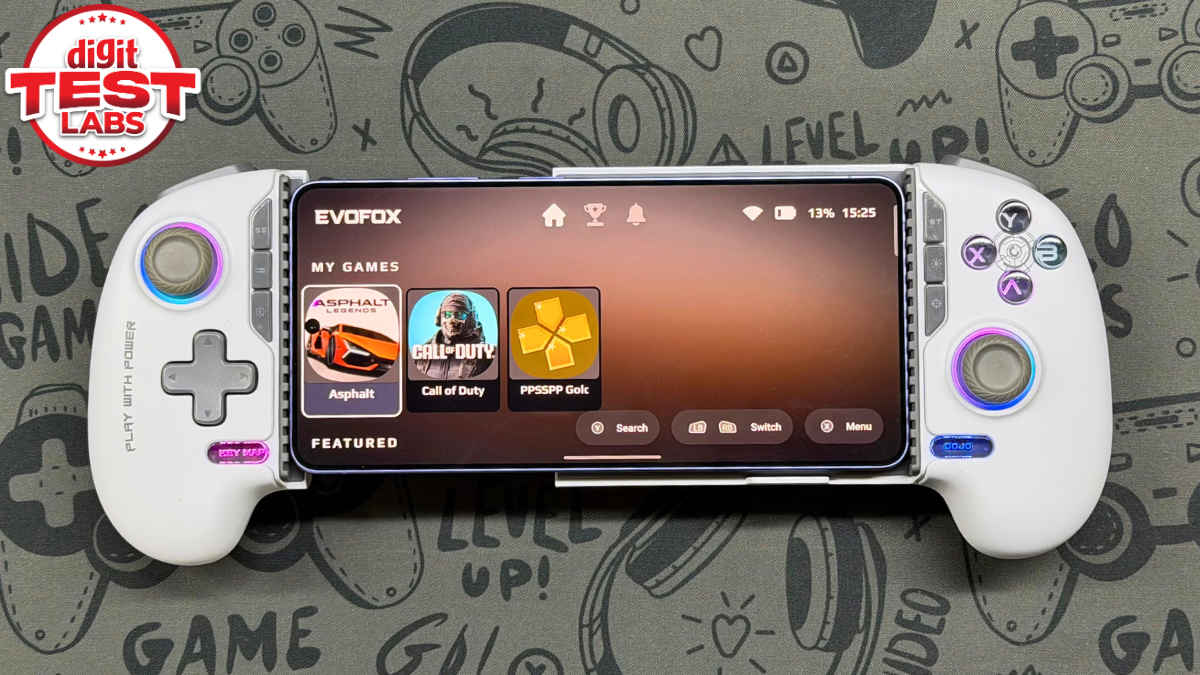

I’ve spent around three weeks glued to Amkette’s EvoFox Deck 2, and I’m genuinely torn. On one hand, I’ve found a gaming controller that actually works with every single thing I own without throwing a tantrum. On the other hand, it’s also one of the most mysterious gadgets I have ever used because I never know whether it’s about to die or has enough juice left in the tank for a three-hour session of Forza Horizon 6. Because, honestly, at Rs 2,999, it’s very hard to complain too much, but as someone who relies on tech to just work, the quirks are as prominent as the features.
 Survey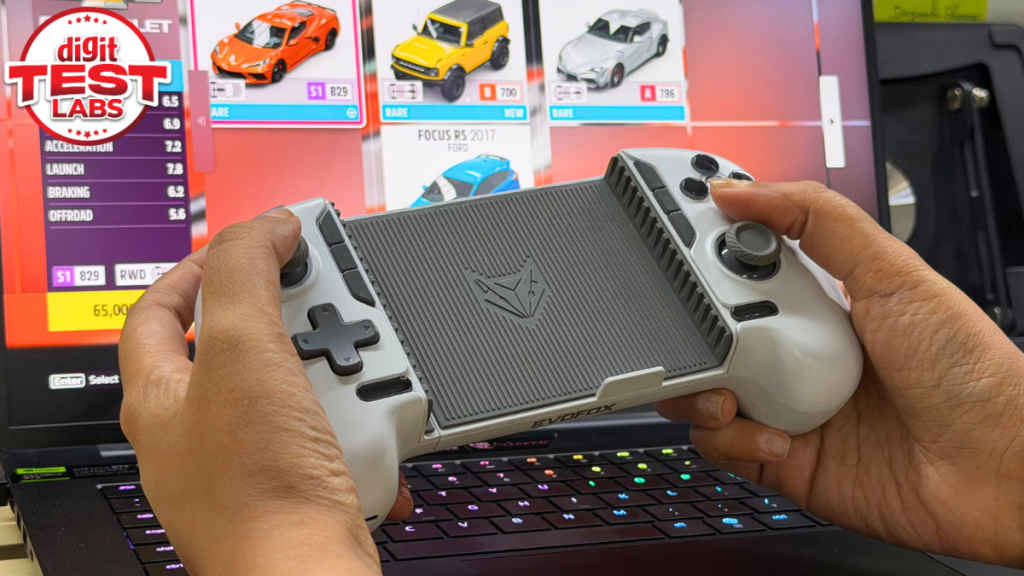
Here’s how the EvoFox Deck 2 has been fitting into my daily routine. Quick disclaimer, it is a dang good gaming controller to have, but with a catch. Let’s dive in.
Also read: Samsung Galaxy S26 review: This phone is almost perfect… almost
EvoFox Deck 2: The ‘it just works’ factor
The biggest win for the EvoFox Deck 2 is its versatility. Generally, in this price range, I have seen controllers that are mobile-first and then struggle when you try to bridge the gap to a PC. Not this one. The first night I got it home, I paired it with my rig, fired up WWE 2K26, and it picked up the inputs instantly. Yes, you can map the buttons using ‘Key Map’ on the controller, but this one required no mapping at all. It was simply plug and play. Love at first fight.
Next, when I moved over to my Galaxy S26 Ultra (read review), the user experience stayed consistent. The beauty of Android is that it lets you download emulators. And I’ve paired my S26 Ultra and the Deck 2 to run PS2 ports of God of War and NFS, and the response time is spot on. In fact, I even tested the Deck 2 with native mobile games like Asphalt: Legends on the iPhone 17 Pro Max (read review) and the physical buttons make a world of difference compared to how we generally play games on a mobile touch screen.
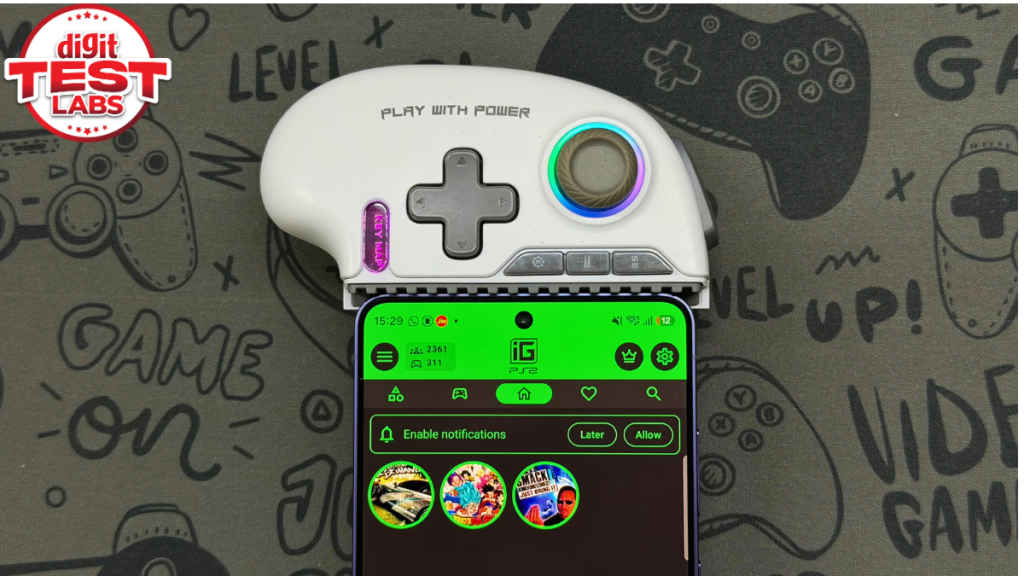
I am not even exaggerating, whenever I am using the S26 Ultra with the EvoFox Deck 2, it is legit giving me vibes of a handheld console, like the Sony PSP and Nintendo Switch.
By the way, if you haven’t figured it out yet, the EvoFox Deck 2 can connect to a host of devices. I have tested it with my PC, an Android phone, aka Galaxy S26 Ultra, iPhone 17 Pro Max and iPad Air M4 (read review). But it can also connect with Sony’s PlayStation 5, Xbox One and even Nintendo’s Switch gaming consoles.
The catch is in the battery guessing game
Now, let’s talk about the elephant in the room: the battery. No, the problem isn’t with endurance; that is spot on. The EvoFox Deck 2 promises about 4 to 6 hours, and in my experience, it has been over-delivering. I’ve been consistently getting 6-7 hours on a single charge.
To quantify this ‘solid’ battery life in numbers, I tested it out, paired with my PC. With a fully charged Deck 2, I played Forza Horizon 6 for about three hours two nights in a row, and the controller didn’t break a sweat. But it wasn’t until about 15 minutes into my third night that the KeyMap button started blinking a frantic red at me, signalling the device is about to drain out of battery soon, and it’s time to put it on charge.
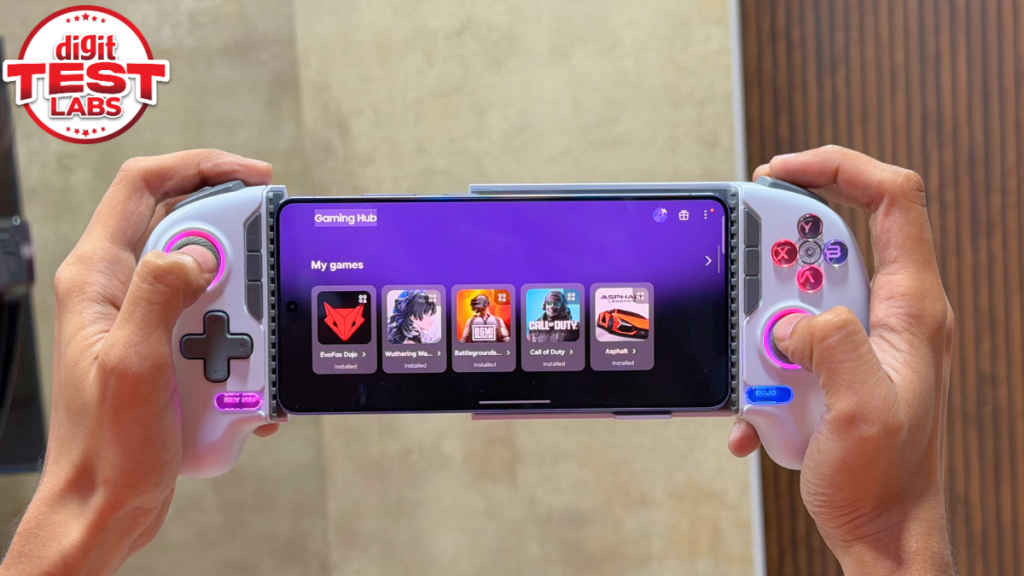
And that’s the problem. There is absolutely no way (or at least there’s some issue with my unit) to tell how much battery life is left until that red light starts blinking. I’ve tried every button combo I could find online. I’ve dived into the EvoFox app, which was about as helpful as a chocolate teapot. Nothing. No percentage, no bars. Nil, nada, zero!
My point is, the EvoFox Deck 2 is amazing in every right. It does its job pretty well, and it has superb endurance as well. But when it comes to checking that endurance, you’re basically flying blind until the very last second. This can be a bit annoying, I know it was for me. Because, again, I love the Deck 2 for everything it offers. If only there were a single battery indicator in the EvoFox app, that would’ve sealed the deal.
Apart from this, when it comes to charging, the Deck 2 takes about two hours to fully top up, which is fair, but I’d just love to know when I actually need to plug it in. Okay, I’ll stop here.
Design wins and one major miss
The EvoFox Deck 2 is a comfortable gaming controller. It feels nice and solid in the hand without feeling heavy. The buttons that have a mechanical feel come with some nice clickiness that you don’t usually get at this price. The EvoFox Deck 2 even has RGB lights, which look great. Although finding the right combo to cycle the effects or turn them off entirely to save that precious battery took me a minute.
With that said, there is a design flaw that maybe the Amkette team should address with the third-generation model. Whenever that’s supposed to come.
The EvoFox Deck 2 is a wrap-around style controller, meaning your phone sits snugly in the middle. All good, right? Well, the problem is that it completely blocks the charging port of the phone. Unless you’re using one of the ROG Phones from Asus, released in recent years, I remember those used to have two Type-C ports, one at the bottom and one on the side frame.
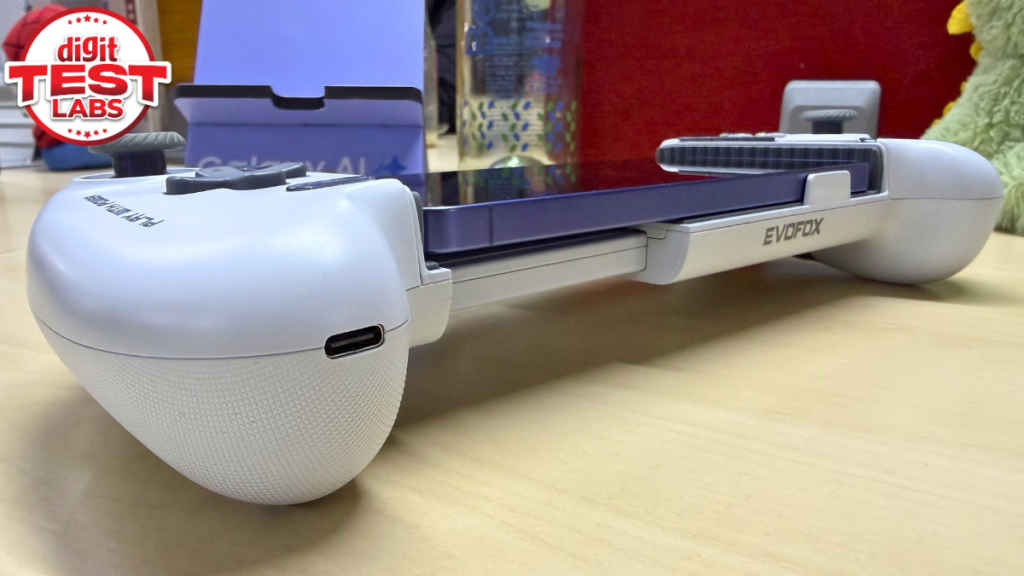
In my case, if my phone is hooked to the EvoFox Deck 2 and is running low on battery, while I’m lying on my couch playing, I have to take the whole thing apart to charge the phone. While the controller itself has a port for charging (which works fine while playing on PC), there’s simply no pass-through to keep the phone topped up. And this feels like a missed opportunity. Imagine being on a long flight, and your phone hits 10 per cent battery. In that case, you’ll either have to choose between playing or charging, and that shouldn’t be a choice in the first place, if you know what I mean.
EvoFox Deck 2: Closing thoughts
Is the EvoFox Deck 2 perfect? No. I think the lack of a battery indicator and the phone’s charging port getting blocked once propped in the controller are genuine misses.
Also read: OnePlus Nord Buds 4 Pro review: Well-balanced TWS earbuds under Rs 5,000?
But here’s the thing: for Rs 2,999, the EvoFox Deck 2 gaming controller is an absolute steal. It nails the fundamentals right. It is built well, it handles AAA titles on a PC just as well as it handles emulators on an Android smartphone, and the actual button feel is surprisingly premium. Basically, if you can live with the red light of death being your only battery warning, it’s undoubtedly a fantastic gaming controller that punches way above its weight class. No questions asked.


