e-Aadhaar app may launch soon, will simplify Aadhaar updates with just one click, here’s how
 Follow Us
QR code-based e-Aadhaar to replace physical photocopies for identity verification.
New app to let users update name, address, and DOB digitally.
Biometric updates to stay in centres; other data synced from govt databases.
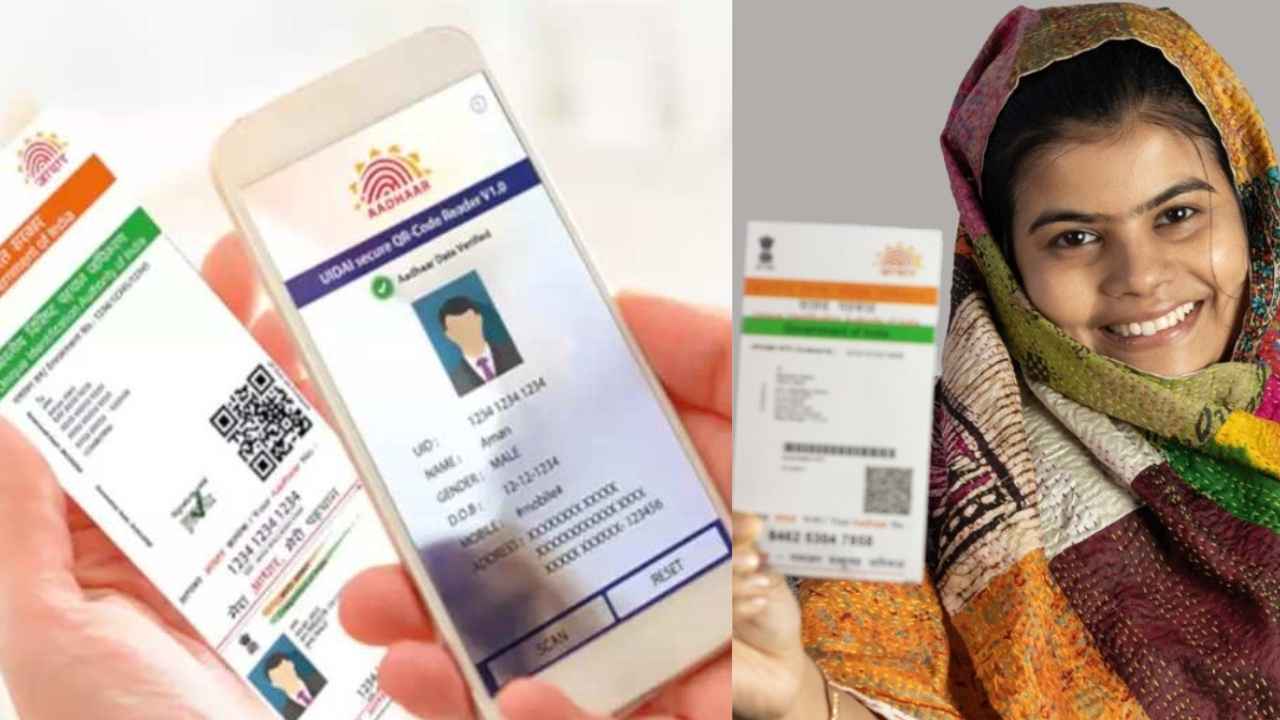

The Unique Identification Authority of India (UIDAI) is working on a new Aadhaar mobile app that could eliminate the need for physical Aadhaar card centres to update details. The beta version of the app went live in April. It features enhanced security and a more seamless user experience. Once rolled out, updating Aadhaar details, such as name, address, or date of birth, would become a breeze.
 Survey
Notably, the app will feature a QR code-based authentication option, allowing users to scan the QR code using the app. Users will be able to share the Aadhaar ID securely directly from their phone through the QR code authentication feature.
Additionally, it will come with Face ID authentication powered by AI. Users will be required to take a live selfie using their phone’s camera, and the app will instantly match it against the photograph stored in the UIDAI database. If it matches, the user’s identity is verified. They wouldn’t need to carry a physical card or even a photocopy.
The app will also enable users to create virtual Aadhaar IDs, securely share Aadhaar details, and access their Aadhaar PDF within seconds. UIDAI says the process will be as smooth as making a UPI payment, and just as quick.
Also read: Redmi Note 13 Pro Plus price drops by over Rs 9,000 on Flipkart
How can you update your Aadhaar details right now?
While the app is still under development, here’s how Aadhaar updates currently happen:
Step 1: Visit the myAadhaar portal
Step 2: Log in using your Aadhaar number and OTP sent to your registered mobile number.
Step 3: Choose the “Update Address” option, fill in the new details, and upload valid proof like a passport or driving licence.
Step 4: Pay a small fee of Rs 50 and track your request using the Service Request Number (SRN) via the UIDAI portal.
Notably, for details like date of birth or mobile number, you’ll need to visit an Aadhaar enrolment centre with required documents (e.g., birth certificate for DOB, bank passbook for mobile number). An operator will process the update on your behalf.


