Amazon Pay now supports fingerprint and face-based UPI payments for transactions up to Rs 5,000.
Over 90% of eligible UPI transactions are already being authorised via biometrics, according to the company.
The feature is currently available only on Android and works across P2P transfers and merchant payments.
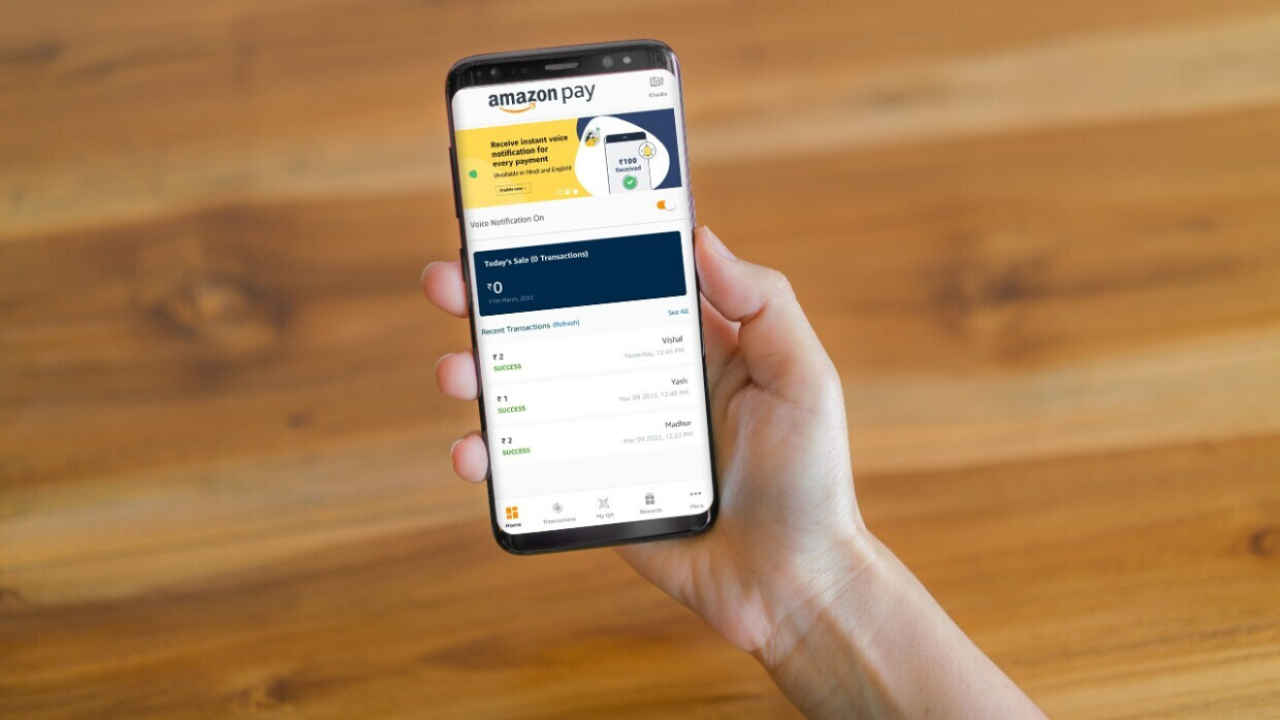
Amazon Pay has introduced a new biometric authentication feature for UPI transactions, making it one of the first payment service providers in India to enable fingerprint and face based approvals. The new update allows users to authorise select UPI payments without entering a PIN, making the payments faster.
 Survey
With the new system, Amazon Pay UPI users will be able to approve payments of up to Rs 5,000 via the device’s biometric security including the fingerprint scan or facial recognition. The feature works across use cases like sending money to contacts, scanning and paying to merchants and checking account balances.


As per Amazon Pay, early usage data suggests strong consumer interest in the feature. Over 90 per cent of eligible UPI transactions are reportedly being authorised via biometric verification instead of PIN-based authentication. The company says this way is more secure and enhances the comfort by reducing an additional step.
At launch, UPI biometric authentication on Amazon Pay is available only to Android users, as it relies on device-level biometric systems supported by the platform. It is specifically designed for one handed use and quicker checkouts, particularly in offline merchant payment scenarios.
Girish Krishnan, Director of Payments, Amazon India, said, “Our goal has always been to make digital payments convenient and secure. With UPI Biometric Authentication, we’re removing one more layer of friction from everyday payments and making them 2X faster. The strong adoption we’re seeing reinforces that customers value speed, simplicity, and trust. The feedback so far has been deeply encouraging, particularly around how intuitive and fast this experience feels, and it motivates us to keep raising the bar on how India pays digitally.”
How to use it
- Update the Amazon Pay app from the Google Play Store.
- Open the app and then tap the Amazon Pay icon on the button navigation bar or homepage.
- Tap on Amazon Pay UPI and then look for Settings or Profile section
- Look for a new option labeled “Security,” “Biometric Authentication,” or “Enable Fingerprint/Face Unlock”.
- Now confirm the activation by confirming the current UPI PIN.
 Follow Us
Ashish Singh
Ashish Singh is the Chief Copy Editor at Digit. He's been wrangling tech jargon since 2020 (Times Internet, Jagran English '22). When not policing commas, he's likely fueling his gadget habit with coffee, strategising his next virtual race, or plotting a road trip to test the latest in-car tech. He speaks fluent Geek. View Full Profile


