

Samsung Galaxy S24 getting One UI 8.5 update? Here is what we know
 Follow Us
Samsung Galaxy S24 series is receiving the stable One UI 8.5 update.
Global rollout is expected soon after the initial South Korea release.
Update brings Android 16 QPR2 features, new UI, and AirDrop support.
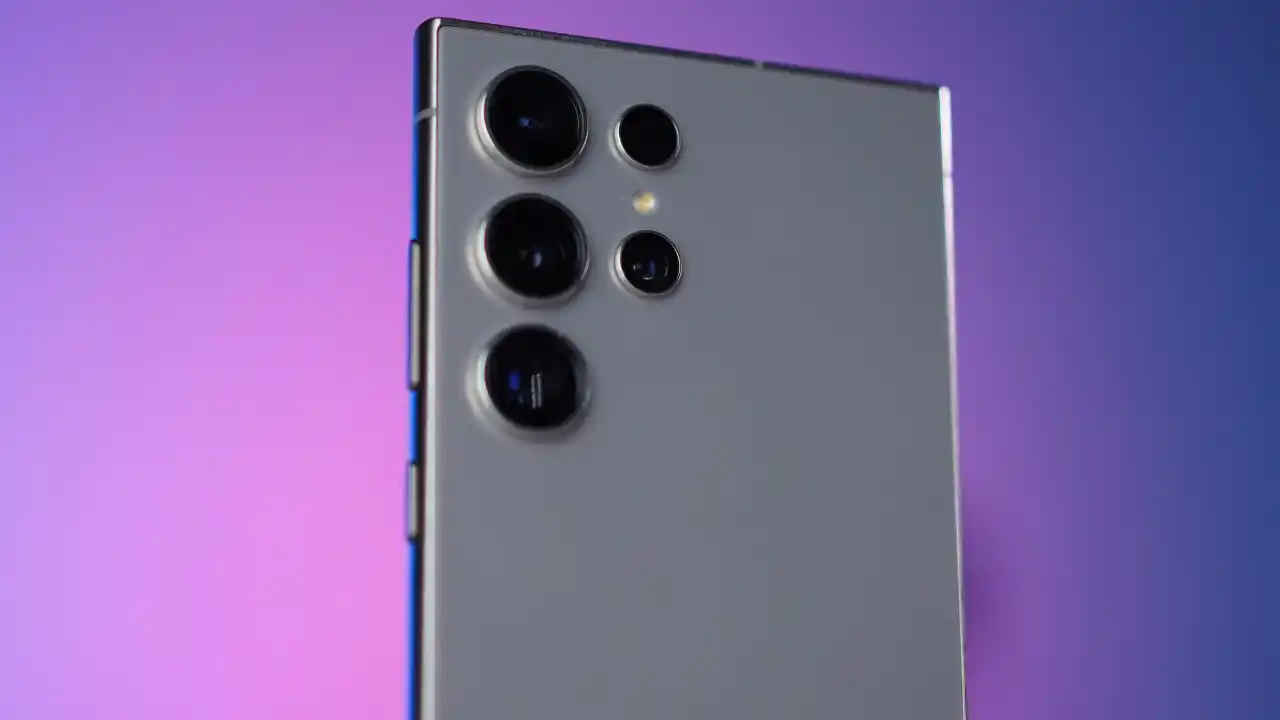

Released back in 2024, the Samsung Galaxy S24 series has become one of the best-selling flagship lineups for the company. During the launch, the company promised an outstanding update cycle of 7 years, so ever since One UI 8.5 started making its way to the Galaxy flagships, more and more S24 series users have started demanding a release timeline for their devices. And it looks like Samsung is finally listening to all the feedback, as they’ve started rolling out a stable update for the devices. However, there is a slight catch that comes with it. So without wasting much time, let’s understand when your Galaxy S24 will get the latest One UI 8.5 update.
 Survey
Also Read: I stopped keeping Bluetooth on all the time, here is why you should too
Galaxy S24 series One UI 8.5 update
First reported by SamMobile, the company has started rolling out the stable One UI 8.5 update for the Galaxy S24 series in South Korea. The list of devices includes the base S24, the S24+, and the S24 Ultra. Samsung is yet to reveal the release date for other countries. However, given the timeline, many are expecting that it could happen as soon as next week.
One UI 8.5 new features
Speaking of which, if you are wondering about the features that Samsung has introduced with the latest update, there are quite a few of them. First and foremost, it brings all the latest improvements seen on Android 16 QPR2. Along with that, it has also introduced a refreshed user interface, which is cleaner and more modern than before.
One of the nice-to-have features to be included with the update is AirDrop compatibility. The company has added it to Quick Share, and it now allows sharing files between iOS devices. They’ve also made significant improvements to the Galaxy AI features.
How to update your Galaxy S24 to One UI 8.5?
In case you’re wondering how to actually update your Samsung Galaxy S24 to the latest One UI 8.5 version, doing so is pretty simple. You’d obviously have to wait for the stable update to be released globally. But once that does go live, simply follow the steps mentioned below:
- On your phone, open the settings app, either by searching for it or by going through the notification drawer shortcut.
- Once you’re inside, you need to scroll all the way down till you see the ‘Software update’ panel.
- Click on it, and inside you’ll find the ‘Download and install’ option.
- If the update has rolled out in your region, you should see the One UI 8.5 update pop up on your screen. Make sure you’re connected to Wi-Fi, and let it update your phone.
- Once the update has been downloaded, your phone will install the update, and the device will restart. After which, your phone will have the latest update installed.
For more such latest news and informative guides, keep on reading Digit.in
Also Read: Samsung may ditch its own displays for Galaxy S27 to cut rising costs: Report


