

Android 17 beta update: List of eligible Motorola devices, features and how to sign up for it
 Follow Us
Android 17 beta update coming to eligible Motorola devices.
New features include UI customization and deeper AI integration.
Users must enroll in the Motorola Feedback Network program.


With the release of Android 17 on the horizon, most smartphone makers are starting to work on the beta updates for their devices. And while ‘Motorola’ and ‘software updates’ are two words that don’t normally go together in a sentence, it looks like the company is finally looking to make amends. It was recently reported that the company has released a list of the devices that will be eligible to receive the Android 17 beta update. Without wasting any time, let’s take a look at the list and check which Motorola devices are getting the new update.
 Survey
Also Read: OpenAI scientist says Pentagon deal not worth it amid growing backlash
Motorola devices eligible for Android 17 update
Here is the list of all the devices that are currently eligible for the Android 17 beta update. Check them out below:
- Moto G57 Power
- Moto G57
- Moto G86 Power
- Moto G86
- Motorola Edge 60
- Motorola Edge 60 Fusion
- Motorola Edge 70
- Motorola Edge 70 Fusion
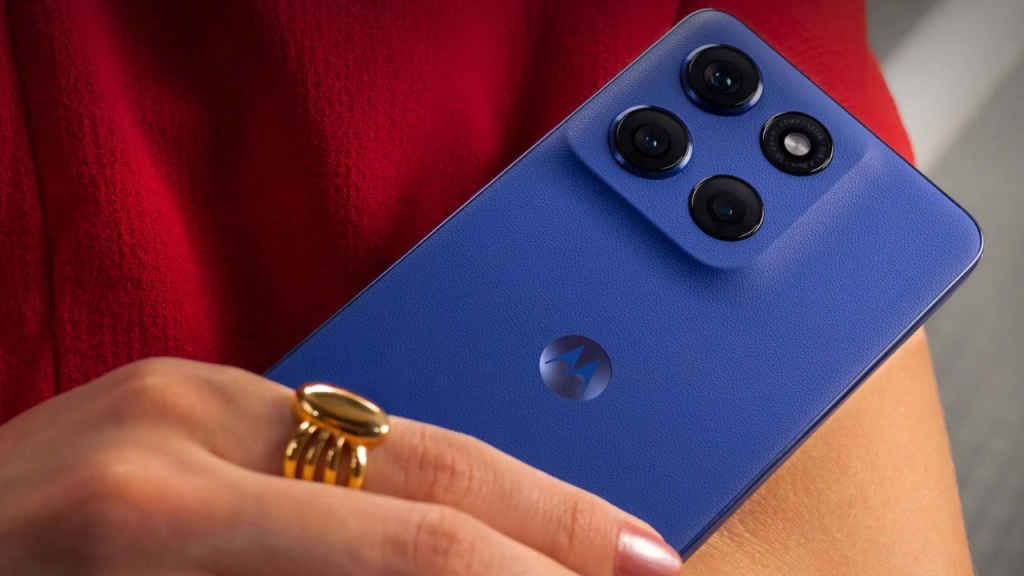
If you don’t find your device in the list, then worry not, as other devices, like the phones from the Moto Razr series and the recently released flagship, the Moto Signature, will likely release the beta updates at a later date. So far, these are the confirmed devices to receive the update.
How to sign up for the Motorola beta update program
Since it’s a beta update, users would also be required to sign up for the beta programme. Please follow the steps mentioned below to enroll yourself there.
- First and foremost, you’d need to create an account on the community website of Motorola
- Once that’s done, you’d have to input the details, such as the IMEI or serial number of your device, on the profile page of the community page
- After that, make sure to opt in for MFN on your Motorola community profile, and ensure that your phone is running the latest software version.
- Head on over to the MFN Beta Testing Opportunities page if you have a compatible Motorola device
- Tap on the registration link for your Motorola phone, and fill in the details to submit your application.
After you’re done with all the steps, you should get an update on your device once your application is accepted for the update.
Features of the Motorola Android 17 update
Speaking of which, let’s also take a look at some of the features that the latest Android 17 update on Motorola devices is going to bring out. As per reports, the latest update will allow users to customise their devices more, as it is set to receive a bunch of new UI customisation features. The update will feature new animations and more focus on integrating AI across the system, while also enhancing the privacy and security features.
Also Read: Oppo confirms Find X9 Ultra global debut: What we know about specs and India pricing


