

Students can now access free textbooks directly in Google Gemini Notebook, here is how
 Follow Us
Google Gemini Notebook now offers hundreds of free textbooks for students.
Students can ask questions and get answers directly from textbooks with source links.
The tool can create study guides, flashcards and quizzes to make learning easier.
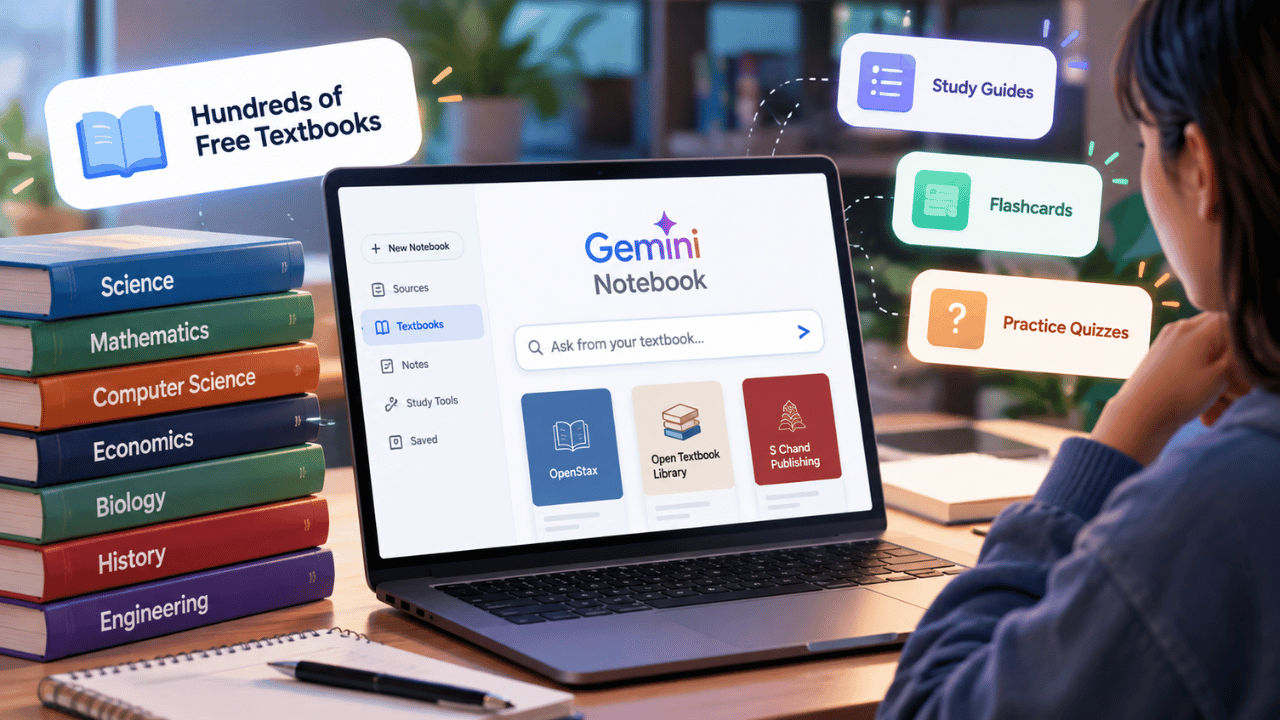

Studying is no longer just about spending hours buried in textbooks, as the new generation like to learn in practical and interactive ways. Imagine if your AI study companion not only could comprehend your books but also generate personalised learning materials from the contents of those books. This is now possible thanks to Google Gemini Notebook and its new textbook feature, which allows access to hundreds of free educational materials right at your fingertips. Whether you need help in getting answers straight from the source books or generating quizzes, flashcards and study guides, among others, the new feature is geared towards making your learning more efficient and enjoyable. Here is how you can use the textbooks feature in Google Gemini Notebook.
 Survey
Things to know
Are you planning to use the all-new textbook feature on Google Gemini Notebook? Here are some things you need to keep in mind:
- With the new feature, the students can now avail hundreds of textbooks from providers in the platform itself.
- At the time of writing, you can access books from OpenStax, Open Textbook Library and S Chand Publishing.
- Students can avail these textbooks from US and Indian publishers for free.
- Once a book is chosen, every question will be answered from that book itself.
- Responses also include inline citations and direct links to the original textbook sources.
Also read: Polymarket restores trading after security breach, assures affected users of full refunds
How to add free textbooks to Gemini Notebook
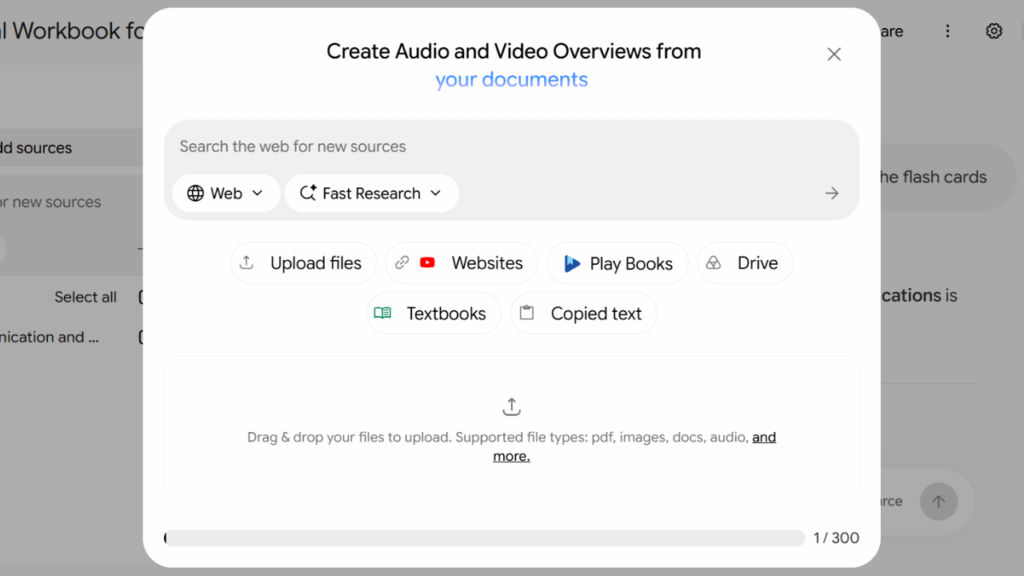
It’s simple to add textbooks to Gemini Notebook. All you need to do is go to the Gemini Notebook platform > select a notebook or create a new one > click Add sources > select Textbooks > browse the list of textbooks and select the one you want to add as a source.
Once the textbook has been added, you can start asking questions based on its content. Not only that, but you can also use the available tools to create learning materials for the same.
Also read: WhatsApp groups gets 4 new features: Status, forever message pinning, chat filtering and more
Benefits of new textbooks feature
With the addition of the textbook, the students can now limit the overflooded information they receive when asking a question to the AI tool. Not only that, but the AI hallucination will also get ruled out.
The AI tool now also gives inline citations and links that make it easier for the students to check information and return to the original material whenever they want to learn more about that.
What enticed me the most is that the AI tool allows you to turn textbook content into personalised study guides, practice quizzes and flashcards. This comes in handy when you’re not in a mood to study and have an exam soon. As you can revise important topics, test your understanding and prepare for examinations while simply playing games.


