

iOS 27 is here: AI-powered Siri, new features, eligible iPhones and how to download
 Follow Us
iOS 27 brings a major AI upgrade to Siri.
New features improve apps, speed and privacy.
Check the full list of iPhones eligible for iOS 27.
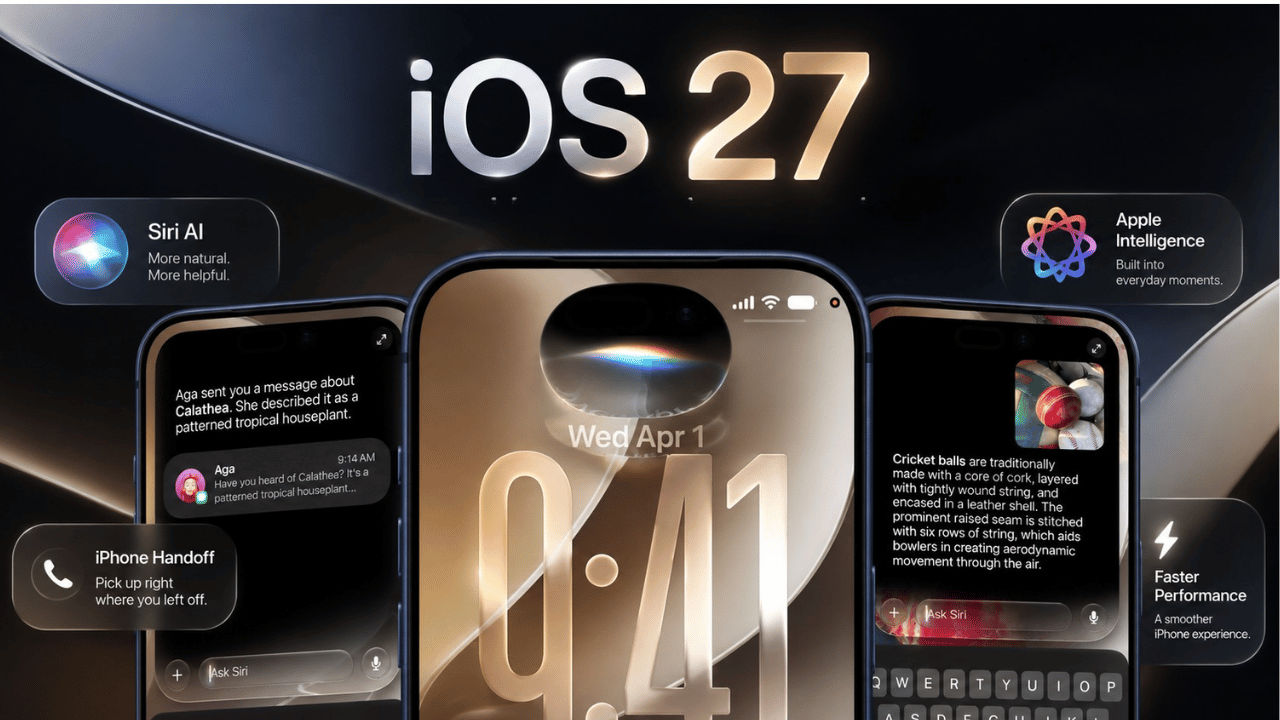

Apple has finally rolled out one of the most awaited software rollouts, iOS 27. The OS was first teased on WWDC26 and was later unveiled at Apple’s Surprise and Shine event. The new software update finally brings the AI-powered Siri to the iPhones. The new Siri is designed in a way that it can understand the personal context and what is shown on the screen. Aside from that, the voice assistant will also now sit in your device as a dedicated app. Other than the revamped Siri, iOS 27 also brings changes to several parts of the iPhone experience, which include the native apps like Mail, Safari, Camera, Photos, Maps, and Find My. Here’s everything new that has been released with the all-new iOS 27, including the complete list of the eligible devices.
 Survey
iOS 27: List of eligible devices
Here is a complete list of Apple iPhones that receive the iOS 27 update today:
- iPhone 17: iPhone 17 Pro Max, iPhone 17 Pro, iPhone 17, iPhone 17e
- iPhone 16: iPhone 16 Pro Max, iPhone 16 Pro, iPhone 16 Plus, iPhone 16, iPhone 16e
- iPhone 15: iPhone 15 Pro Max, iPhone 15 Pro, iPhone 15 Plus, iPhone 15
- iPhone 14: iPhone 14 Pro Max, iPhone 14 Pro, iPhone 14 Plus, iPhone 14
- iPhone 13: iPhone 13 Pro Max, iPhone 13 Pro, iPhone 13, iPhone 13 mini
- iPhone 12: iPhone 12 Pro Max, iPhone 12 Pro, iPhone 12, iPhone 12 mini
- iPhone 11: iPhone 11 Pro Max, iPhone 11 Pro, iPhone 11
- iPhone SE: iPhone SE 2nd gen, iPhone SE 3rd gen
- iPhone Air
Siri AI will only be available to the iPhone 15 Pro and later models, as they meet the requirement of a minimum of 8GB RAM and the A17 Pro chipset. Hence, the iPhone 15, 15 Plus or earlier devices will completely miss out on Siri AI.
Another thing to note is that you will only be able to enjoy the complete Siri AI experience with the iPhone 17 Pro, 17 Pro Max, Air and later as they come with 12GB RAM, the base requirement for certain Siri AI features.
iOS 27: What’s new
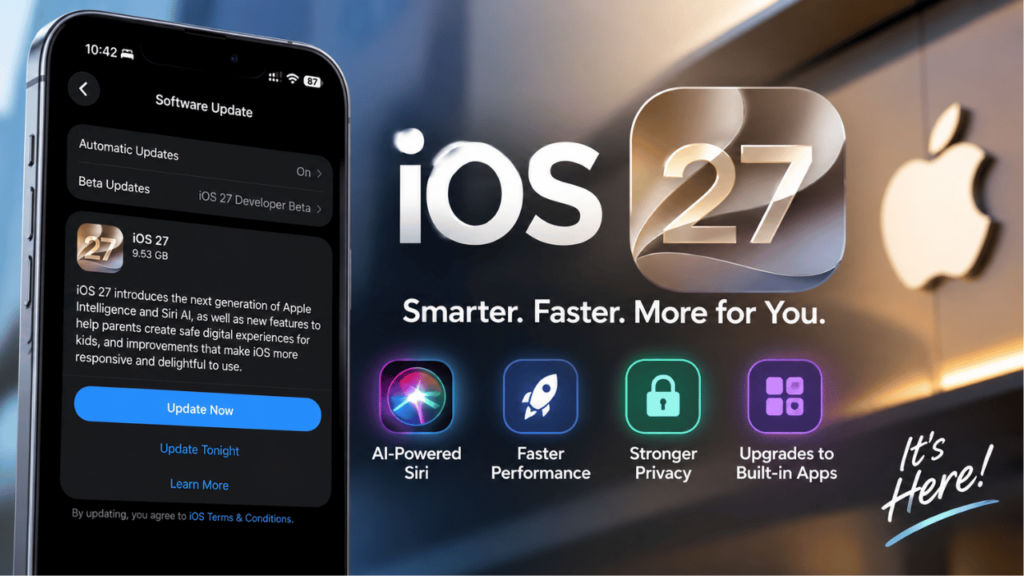
With all the new iOS 27, the iPhones get the redesigned Liquid Glass look. It now comes with a slider that allows you to tone down the glass effect for better readability. Aside from that, iOS 27 is focused on speed. Apple says apps open up to 30 per cent faster, new photos show up in your library up to 70 per cent faster, and AirDrop transfers move up to 80 per cent quicker.
There’s a new iPhone Handoff feature that lets you use one phone number across two iPhones, though it needs carrier support and may come with a monthly fee. Apple also added stronger child safety tools, including limits on app time and screening for unwanted content in Messages and FaceTime.
If that’s not already enough, the Cupertino-based tech giant is also offering local lists and improved Flyover features on Apple Maps. Find My will also give users more control over how long they share their location, and the users who are looking to share photos with Android and Windows devices through iCloud can do it with more ease.
iOS 27: Siri AI update
The revamped Siri has been the biggest highlight of iOS 27, as it blends Apple’s own AI models with outside technology to hold real conversations, remember context, and help with planning instead of just answering one-off questions.
Not only that, Siri can also automatically pull up useful details, like finding a booking code while you’re on a call. With iOS 27, Siri will no longer be just a voice assistant, as it will be getting its own standalone app.
Also read: Vivo X500 vs Oppo Find X10: 4 major differences to expect before launch
How to download iOS 27
If you want to update your device to the all-new iOS 27, then go to Settings, tap General, and select Software Update and press the Update button beneath the iOS 27 section. Follow the on-screen instructions and complete the installation. However, make sure that you’ve backed up your iPhone before installing the latest software.


