

Happy Navratri 2025 WhatsApp status video download: Short videos to share on Facebook, Instagram, WhatsApp
 Follow Us
Navratri 2025 begins on March 30 and concludes on April 7, with Ram Navami on April 6.
Download and share devotional status videos featuring Maa Durga’s chants and festive animations.
Follow simple steps to upload Navratri WhatsApp Status and spread festive cheer online!
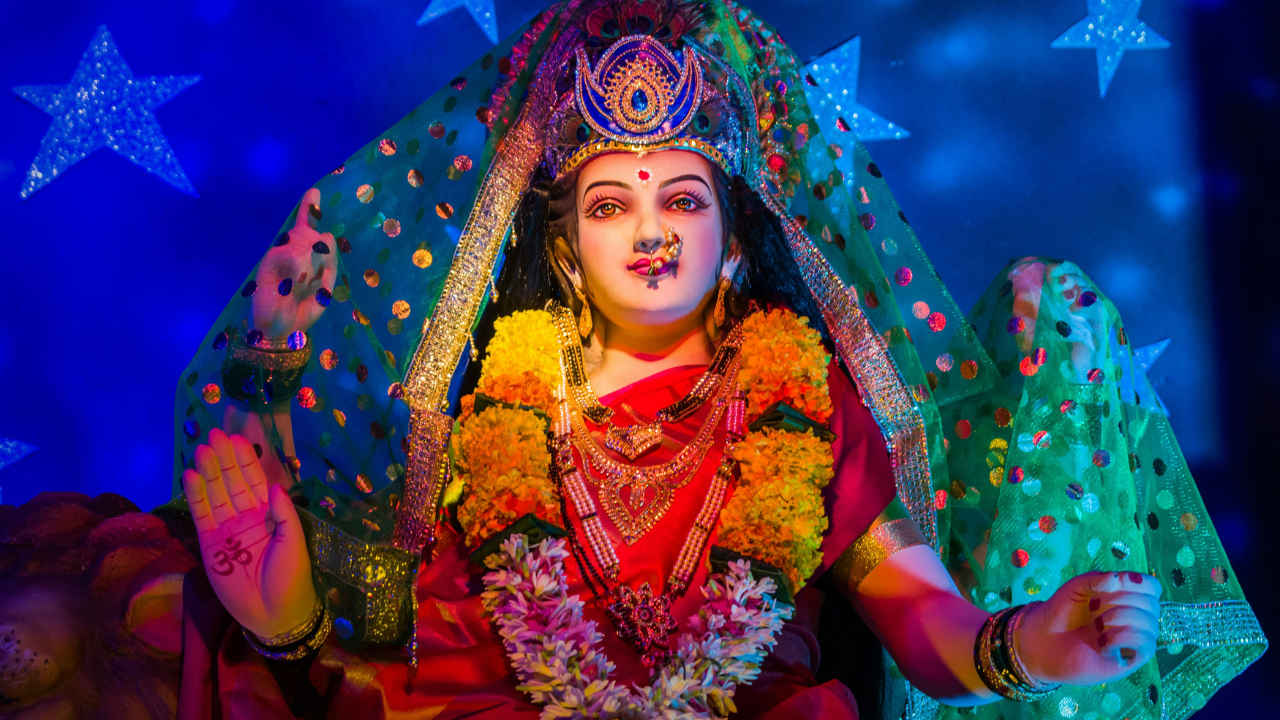

Happy Navratri 2025 WhatsApp wishes: Chaitra Navratri 2025, the spiritually enlightening nine-day celebration of Maa Durga and her divine forms is here. Alongside the fasting, prayers, and rituals that devotees around the world observe, digital celebrations are also growing in popularity. Given the importance of social media in sending festive greetings, people are actively searching for Navratri 2025 WhatsApp Status Videos to share their devotion with friends and family.
 Survey
These short videos, featuring vibrant Shakti mantras and beautifully animated Maa Durga images, capture the essence of Navratri, making them ideal for WhatsApp, Instagram, and Facebook stories. Whether you’re looking for traditional Navratri bhajans, powerful Durga stuti chants, or modern festive edits, we have the best selection of status videos to make your celebrations even more memorable.
But before moving towards the Happy Navratri WhatsApp Status videos, here are the Navratri muhurat and timings for you.
Chaitra Navratri Muhurat timings
The Chaitra Navratri will start on March 30. Ram Navami will fall on April 6 and Navratri will conclude on April 7. According to the Drik Panchang, the timing for Ghatasthapana or Kalash Sthapana Muhurat is between 6:13 AM to 10:22 AM.
The Ghatasthapana Abhijit Muhurat is between 12:01 PM to 12:50 PM and Pratipada Tithi will start at 04:27 PM today and end at 12:49 PM on Mar 30.
Now, scroll down and download and share these Navratri 2025 videos to spread joy, positivity, and divine blessings throughout the festivities.
Happy Navratri 2025 WhatsApp status video download
Video-Pexels
Video- Pexels
Video-Pexels
Video- Pexels
Video-Pexels
Happy Navratri 2025 WhatsApp status video download: How to use
- Open WhatsApp and go to the Status tab.
- Tap on My Status and select Pictures & Videos.
- Choose your Navratri-themed video from your device’s gallery.
- Tap Add a caption to include a heartfelt Navratri wish or devotional message.
- Click the emoji icon to add festive symbols to enhance your caption.
- Select Status (Contacts) to customize who can view your Navratri status.
- Finally, tap Share to spread Navratri vibes and divine blessings with your contacts!


