

Happy Maha Shivratri 2025 WhatsApp Status video download: Short videos to share on WhatsApp, Facebook, and Instagram
 Follow Us
Maha Shivratri 2025 is on February 26, and short videos are available for sharing on social media platforms.
The four Prahar Muhurat timings for Maha Shivratri are detailed for a spiritually fulfilling night.
Learn how to update your WhatsApp Status with these festive videos and spread the celebration instantly.
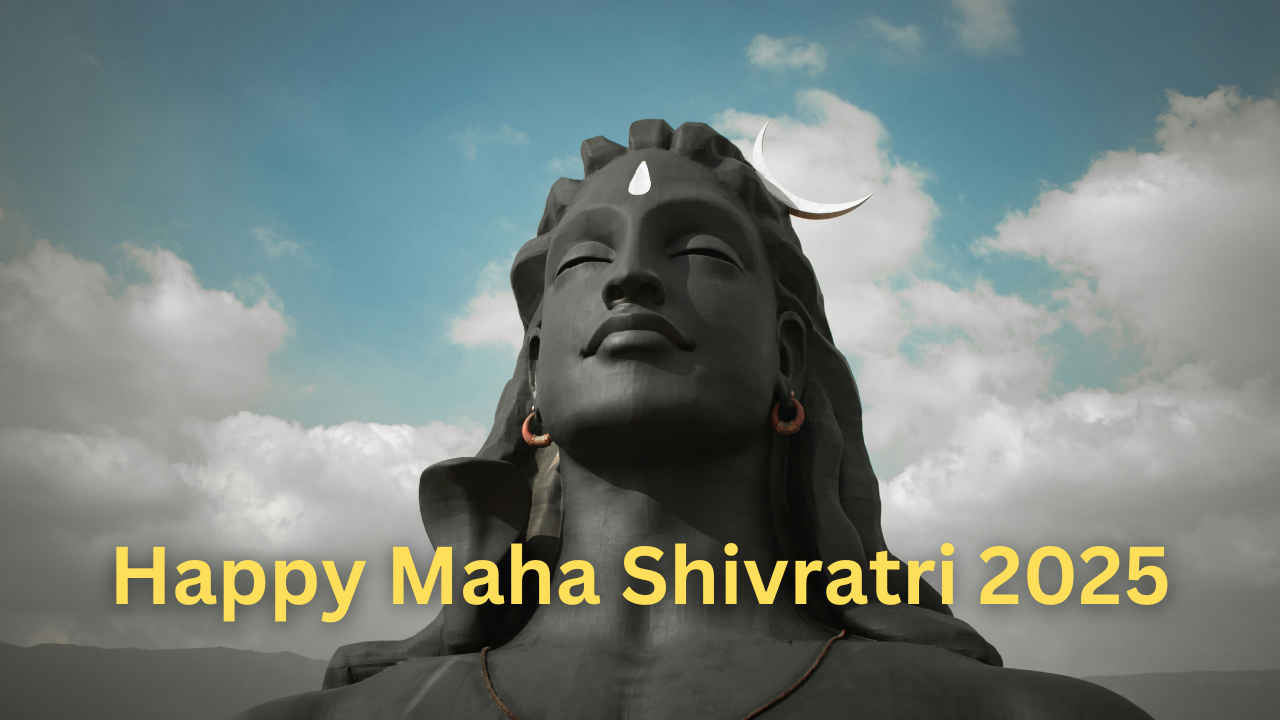

Maha Shivratri, one of Hinduism’s most important festivals, commemorates the divine union of Lord Shiva and Goddess Parvati. This festival celebrates marital harmony, bliss, and the cosmic balance of creation, preservation, and destruction, as represented by Lord Shiva’s Tandava dance. Maha Shivratri, celebrated as a night of spiritual awakening, allows devotees to seek blessings for peace, prosperity, and spiritual development.
 Survey
Maha Shivratri 2025 date, time and shubh muhurat
This year, Maha Shivratri is on February 26 (Thursday), and to help you celebrate, we’ve compiled a collection of beautiful short videos to share with your family and friends. These videos are ideal for updating your WhatsApp status and sharing on Facebook and Instagram to spread the festive spirit.
According to Drik Panchang, the Maha Shivratri 2025 muhurat will begin at 11:08 AM on February 26. The timings for the four Prahar Muhurats are as follows: The First Prahar Muhurat will start at 06:18 PM and end at 09:25 PM, the Second Prahar Muhurat will begin at 09:25 PM and conclude at 12:33 AM on February 27, the Third Prahar Muhurat will be from 12:33 AM to 03:40 AM, and the Fourth Prahar Muhurat will run from 03:40 AM to 06:47 AM on February 27.
You can put these short videos on your WhatsApp Status, Facebook Stories or Instagram Stories. You can also put these on your Instagram Reels. Sharing these videos will help you wish your friends, colleagues, family and others all at a single time without any need of sending wishes individually.
(Credits: These videos are taken from Pexels and Pixabay).
Mahashivratri 2025: How to put WhatsApp Status
Select Status, then My Status, and finally Pictures & Videos.
Choose a video from your device.
Click Include a caption in your video by clicking the Add Caption button.
Click an emoji to add it to your caption.
Choose Status (Contacts) to tailor your audience.
Click Share to share your status.


