
Google takes on Canva with Google Pics: Here is how you can try it
 Follow Us
Google Pics helps users create and edit images easily with AI.
It can be used on its own and with Google apps like Docs and Slides.
The feature is rolling out gradually to eligible Google users.
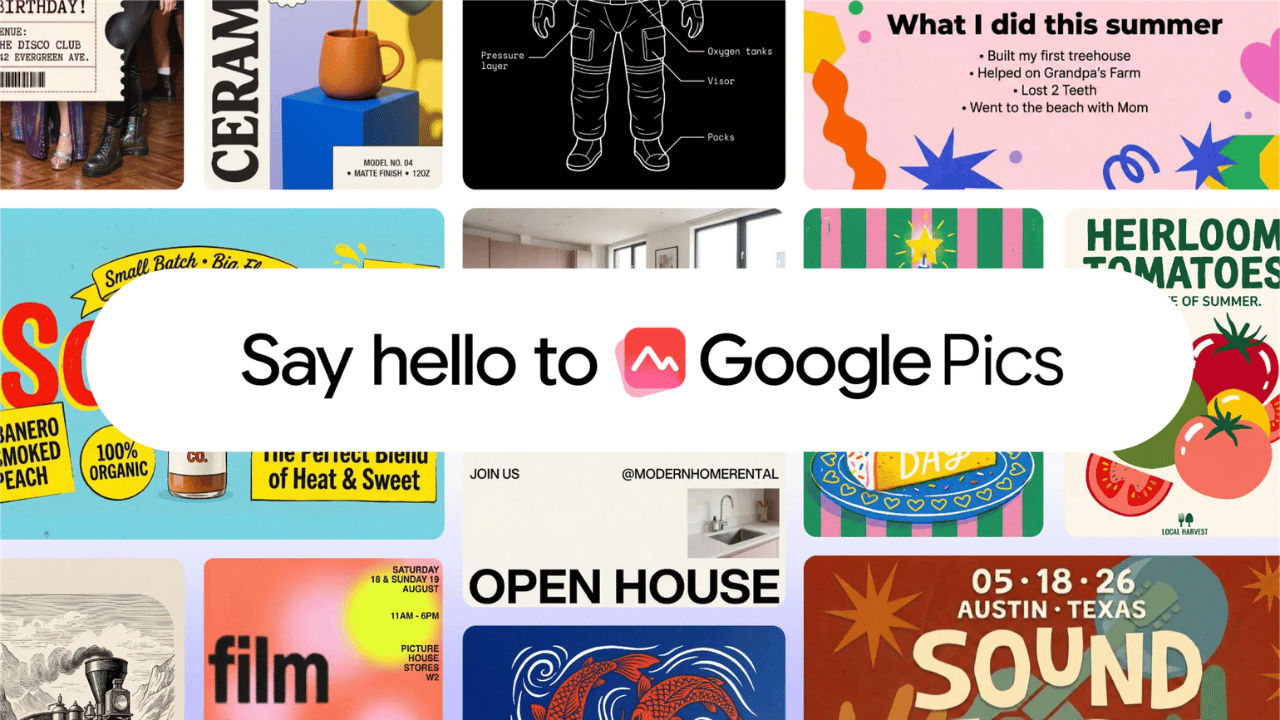

Google has started rolling out the all-new Google Pics, which can help the users to create and edit images. The platform is built on the NanoBanana image generation and editing model. The tool allows the consumers to create whatever they’re imagining, starting from designing a poster or social media posts or editing digital illustrations. The most interesting part is that. Google Pics will land as both a standalone product and also be integrated into Workspace apps like Slides, Docs, and Drive. If you’re planning to try Google Pics, then here’s how you can access it.
 Survey
What does Google Pics offer?
Google Photos offers you many capabilities, like the tool allows you to easily isolate an object and transform it without altering the rest of your image. Not only that but you can also input text comments on specific areas to request targeted changes and execute multiple edits at once.
The consumers can also modify or translate text directly inside an image, and that too without disrupting the design or changing the font. Google Photos also allows you to collaborate with your friends and colleagues to edit the same image. Unlike any other AI tool, the tool generates several options from a single prompt.
Also read: Got a password reset email from X? Company says it is investigating possible attacks
Google Pics: Things to know
Before I tell you how to access Google Photos, here are some things that you should keep in mind:
- The tool can work as an individual app as well as inside the Workspace. Google also confirms that users will be able to create and edit visuals within the tools they already use.
- Google Pics is rolling out in phases, and users will start seeing the feature in Workspace soon.
- The first Workspace integrations are planned for Slides, Docs and Drive.
- Google Pics will be available to Google AI Pro and Ultra subscribers and most Workspace business customers.
Also read: How much will new Apple CEO John Ternus earn? His pay compared with Tim Cook
How to access
If you meet all the requirements stated above, then you can simply head to Google and search for Google Photos. Head to the first website and sign in with your Gmail. Once logged in, you can follow the on-screen instructions to access the platform.


