

Find eSIM setup complicated? Google Gemini may soon do it for you, here is how
 Follow Us
Google Gemini may soon manage eSIM profiles through a SIM Manager connector spotted in Android 17 QPR3 Beta 2.
The AI assistant could help users set up, transfer, restore or delete eSIM profiles using prompts.
- The feature was spotted in an APK teardown and has not been officially confirmed by Google.
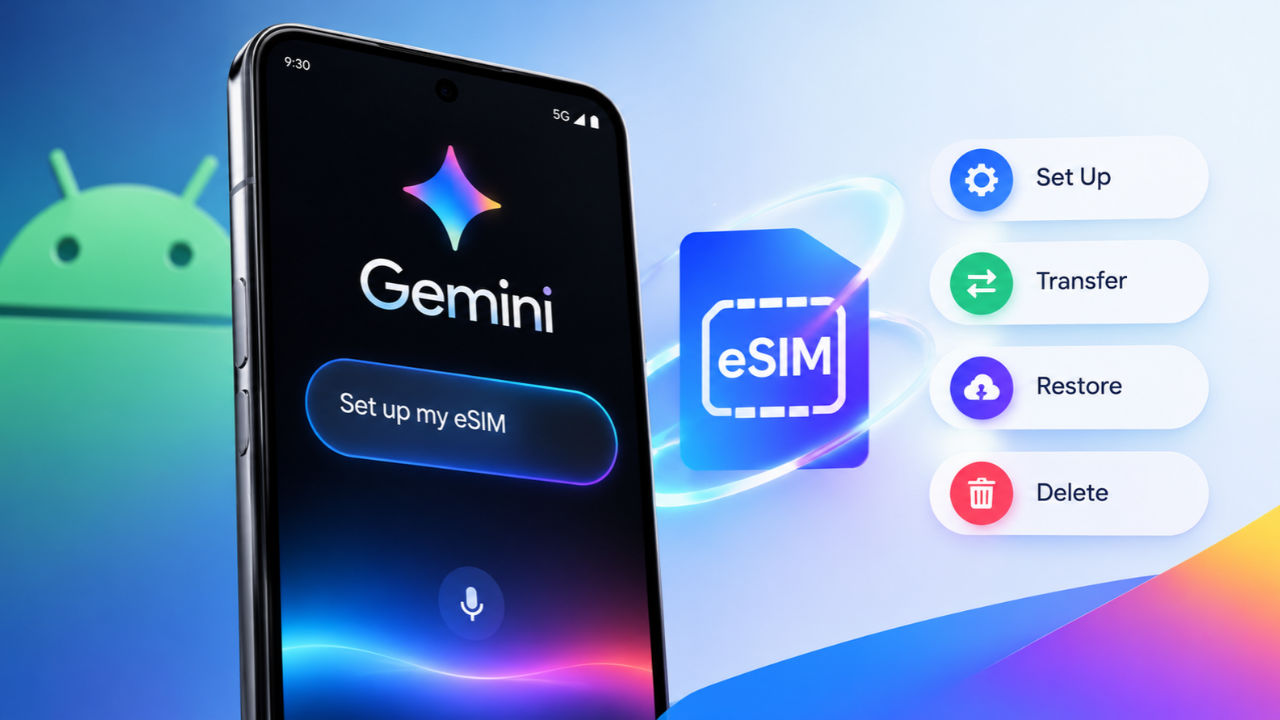

Search giant Google adds new features to its AI-powered Gemini assistant at regular intervals. Continuing this series, Google may soon let Gemini set up eSIM (embedded Subscriber Identity Module) profiles on eligible Android smartphones, cutting down a user’s effort in this regard. Android Authority spotted hints of a SIM Manager connector in Gemini in Android 17 QPR3 Beta 2, hinting at a possible arrival of the feature on Pixel phones soon. Gemini may tap into Google’s SIM Manager app using the connector to manage an eSIM profile.
 Survey
The report noted Gemini may be able to configure new carrier profiles via prompts. This may allow users to convert physical SIM cards to eSIM or transfer profiles (transfer-in requests) across devices. Not just that, Gemini may also restore eSIM profiles from a backup to configure them on your phone. Lastly, users may also get an option to delete an active eSIM profile.
Also Read: Google unveils Genie 4, an AI model that can create realistic virtual worlds with sound and physics
While these are a few operations Gemini may be capable of completing, there are a host of SIM Manager app-linked tasks that it might not perform. Gemini may not get access to editing billing plans or viewing call history. Operations such as setting up a physical “SIM” may remain unsupported by the AI voice assistant. Plus, enabling or activating an eSIM profile and transferring an eSIM (transfer-out requests) may not be supported.
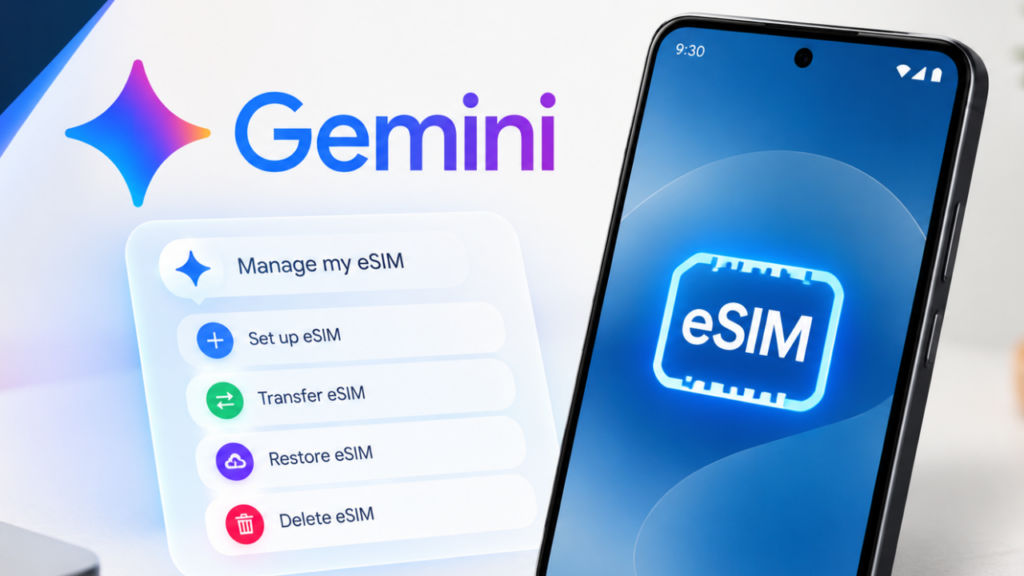
Android Authority claims the eSIM setup connector is working on Pixel 9 on the “17.70.10.sa.arm64” version of the Google app. If the feature starts rolling out, users may give the AI model clear instructions to set up, transfer or delete an eSIM profile without juggling through menus in the SIM Manager. Plus, this may prove to be a handy feature for users who switch phones quickly, such as reviewers who test smartphones.
An actual use case could be for non-techy users who struggle with the setup of the eSIMs on their new phones. While deleting an eSIM is relatively easy, this will also aid in select cases of eSIM transfers for these users. However, readers should also note that this feature was spotted in an APK teardown and Google has not confirmed its existence. Hence, these details should be taken with a pinch of salt.


