
WhatsApp rolls out passkey-encrypted backups: Here’s what it means and how to enable it
 Follow Us
The feature replaces traditional password-based backup protection with passkeys.
Users can enable it through the “Chat Backup” section in WhatsApp settings.
It uses biometric or device-level authentication for added security.
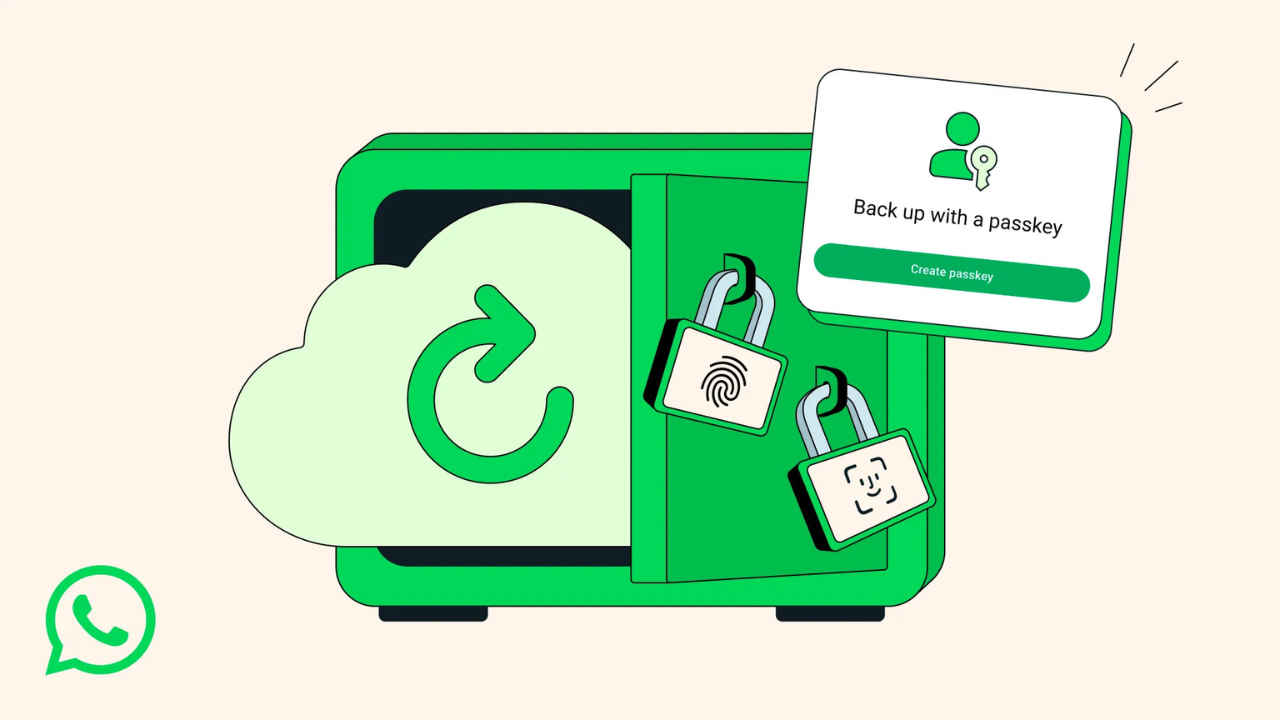

WhatsApp is finally simplifying privacy for its users worldwide with the addition of passkey-encrypted chat backups, a feature that will make securing your conversations simple yet highly secure. The new system replaces traditional passwords and 64-digit encryption keys with biometric authentication, using your fingerprint, face, or device screen lock to protect your chat history.
 Survey
Until now, users could enable end-to-end encryption for their backups, but it required either entering a password or manually storing a long encryption key, which was both time-consuming and easy to forget. WhatsApp’s new passkey system integrates directly with a phone’s built-in security hardware, providing the same level of encryption but with far greater ease of use.
“Passkeys will allow you to use your fingerprint, face, or screen lock code to encrypt your chat backups instead of having to memorize a password or a cumbersome 64-digit encryption key,” the company stated in a blog post.
Once enabled, the phone’s authentication method will become the key to your backup. This means that whenever you restore WhatsApp on a new device or reinstall it, you will simply need to unlock your phone, retrieve forgotten passwords or old keys. WhatsApp also states that privacy remains intact and neither the company nor cloud storage providers like Google Drive or iCloud can access your encrypted messages, photos, or voice notes.
“Now, with just a tap or a glance, the same security that protects your personal chats and calls on WhatsApp is applied to your chat backups so they are always safe, accessible, and private,” the company added.
How To Enable Passkey-Encrypted Backups on WhatsApp
Open WhatsApp and go to Settings.
Tap Chats and then Chat Backup.
Scroll down and enable End-to-End Encrypted Backup.
Follow on-screen instructions to link your phone’s biometric or screen lock credentials.
It must be noted that the feature is rolling out and will be available to everyone in a phased manner across Android and iOS devices in the coming weeks and months. Once available, the users will be able to provide a faster, smarter and safer way to keep memories and messages.


