
 E-Magazine
'iPhone users are being hacked': Telegram CEO warns opening website is enough to expose your data
Telegram CEO Pavel Durov has raised an alarm for iPhone users.
Durov warned that iPhones running outdated versions of iOS can expose users’ personal data to hackers.
He stressed that visiting a website is enough to put users' devices at risk.
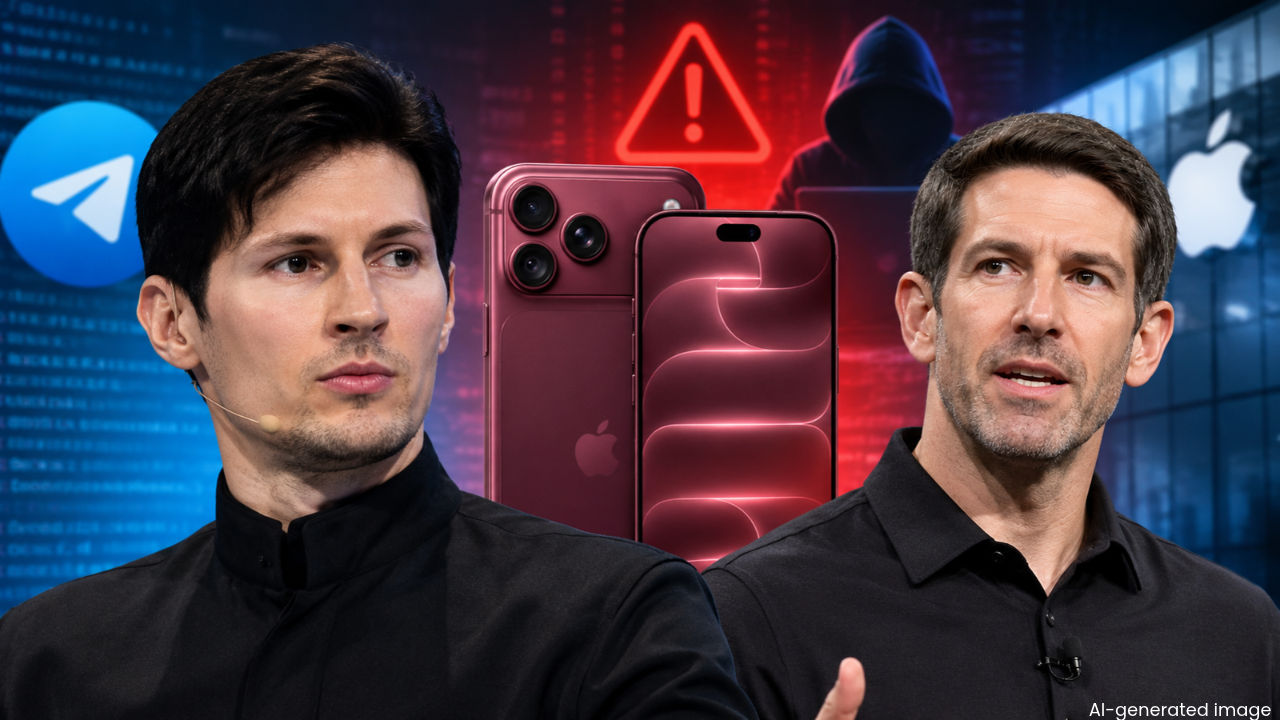
Telegram CEO Pavel Durov has raised an alarm for iPhone users, warning that devices running outdated versions of iOS can expose users’ personal data to hackers. He stressed that visiting a website is enough to put users' devices at risk. Durov also said that Telegram has started sending security warnings to users who are still using older versions of Apple's mobile operating system. It remains unclear how many users may have been affected. This highlights the importance of keeping iPhones updated to protect personal information from potential cyberattacks.
What Telegram CEO Pavel Durov said about iPhone security
In a post on X, Durov warned about hackers targeting iPhone users. He said that devices running outdated versions of iOS are vulnerable to attacks. "iPhone users are being hacked on a massive scale. If your iOS is even slightly outdated, all your data is at risk. Just opening a website can be enough to get you hacked," he wrote.
Durov also said that Telegram was sending security alerts to users who had not updated their iPhones. "We're sending this warning to all our users on older iOS versions," he said.
However, Durov did not share details about the security flaws that could be exploited. He also did not name any suspected attackers or reveal how many users may have been affected. Also, Telegram has not yet revealed which iOS versions are covered by these warnings.
🚨 iPhone users are being hacked on a massive scale. If your iOS is even slightly outdated, all your data is at risk. Just opening a website can be enough to get you hacked. We're sending this warning to all our users on older iOS versions: https://t.co/k2BKf5N5ua
— Pavel Durov (@durov) November 27, 2026
How can iPhone users update their devices?
Apple recommends installing the latest available software updates to protect devices against security threats. These updates also include bug fixes and other improvements.
To check for an update, iPhone users can follow these steps:
- Open the Settings app on your iPhone.
- Tap General.
- Select Software Update.
- If an update is available, tap Download and Install.
Users can also turn on automatic updates to make sure that their devices receive new software updates when available.
Do note that the latest iOS version depends on the iPhone model. Apple also releases security updates for some older devices that cannot run its newest operating system. Keeping an iPhone updated is one of the easiest ways to reduce the risk of security attacks and protect personal information.
Durov's warning comes after a recent cyberattack in which hackers reportedly compromised scripts running on several popular websites. The attackers allegedly used the scripts to target iPhone users and steal cryptocurrency. The incident raised concerns about how malicious website content can put smartphone users at risk.
Such attacks also highlight why users should avoid running outdated software, as older versions may contain security flaws that hackers can exploit.

Ayushi Jain Ayushi works as Chief Copy Editor at Digit, covering everything from breaking tech news to in-depth smartphone reviews. Prior to Digit, she was part of the editorial team at IANS.
View full profile