
You can get YouTube Premium free for 2 months, here is how
 Follow Us
YouTube is offering a free two-month trial for its Premium service.
The trial includes ad-free viewing, background playback, and offline HD downloads.
This limited offer is currently rolling out to select eligible accounts.

YouTube Premium is often cited by most users as the best subscription service in the market for the value it provides. The option for no ads on YouTube already makes it exciting, but what’s more is that the service even offers additional features that make the watching experience better. YouTube generally offers a free trial of its subscription for about a week or even a month at times. However, most recently, it was reported that they’re bumping the trial period by a full month, meaning that users would now be able to get YouTube Premium free for 2 months. Let’s take a look at how you can claim the offer.
 Survey
Also Read: How to use the latest ChatGPT Library feature: Step-by-step guide
What does the YouTube Premium free trial include?
Since it’s a free trial of YouTube Premium, many often wonder if there will be any restrictions compared to the regular version. Though thankfully, there’s nothing like this because the free trial offers all the same features from YouTube Premium, like ad-free YouTube videos, support for background playback, and even gets offline downloads of videos at full HD quality.
Step-by-step guide to get YouTube Premium for free
Let’s now move ahead and take a look at how you can claim the YouTube Premium 2-month offer. Simply follow the steps mentioned below:
- On your phone, open the YouTube application.
- In there, head on over to the bottom left side to access the ‘You’ tab.
- Scroll down below, and you should see the ‘Get YouTube Premium’ button; simply click on it.
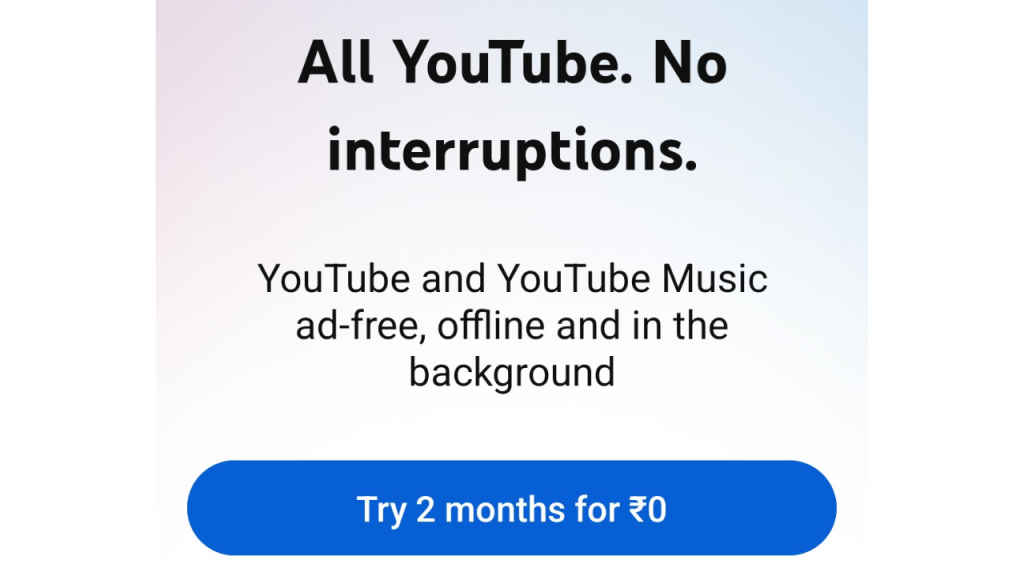
- There should be a screen displaying the 2 months free offer, while mentioning the terms and conditions along with it.
- Click on ‘Try 2 months for ₹0’ to claim the offer.
- Simply add your payment methods if you haven’t already, and you should be able to claim the offer without any issues.
In case you don’t see the option to claim the offer, that’s normal because the free trial hasn’t rolled out to every user. It’s only available to select users. If you don’t see it on your account, it is recommended to check it on other YouTube accounts as well, preferably new accounts or those that haven’t claimed any previous offers before.
Hope you understood how you can claim the offer completely for free. For many such useful guides, keep on reading Digit.in
Also Read: How to automate Claude and complete your important tasks: Step-by-step process


