

How to stop Discord messages from appearing in Google search results
 Follow Us
Discord messages may soon appear in Google search results.
Users can disable message sharing in privacy settings.
Private chats and direct messages remain unaffected.
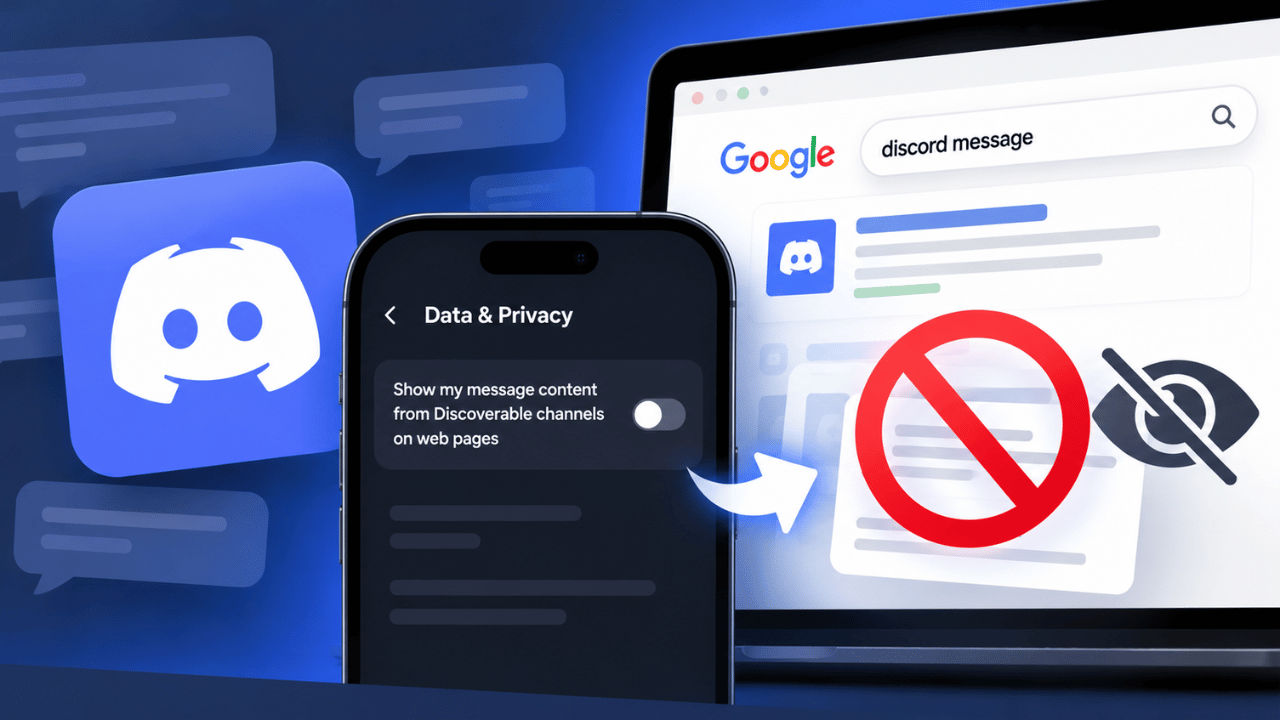

Discord is all set to make conversations from its public servers easier to find on search engines such as Google. The move has faced severe backlash as it raises concerns about privacy and how far online discussions can travel. According to the reports, starting November 16, all Discoverable Servers will receive dedicated web pages featuring basic information and summaries of public discussions. Not only that, but from mid-December, individual messages posted in eligible channels may also appear word-for-word on these pages and in search results. If you’re not comfortable sharing your personal chats on Google, then follow along to learn how to stop Discord messages from appearing in Google search results.
 Survey
Things to know
Before I guide you on how to stop Discord messages from appearing in Google search results, here are some things you need to keep in mind:
- The new change applies to discoverable servers with at least 1,000 members that appear in Discord’s public directory.
- Server web pages will include basic details and discussion summaries.
- Individual messages from eligible public channels may also appear in search results.
- Published messages will not display the poster’s username or avatar.
- Messages posted before the message-sharing rollout will not be included.
- Private servers, direct messages and group direct messages are not covered by this change.
Also read: Starlink users at risk of being tracked and spied on through online ads: Report
How to opt out of Discord messages appearing in search results
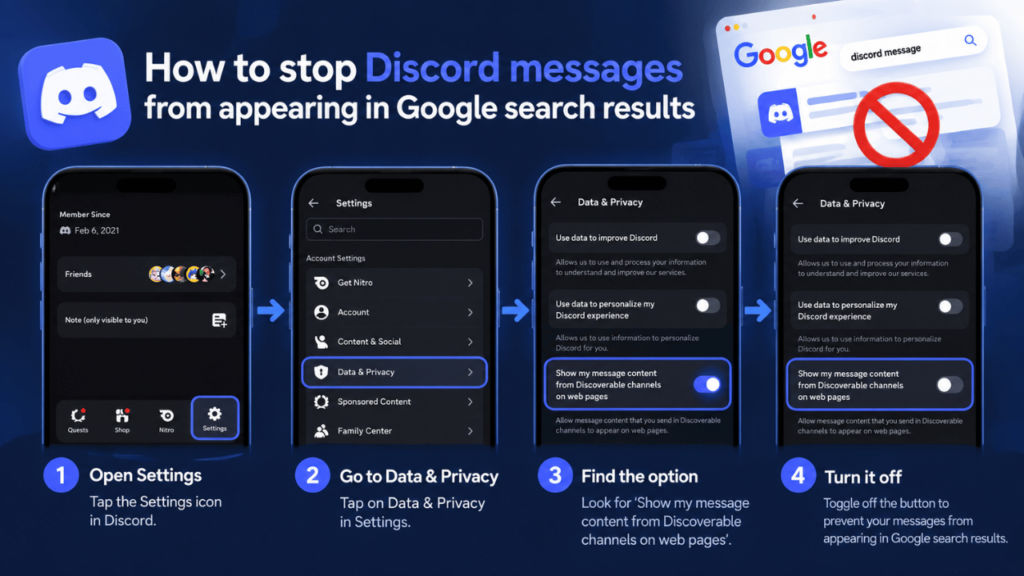
If you don’t want your messages to appear in Google search and public web pages, then you can disable it. To do so, head to User Settings > Data & Privacy > Toggle off the button next to ‘Show my message content from Discoverable channels on web pages.’
Moreover, if you want to remove a message that has already appeared online, then you must delete it from Discord. However, it’s important to note that the search engines may retain cached copies for some time.
The server administrators can also manage visibility through Server Settings > Web Presence. Not only that, but they can also prevent messages from specific channels or entire servers from appearing online. Furthermore, the discussion summaries can also be disabled separately.
Note: Message sharing will be switched off by default in the European Union, European Economic Area, United Kingdom, Canada, Brazil, Australia and South Korea. Teen users will also be excluded.


