
2 better than 1, use both Siri and Google Assistant on Apple devices: Here’s how
 Follow Us
Apple's Siri is not always helping and accurate, unlike Google Assistant.
We can all agree that Siri can't compete with Google Assistant when it comes to queries.
Siri and Google Assistant can work alongside each other on your iPhone or iPad.

Apple’s Siri is not always helping and accurate, unlike Google Assistant. Whether you’re an Apple fan or not, we can all agree that Siri can’t compete with Google Assistant when it comes to queries. However, what if I told you that you can use both Siri and Google Assistant together? Yes, it is possible. Siri and Google Assistant can work alongside each other on your iPhone or iPad. Here’s how you can do it.
 Survey
Also read: iOS 17 could bring changes to Siri, Apple’s smart assistant app
Link Siri and Google Assistant on Apple devices

Step 1: Firstly, ensure that Siri is working on your Apple device. If not, then go to Settings > Siri & Search and turn on ‘Listen for “Hey Siri.”‘
Step 2: Now go to the App Store and install Google Assistant.
Step 3: Open the Google Assistant app, sign in or continue with your Google account, and tap Continue when prompted about Google Partners.
Step 4: Do not forget to grant microphone access to Google Assistant when prompted.
Step 5: After this, go to the Shortcuts app. Tap on the (+) sign, placed at the top right corner.
Step 6: Tap “Add Actions” and search “Google Assistant.” After it appears on your display, select “Google Assistant.”
Step 7: Now choose “Hey Google” and tap Next.
Step 8: Make sure the shortcut name should be “Hey Google.”
This is how you can link Siri and Google Assistant together. Now how to use it? Well, it’s pretty simple.
Also read: Truecaller Live Caller ID now available for iOS: Here’s how you can enable it on your iPhone
How to use Siri and Google Assistant on Apple devices
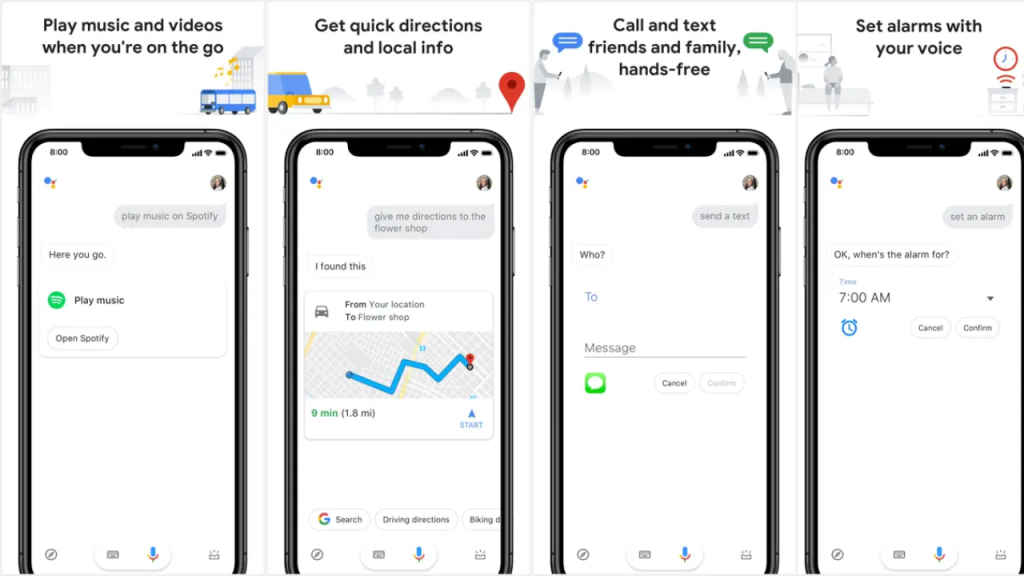
To launch Siri, you have to say, “Hey Siri.” To launch both Siri and Google Assistant, you’ll have to say, “Hey Siri Hey Google.”
That’s how you can use Google Assistant for any query on your iPhone or iPad.


