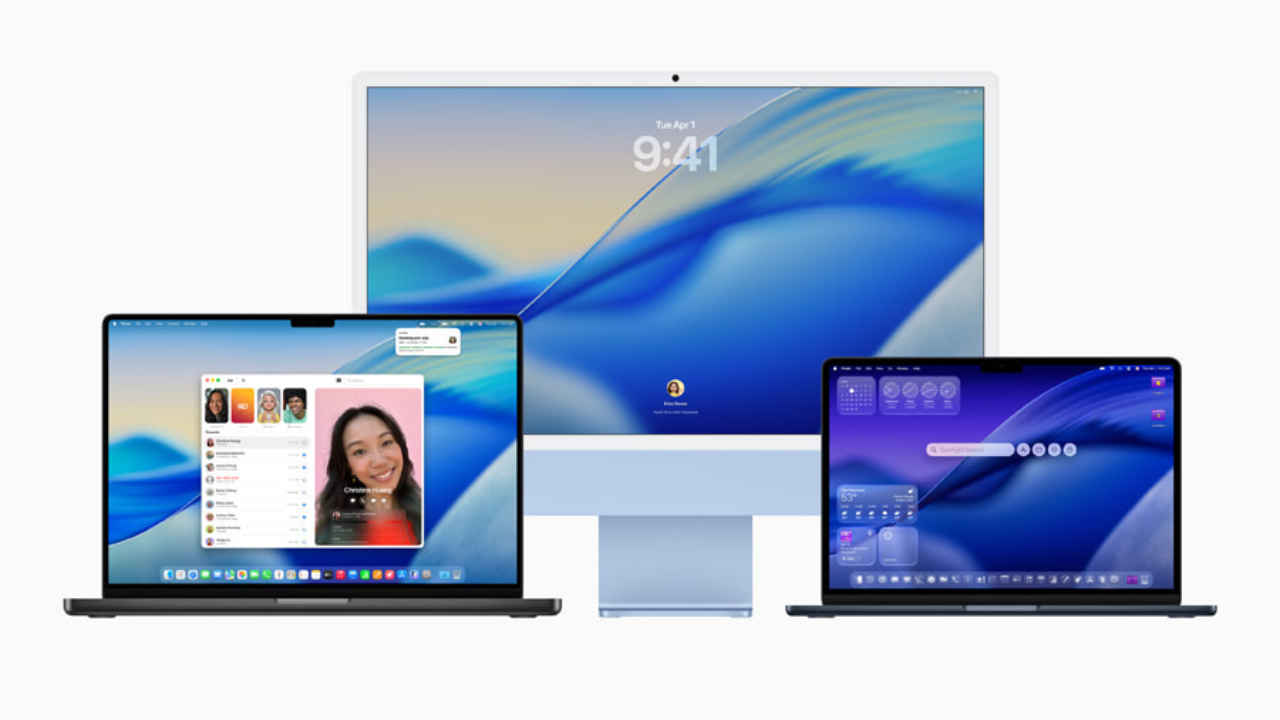
When the MacBook Neo launched earlier this month (March 4, to be precise), the world couldn’t stop talking about Apple’s most accessible MacBook till date. The Neo, as one would expect, dominated news headlines and discussions for days and remains a hot-topic till date. But Apple didn’t just launch new hardware that day, it also introduced an update to macOS. The macOS 26.3.2 was introduced along with the Neo and added more support for the new laptop. Now, the successor to that update is also here. Yes, we are talking about the macOS 26.4 update.
 Survey
After some intense beta testing, macOS 26.4 is finally out and while it doesn’t come with much-anticipated Siri AI upgrades, there are some interesting features in store. Read on to know all about them.
Also read: MacBook Neo Review- A gift for Apple fans
1. New wallpapers and emojis
Let’s begin with some additions that don’t really affect performance, but can still matter to some users. All MacBook users can now access the new colourful wallpapers that are default in the MacBook Neo. Now this helps if you are someone like me who frequently changes their wallpapers (sometimes, twice in a day) and are running out of options now. Along with this, there is a new set of emojis including Ballet Dancer, Distorted Face, Fight Cloud, a Bigfoot-like creature, Landslide, Orca, Treasure Chest, and Trombone.
2. Charging limiter
Apple has finally brought a charging limiter to MacBooks, something that was earlier limited to iPhones. You can now cap your battery charge at 80 percent, 100 percent, or whatever you prefer really. It is a well-known fact that overcharging your battery, or always keeping it at full charge can eventually reduce its health. So with the charging limiter, you can slow down that ageing process. The feature is also quite handy for people who keep their laptops plugged in for most of the day.
3. Apple Music “Playlist Playground”
A smarter way to create playlists in Apple Music is here. The new Playlist Playground feature uses Apple Intelligence to generate playlists based on simple text prompts or a selection of songs. For example, you can type something like power-packed workout music or some soothing beats and the system will create a playlist for you. Not only this, it can also tweak existing playlists.
4. Apple Music update
Along with Playlist Playground, Apple has also refreshed the Apple Music interface. Now, when you open albums or playlists, the background colour changes to match the album artwork. Now this is a small change and you might not even notice it at a glance, but it still leads to the experience being more polished for those who pay attention to detail.
5. App upgrades
The macOS Tahoe 26.4 also comes with some app upgrades. For example, Apple’s whiteboard app Freeform now comes with a Creator Studio update. This has added new tools and a refreshed icon for the app. There are certain advanced features like better image tools and premium content as well, but they are limited to those who have a subscription. The free version remains largely unchanged.
Beyond this, Apple has also improved Purchase Sharing so family members can use their own payment methods instead of relying on one account. And finally, the Reminders app now includes new keyboard shortcuts to quickly mark tasks as urgent. Subtitle and caption settings have also been improved, with real-time previews that make them easier to adjust.
6. Advanced Fingerprinting Protection
Apple has been known for prioritising users’ privacy. And with the new update, it is also strengthening some privacy features. Advanced Fingerprinting Protection has been improved to reduce how websites track your activity across the internet. This is done by limiting the data that sites can collect about your device and behaviour. Along with this, macOS 26.4 also includes important security patches that fix some previously known issues. These updates run in the background but are important for keeping your system safe.
7. Stolen Device Protection
The Stolen Device Protection feature has been a big hit ever since it came out in 2024. But, it was restricted to iPhones. That changes with macOS 26.4 update as the feature is now available on MacBooks as well. Once you turn the feature on, certain sensitive actions will require extra authentication, especially if your device is in an unfamiliar location. This makes it harder for someone to misuse your Mac if it gets stolen. And the best part is that you won’t even need to set it up manually as the feature will likely be turned on by default.
8. Rosetta 2 warnings
Apple is also preparing users for a major transition with the new update. Rosetta 2, which allows apps designed for Intel-based Macs to run on newer Apple Silicon machines, will stop being supported with macOS 27. In macOS 26.4, users will start seeing warnings about this change. This is Apple’s way of pushing developers and users to move towards apps that are fully optimised for newer hardware.
How to download and install the MacOS Tahoe 26.4 update
You can download and install the new update with just three simple steps. Read on.
Step 1: Head over to ‘System Settings’ in menu
Step 2: Now find ‘General’ tab and then click on ‘Software Update’
Step 3: Simply click ‘Update Now’ and the update will begin downloading and installing on its own.
It is to be noted that the update file is 18GB in size and depending on your internet connection, downloading and installing might take some time. So, it is probably not a good idea to do this at work, or right before heading to work.
Also read: Apple MacBook Neo base variant with 1TB storage? A modder just made it possible
 Follow Us
Divyanshi Sharma
Divyanshi Sharma is a media and communications professional with over 8 years of experience in the industry. With a strong background in tech journalism, she has covered everything from the latest gadgets to gaming trends and brings a sharp editorial lens to every story. She holds a master’s diploma in mass communication and a bachelor’s degree in English literature. Her love for writing and gaming began early—often skipping classes to try out the latest titles—which naturally evolved into a career at the intersection of technology and storytelling. When she’s not working, you’ll likely find her exploring virtual worlds on her console or PC, or testing out a new laptop she managed to get her hands on. View Full Profile


