
Vibe working explained: Microsoft’s AI agent for Excel, Word, and PowerPoint
 Follow Us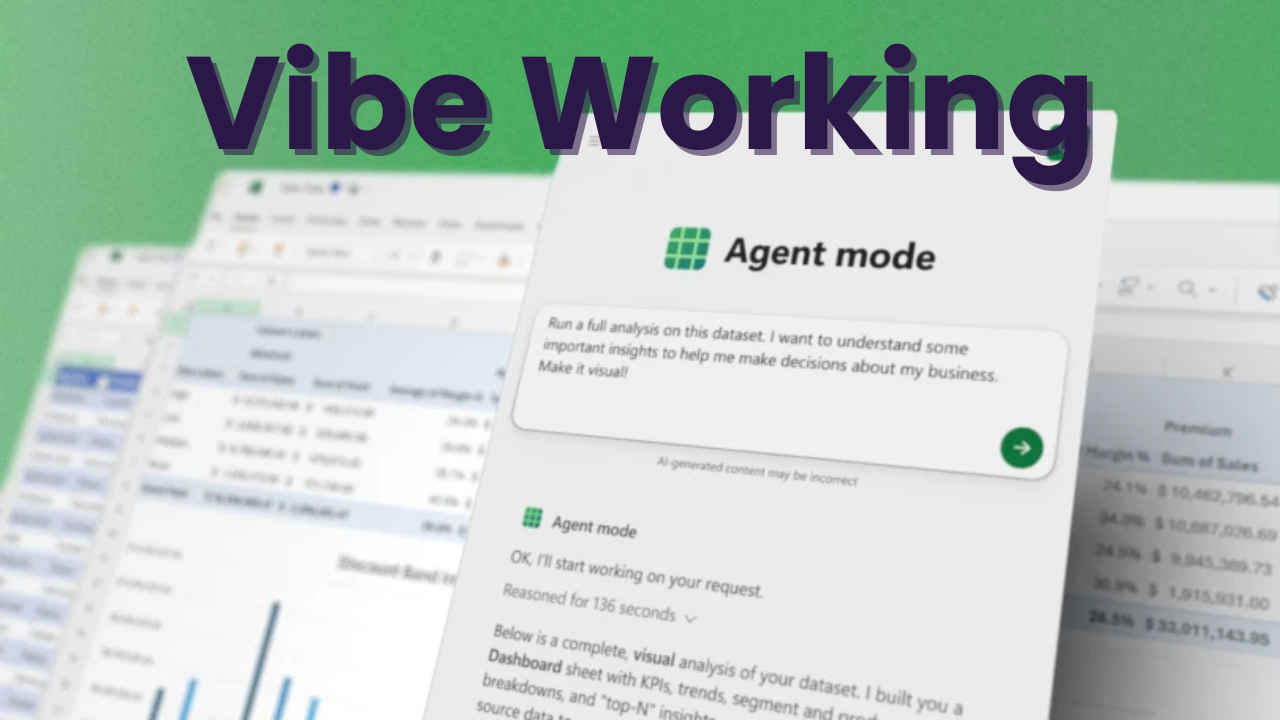

Microsoft is once again pushing the boundaries of productivity software with the launch of Vibe Working, a new approach that integrates advanced AI agents directly into Microsoft 365 applications. By introducing Agent Mode and Office Agent, Microsoft is aiming to transform the way people interact with Excel, Word, and PowerPoint, making AI a seamless and iterative partner in everyday work.
 Survey
At its core, Vibe Working is designed to make AI assistance more intelligent, interactive, and collaborative. Unlike traditional tools that require manual input or follow rigid workflows, Vibe Working allows users to engage in multi-step processes with Copilot, Microsoft’s AI assistant. This means you can guide the AI through complex tasks, refine outputs on the fly, and achieve high-quality results without spending hours on repetitive work.
Read more: Sora 2 vs Veo 3: How OpenAI and Google’s AI video tools compare
Agent mode
One of the central components of Vibe Working is Agent Mode, which brings a more interactive AI experience to Microsoft Office applications. In practical terms, Agent Mode allows users to steer Copilot through intricate tasks that would normally require advanced technical skills or significant time investment.
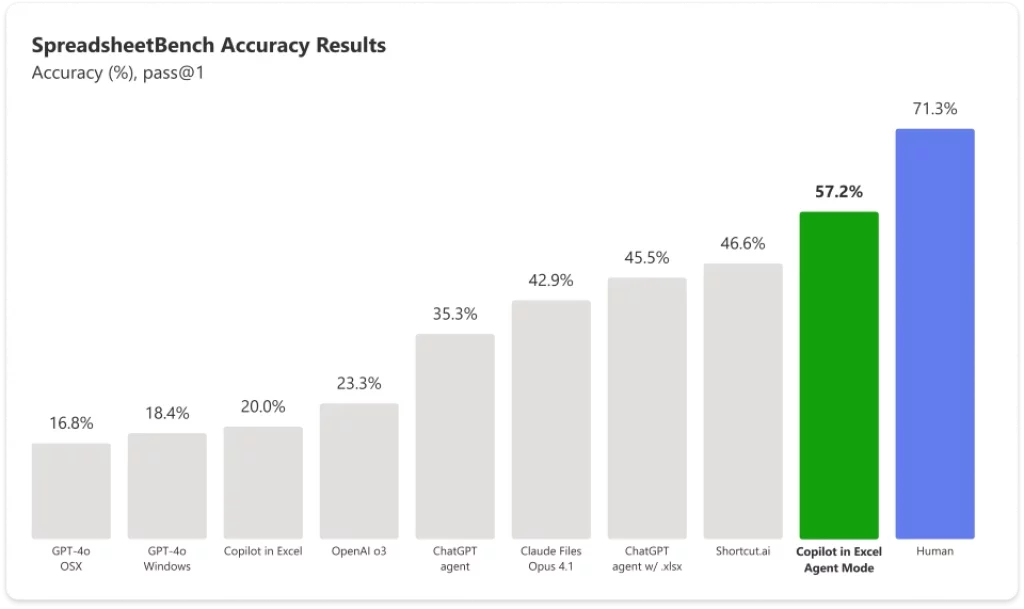
For example, in Excel, Agent Mode can help analyze large datasets, generate dynamic summaries, and identify trends or insights that might not be immediately obvious. Users can issue a prompt, review the results, and then refine the AI’s analysis iteratively. In Word, Agent Mode can draft documents, suggest edits, or reformat content based on user feedback. The same approach extends to PowerPoint, where Copilot can propose slide layouts, content summaries, and design suggestions tailored to a specific audience.
What makes Agent Mode particularly powerful is its iterative nature. Users don’t have to settle for the first output. They can refine, adjust, and redirect the AI multiple times, creating a workflow that feels much more like collaborating with a human assistant than simply running a program.
Office agent
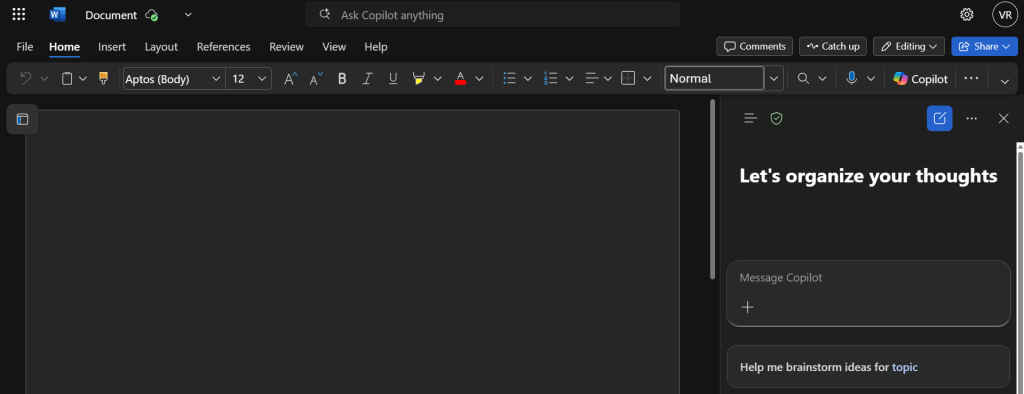
Complementing Agent Mode is Office Agent, which operates primarily within the Copilot chat interface. Office Agent focuses on content generation, allowing users to produce polished documents, presentations, or reports directly from a few simple prompts.
Also read: Nothing unveils Essential AI platform that lets you create personalised apps: Check details
For instance, a user could type a request for a fully formatted PowerPoint deck for an upcoming client presentation. Office Agent can generate a ready-to-use deck with suggested visuals, bullet points, and speaker notes. In Word, it can create comprehensive reports based on spreadsheet data or summarize long documents into concise summaries. Currently, Office Agent supports Word and PowerPoint, with Excel support expected in upcoming updates.
This streamlined approach significantly reduces the time spent on formatting, editing, or manually transferring data between apps. It empowers users to focus on strategy, creativity, and decision-making rather than administrative tasks.
Why Vibe Working matters
Vibe Working is not just about automation – it’s about enhancing human productivity through intelligent assistance. By integrating AI more deeply into core Office applications, Microsoft is lowering the barrier to advanced features that previously required specialized knowledge.
For businesses, this means teams can work more efficiently, deliver consistent outputs, and accelerate project timelines. Complex data analysis, document drafting, and presentation design no longer require extensive training, as AI can guide users every step of the way. For individual users, the benefits are equally compelling: less repetitive work, faster content creation, and more time for creative or strategic thinking.
Moreover, Vibe Working fosters a collaborative AI experience. Its iterative design encourages feedback and refinement, which can lead to more accurate and tailored outputs. This marks a shift from one-size-fits-all AI tools toward customizable assistants that adapt to the way each user works.
Availability and future outlook
Microsoft is rolling out Agent Mode and Office Agent through the Microsoft 365 Copilot Frontier program, initially available for web applications. Desktop versions are expected to follow soon, making these AI-driven features accessible to a broad audience. The rollout strategy indicates Microsoft’s commitment to ensuring that Vibe Working becomes an integral part of both personal and professional workflows.
Looking ahead, Vibe Working represents a vision of AI as a collaborative partner rather than a passive tool. By combining intelligent assistance, iterative refinement, and seamless integration across Excel, Word, and PowerPoint, Microsoft is setting a new standard for productivity software. Users can now leverage AI not just to complete tasks faster, but to improve the quality, creativity, and impact of their work.
With Vibe Working, Microsoft is redefining productivity for the AI era, demonstrating how intelligent agents can become trusted partners in the workplace, empowering users to achieve more with less effort.
Also read: Agentic commerce explained: How ChatGPT Is testing AI’s role in shopping


