
 E-Magazine
Air purifier maintenance tips: 6 things you should do to keep it in good condition
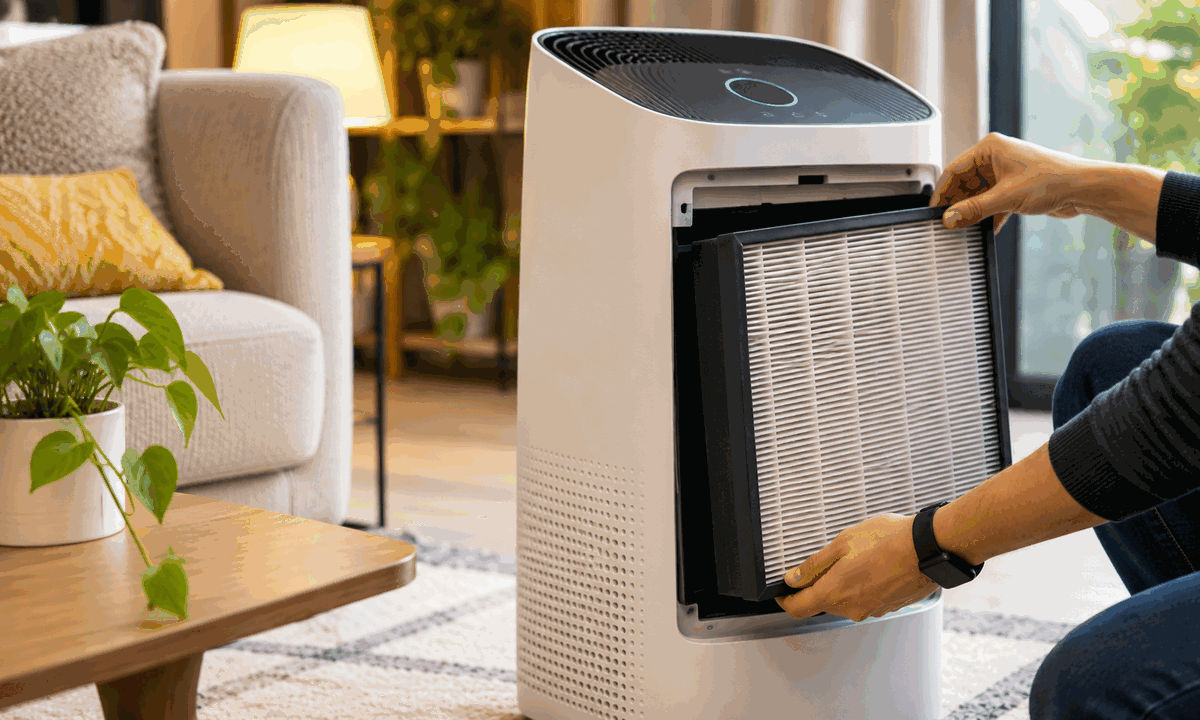
An air purifier is usually switched on and left to do its job. During winter, particularly in Delhi-NCR, it can run for several hours every day without much attention from the owner. However, the machine keeps collecting dust as it pulls in polluted air, and some of its components need regular cleaning to continue functioning properly.
The filter is obviously the most important part, but it isn't the only thing that needs attention. Dust can accumulate on the pre-filter and air quality sensor, while the air intake can collect enough debris to affect airflow. Most of this maintenance can be handled at home without calling a technician.
Here are six things worth doing.
1. Remove and clean the pre-filter regularly
If there is one component you should check regularly, it is the pre-filter. It catches larger particles such as hair, pet fur and visible dust before they reach the main filtration system. As a result, it tends to accumulate dirt much faster than the HEPA filter.
Remove it from the purifier and clean the dust using a vacuum cleaner or a soft brush. Some models also allow you to wash the pre-filter under running water. If yours does, make sure it is completely dry before putting it back. A wet filter should never be reinstalled.
The cleaning interval depends on the model and how much dust the purifier encounters. For instance, Philips recommends cleaning the pre-filter of certain models every month, while Coway recommends checking and cleaning it every two to four weeks.
2. Clean the air quality sensor
The sensor is worth checking when you clean the purifier. Depending on the model, it may have a small cover on the side or back that you can open to access it. Use a soft brush to remove any dust, if the manufacturer recommends it. Don't use water or cleaning liquids on the sensor.
Philips, for example, recommends cleaning the air quality sensor every two months on the models covered by its maintenance instructions. If you live in a particularly dusty environment, you may need to check it more frequently.
3. Keep the air intake and outlet free of dust
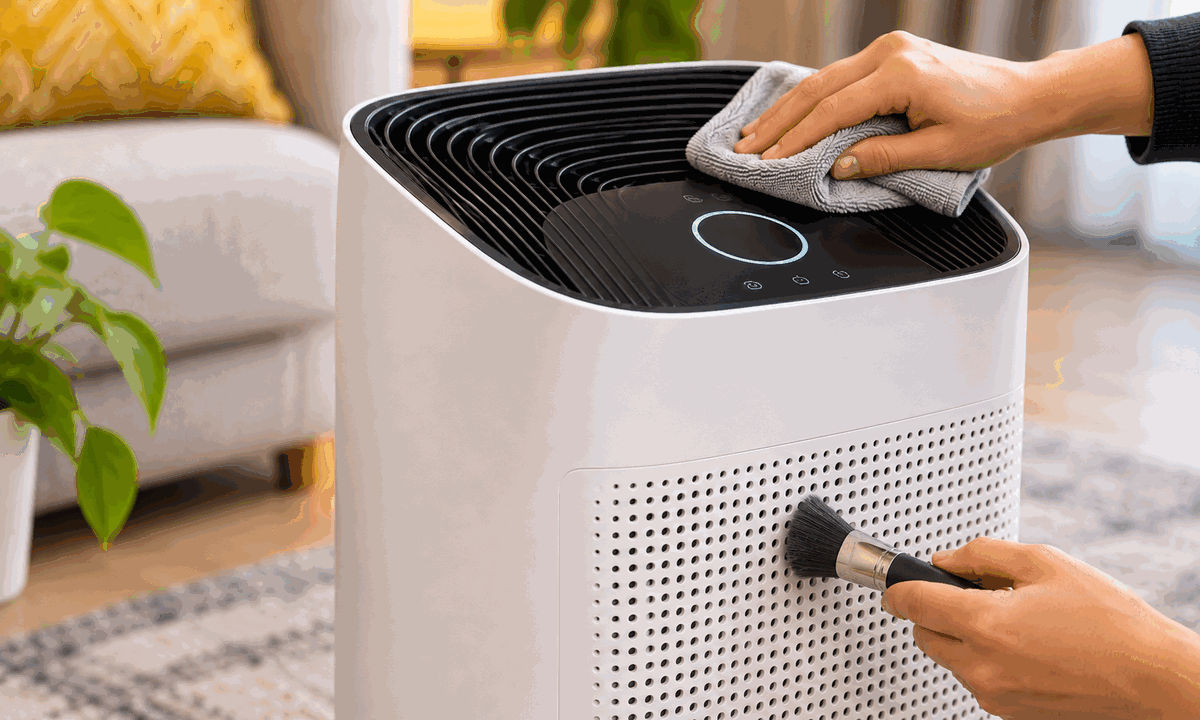
The air intake and outlet are easy to overlook because they don't usually require the same attention as the filters. However, dust can settle around these openings during regular operation.
Use a dry microfiber cloth to wipe the exterior grilles and a soft brush to remove dust lodged around the openings. If the purifier has its air intake at the back, remember to clean that section as well.
It is also worth checking the space around the purifier. Avoid placing it directly against a wall or behind furniture where its air intake or outlet could become obstructed. The required clearance varies between models, so follow the manufacturer's placement recommendations.
4. Replace the main filter when it is due
Cleaning the pre-filter doesn't mean the main filtration system can be reused indefinitely. HEPA and activated carbon filters have a limited service life and need replacement according to the manufacturer's recommendations.
Check the filter-life indicator on the purifier or its companion app. The replacement interval varies depending on the model, operating hours and pollution levels. A purifier running almost continuously during winter may put more load on its filter than one used occasionally.
Before ordering a replacement, check which filter your purifier uses. In some models, the HEPA and carbon layers come together in one cartridge, so you have to replace the entire unit. Others have separate filters. Make sure you order the correct replacement for your model.
Avoid washing or vacuuming HEPA filters unless the manufacturer specifically permits it. Cleaning them using the wrong method can damage the filtration media.
5. Clean the filter compartment when replacing the cartridge
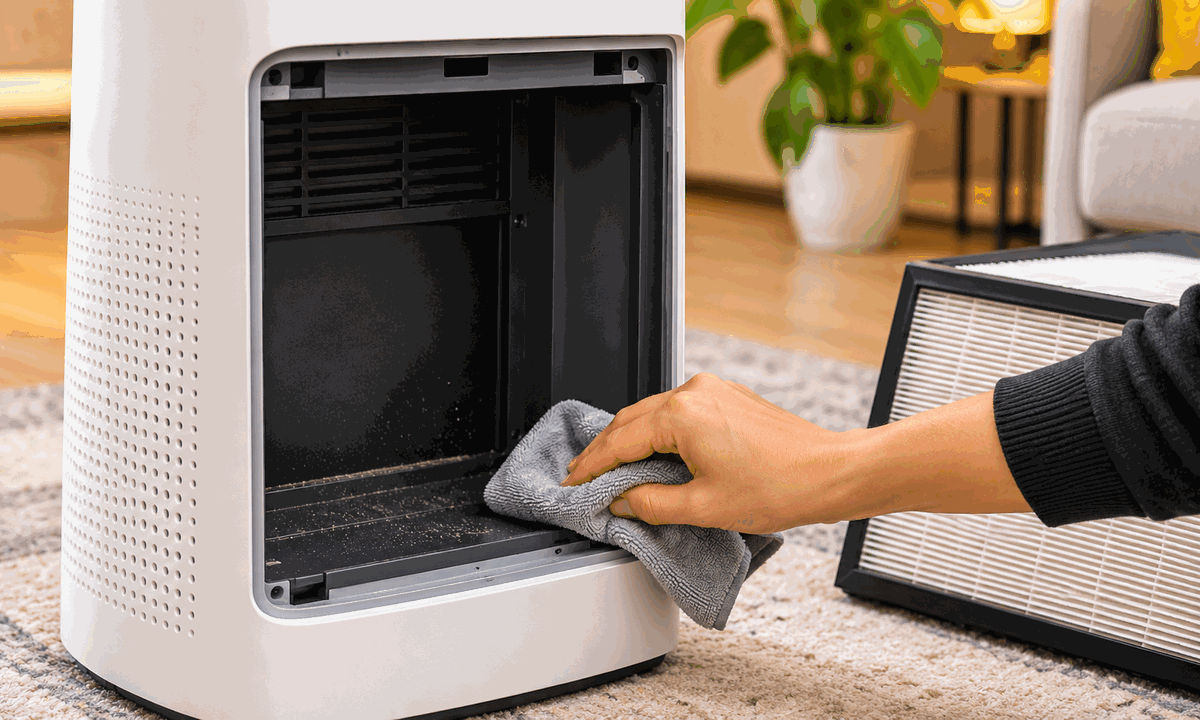
Whenever you remove an old filter, take a moment to inspect the compartment before installing the replacement. Dust can accumulate around the housing and the edges where the cartridge sits.
Use a dry microfiber cloth to clean the accessible surfaces. Check for loose dust, debris and any damage around the filter seals. Once the compartment is clean, install the replacement in the correct direction and ensure that it fits securely.
A poorly fitted filter can leave gaps around the edges, allowing some air to bypass the filtration media. Close the compartment properly before switching the purifier back on.
6. Reset the filter indicator after replacement
Installing a new filter doesn't necessarily reset the purifier's filter-life counter automatically. On several models, this needs to be done manually through the control panel or companion app.
Check the user manual for the reset procedure after replacing the cartridge. Depending on the model, you may need to press and hold a dedicated button for a few seconds or select the filter replacement option in the app.
This is worth doing immediately after replacement so that the purifier can start tracking the new filter's estimated usage period.
How often should you maintain your air purifier?
You don't need to clean every component at the same time. The pre-filter and air intake need more frequent attention, while the sensor can be cleaned periodically. The main filter, meanwhile, should be replaced according to the manufacturer's recommended schedule.
A quick check every few weeks is enough to catch dust accumulation before it becomes a problem. More importantly, don't assume that a purifier is maintenance-free simply because it doesn't show a warning on its display. Regular cleaning and timely filter replacement are part of owning the appliance.

Vikhyat Rishi is the Chief Copy Editor at Digit, where he covers home appliances. His work spans reviews, buying guides, comparisons, features, and explainers across the category. Before joining Digit, he worked with Beebom, Smartprix, and iGeeks, covering smartphones, computers, software, gaming, and consumer technology. His work combines editorial experience with a focus on practical insights and real-world product usage.
View full profile