
iPhone Air doesn’t support physical SIM: How to get, install and transfer eSIM in India
 Follow Us
iPhone Air eSIM setup in India: activation, transfer, and carrier guide
iPhone Air features eSIM only, replacing traditional physical SIM cards entirely
Airtel, Jio, Vi eSIM activation process for iPhone Air explained simply
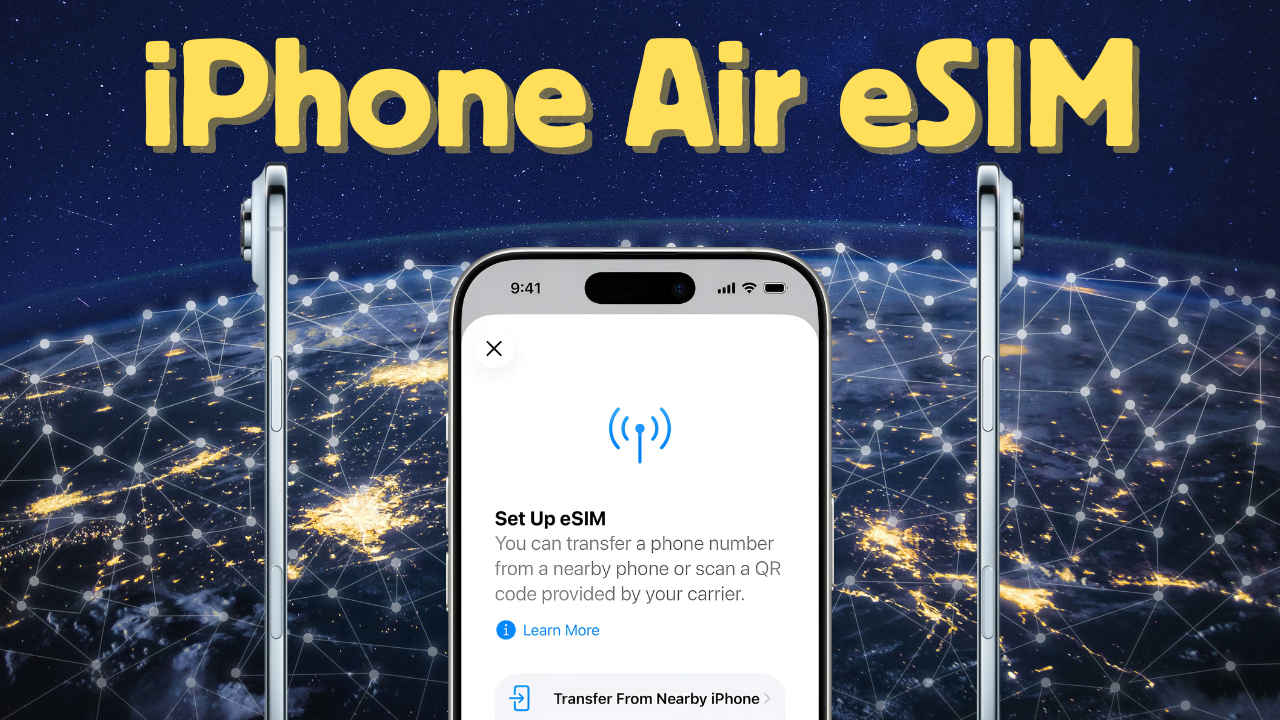

Apple’s latest iPhone Air has taken a bold step forward in mobile technology – it’s an eSIM-only device. That means there’s no slot for a physical SIM card, anywhere in the world, including India. For new and existing iPhone users, this brings a mix of convenience, speed, and a small learning curve. Here’s a detailed guide on how to get, install, and transfer an eSIM in India.
 Survey
Also read: Apple iPhone Air, the slimmest iPhone yet, launched in India: Price and specs inside
Getting an eSIM in India
Whether you’re buying a new connection or converting an existing SIM, India’s major carriers – Airtel, Jio, and Vi – have you covered. You can start the process via the carrier’s app or by visiting a store. You’ll need your EID (device-specific identification number) and a registered email address. After completing identity verification, your carrier will issue your eSIM.
For first-time users, the process is simple: download the carrier’s app, follow the prompts, and prepare to scan a QR code for activation.
Installing and activating your eSIM
Also read: iPhone Air replaces the Plus: Why Apple’s new slim iPhone makes sense
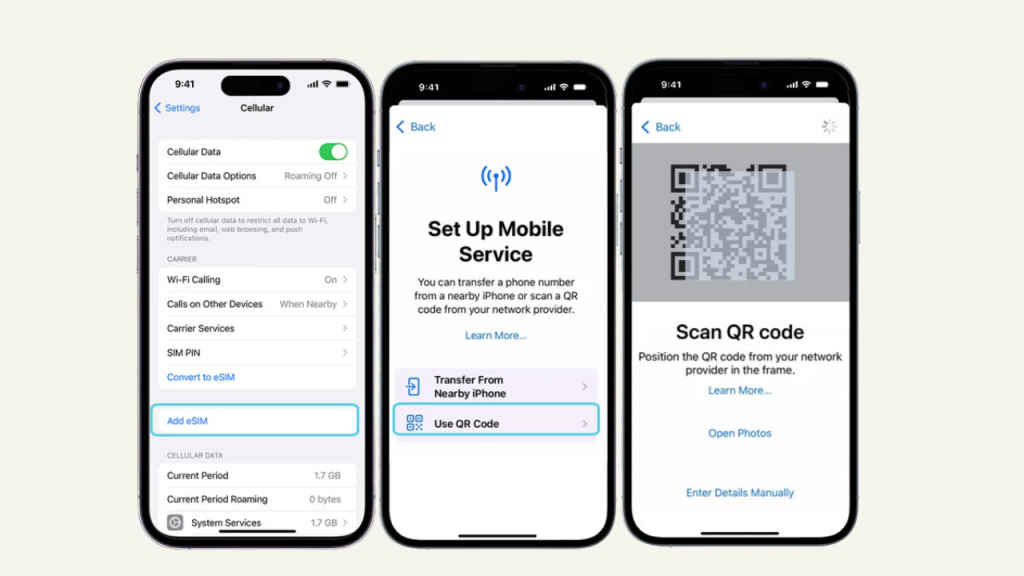
Activation usually comes via a QR code emailed or messaged by the carrier, or through a digital assignment within the carrier’s app. On your iPhone Air, navigate to Settings > Cellular > Add eSIM, and either scan the QR code or enter the carrier details manually.
Some carriers, like Vi, require an extra step: sending a formatted SMS and confirming through an IVR call before the eSIM is delivered. For Jio users, the MyJio app handles the entire activation and management process, making it seamless.
Transferring an eSIM from an old iPhone
Moving your eSIM from an older iPhone to your new iPhone Air is straightforward, provided both devices are nearby and updated. Go to Settings > Cellular > Add eSIM > Transfer from Nearby iPhone and follow the prompts.
However, Indian carriers sometimes require additional steps. For instance, Airtel users may need to visit a store for identity verification before the transfer completes. Jio and Vi have app or SMS-based protocols to reissue your eSIM.
Expert tips
- Keep a stable internet connection during setup.
- Ensure your iPhone Air is running the latest iOS update.
- Always use official carrier apps or support channels for troubleshooting.
Switching to an eSIM-only device like the iPhone Air is a small adjustment with significant benefits: faster activation, dual numbers without juggling SIM cards, and simplified management. In India, major carriers provide multiple ways to get started, but transfers may sometimes require visiting a store. With a bit of preparation, your eSIM experience can be smooth and hassle-free.
Also read: iPhone Air is thin, powerful and a window into Apple’s future


