
Can a thin and light gaming laptop really handle AAA games? I found out
 Follow Us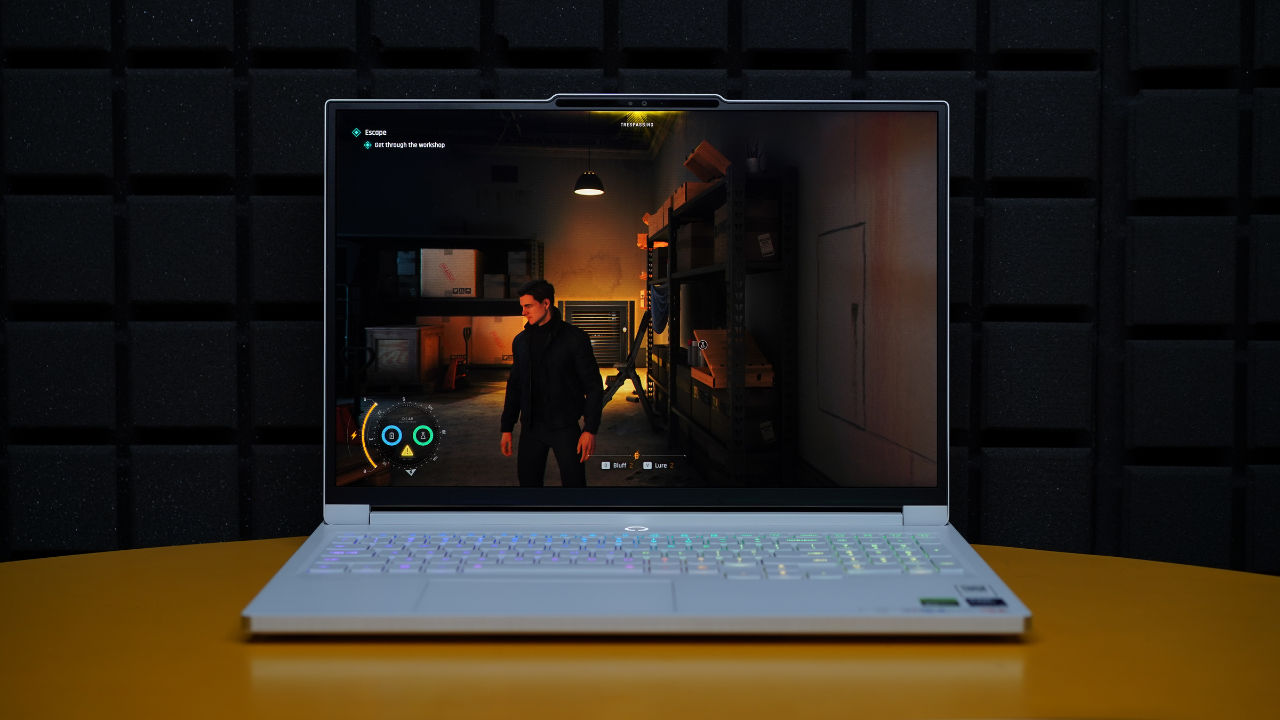

Spotting a gamer at an office or a cafe is quite easy. Just look for the person with a heavy laptop, as well as a huge charging brick that is sometimes as heavy as the machine itself. But what if I tell you that it doesn’t always have to be that way? Gaming laptops have changed and are now getting thinner, lighter and way more stylish than they used to be. But the question remains: can a slimmer machine really deliver the same kind of experience as a chunky gaming rig packed with aggressive cooling and oversized hardware? And this weekend, I tried finding an answer by daring to do something I normally wouldn’t: loading up my favourite AAA titles on a thin and light gaming laptop, the Lenovo Legion 7i Gen 10, to see how it fares. And what happened next really surprised me.
 Survey
The Lenovo Legion 7i Gen 10 weighs around 2 Kg and is roughly 0.7 inches thick. This makes it thinner and lighter than many other gaming laptops and even on par with some productivity laptops like the MacBook Pro 16-inch. At first, it is just hard to believe that this thing can pack such power. At the same time, the laptop is gorgeous and comes in a Glacier White finish.
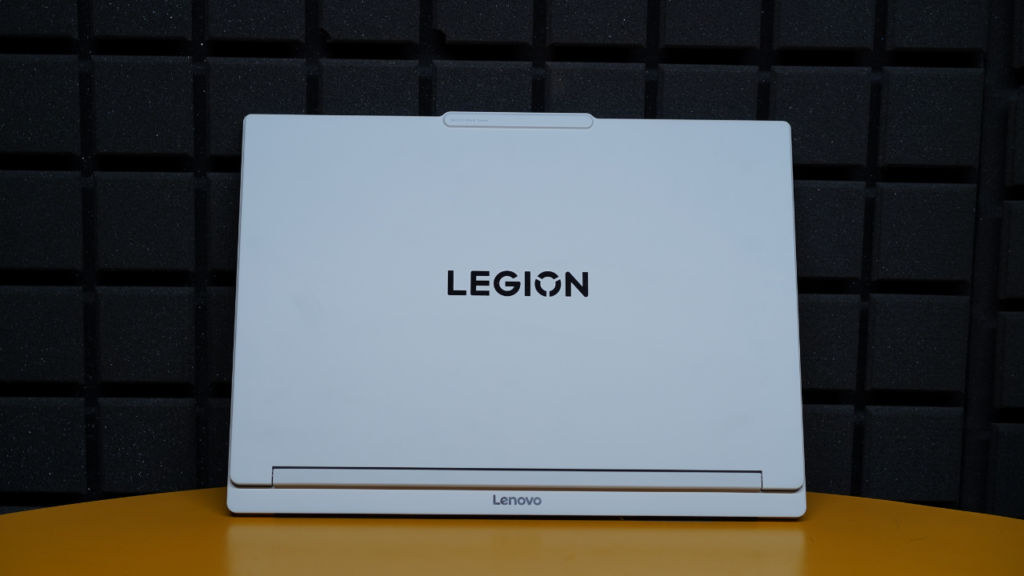
Beneath that stunning exterior sits an Intel Core Ultra 9 275HX processor and an Nvidia GeForce RTX 5070 Laptop GPU, which on paper, is a pretty solid combination and is enough to run modern games easily. And, when you tweak certain things, the experience becomes just super. Let me explain.
Also read: 5 best laptops for video streaming and entertainment: Top picks we recommend in 2026
Lenovo Legion 7i Gen 10: Specs at a glance
Before I get into the details of my gameplay experience, let’s take a quick look at what the laptop offers.
| Specification | Details |
| Processor | Intel Core Ultra 9 275HX Processor (P-cores up to 5.40GHz, E-cores up to 4.60GHz) |
| Operating System | Windows 11 Home 64-bit |
| Graphics | Nvidia GeForce RTX 5070 Laptop GPU-8GB GDDR7, Boost Clock up to 2347MHz, 115W TGP, 798 AI TOPS |
| Display | 16-inch WQXGA (2560 x 1600) OLED |
| Brightness | 500 nits |
| Colour Gamut | 100 per cent DCI-P3 |
| Refresh Rate | 240Hz |
| Display Features | HDR True Black 1000, Dolby Vision, Nvidia G-SYNC, Low Blue Light, Flicker-Free |
| RAM | 32GB DDR5 |
| Storage | 2TB SSD |
| Charger | 245W AC Adapter |
| Dimensions | 361.7 x 263.4 x 15.9-17.9 mm |
| Weight | 2.05 kg |
| Colour | Glacier White |
I majorly tested out 3 AAA games on the device: 007 First Light, Forza Horizon 6 and Pragmata. And thanks to Nvidia’s multi-frame gen and DLSS technologies, I was able to get a fantastic overall experience. Excited? Here are all the details.
007 First Light
The first game I tried out was 007 First Light. This is exactly the kind of title that can bring any gaming machine to its knees if pushed enough. The game launched roughly a month back and has rich environments, cinematic lighting and plenty of visual effects creating a demanding scene.
But the Legion 7i Gen 10 handled itself quite well here.
I started the game on default settings, which were as follows:
- Resolution: 2560 x 1600 resolution
- Nvidia DLSS and Frame Generation: Off
- Graphics: Medium
Now, the moment I started playing the game, it all looked decent and performed well. But knowing what this machine is capable of, I decided to shake things up a little.
The first thing that I did was to switch the graphic settings to Ultra. And as you would expect, the frame rates saw a huge drop to just 30 fps. PS: the in-game VRAM meter was also screaming for help, begging me to lower graphic settings. Now, just to be clear, the game was still playable, but I could easily notice frame drops and the dips in smoothness, especially during more demanding scenes.
Then I decided to turn on Nvidia’s DLSS and Multi Frame Generation technologies, which completely changed the game.
With Frame Generation set to 6 and DLSS Super Resolution running in Performance mode, I saw frame rates going up to as high as 240 fps. The jump was, of course, dramatic.
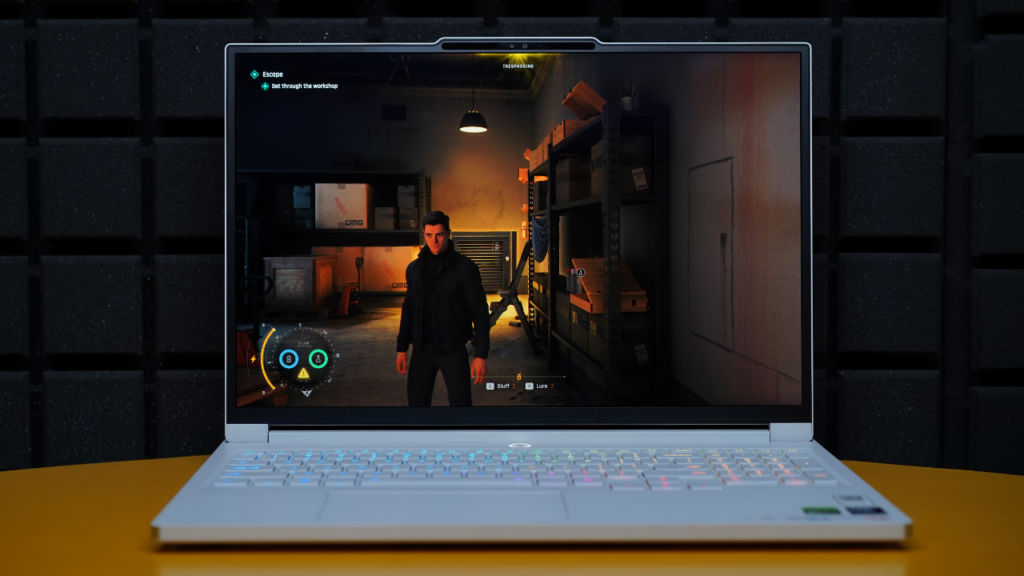
Explosions, lighting effects, character models and environmental detail continued to look excellent while the gameplay felt incredibly fluid. Just to remind you, I hadn’t touched the graphic settings at all. Everything was still set to Ultra.
Curious to see how far I could push things, I switched DLSS Super Resolution to Ultra Performance mode. And as a result, those frame rates climbed even higher, reaching roughly 280 fps. Once again, the visuals remained super impressive. Unless you are actively hunting for differences, the image quality remains more than good enough to simply enjoy the game.
But through it all, my personal favourite remained frame gen set to 4 and DLSS Super Resolution set to Balanced mode. In this case, the game still delivered around 150 fps, and everything looked fantastic. I never felt like I was sacrificing visual fidelity in exchange for performance.
Forza Horizon 6
After stepping into James Bond’s shoes, it was then time to drift around the streets of Tokyo. So, I fired up Forza Horizon 6. The first thing that grabbed my attention here was, of course, the breathtaking graphics. Forza Horizon 6 is a well-made game, there is no doubt about that, but looking at it on an OLED screen equipped with an Nvidia 5070 GPU is a whole different experience.
Here too, I started the game in 2560 x 1600 resolution with graphics set to Ultra and Nvidia DLSS and frame gen turned off. Here, I was getting frame rates hovering between 70 and 90 fps, depending on the scene. Whether I was speeding through open highways or navigating crowded festival zones, the game felt smooth and responsive.
But then I turned on Nvidia’s DLSS and Multi Frame Generation to see what difference they would make.
Switching to DLSS Performance mode and setting Multi Frame Generation to 4 unlocked another level of performance. Frame rates shot well beyond 200 fps, often hovering between 280 and even 300 fps while maintaining excellent image quality.
I then pushed things further by setting Multi-Frame Generation to 6X. And this is where the frame rates reached beyond 450. And before you ask me, yes, the game still managed to look spectacular.
Be it the reflections on car bodies, environmental details, or the vibrant trees and cherry blossoms, everything looked straight out of a movie scene.
Pragmata
The final AAA game that I ran on the Lenovo Legion 7i Gen 10 was Pragmata. Now, unlike Forza Horizon 6, this is not a game that takes it easy on your machine’s hardware. The futuristic setting here is packed with advanced lighting, detailed textures, particle effects, and visual complexity that can challenge even some of the most powerful gaming rigs.
And when I ran the game at native 2560 x 1600 resolution with the best graphics settings, it was clear how demanding it is. Frame rates generally hovered between 35 and 45 fps. The game remained playable, but there were moments where performance dips became noticeable, especially during combat-heavy and visually demanding scenes.
In many ways, this game reminded me of what happened in 007 First Light. The hardware was capable, but the game was clearly asking for more resources than a slim gaming laptop could comfortably provide at maximum settings.
So, once again, I enabled DLSS in Balanced mode alongside Multi Frame Generation set to 4X. And I could feel the change immediately. Frame rates climbed well beyond 120 fps and frequently stayed between 140 and 160 fps. More importantly, the game felt super smooth and more responsive.
To see how far performance can go, I set DLSS to Performance mode and enabled Multi Frame Generation 6X. And as I expected, the results were amazing.
Frame rates regularly crossed 250 fps and even reached as high as 280 fps. Considering where the game started, the jump felt almost unbelievable. And when you talk about how the game looked, it maintained its quality quite well.
So, can a thin and light gaming laptop handle AAA games?
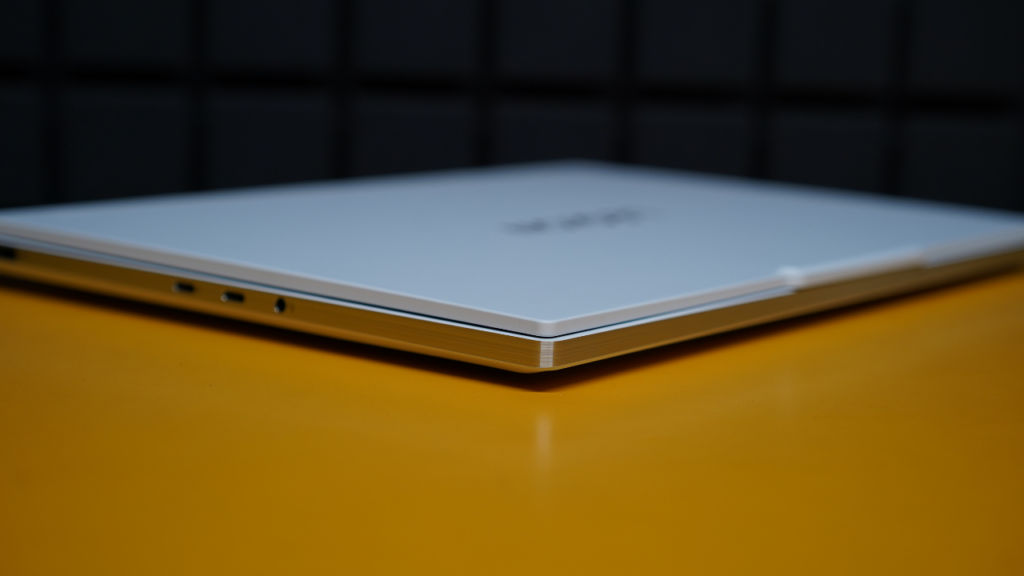
After spending an entire weekend testing modern AAA titles on the Lenovo Legion 7i Gen 10, my answer is a clear yes. For years, we as gamers were forced to choose between portability and performance. But I feel glad to say that in 2026, that compromise is starting to disappear.
The Lenovo Legion 7i Gen 10 never felt like a machine that was constantly fighting against its slim design. Whether I was sneaking through cinematic missions in 007 First Light, racing through the streets of Tokyo in Forza Horizon 6, or exploring the visually demanding world of Pragmata, it was all a super-engaging and enjoyable experience.
Now, even though the Lenovo Legion 7i Gen 10 deserves a lot of credit here, technologies such as DLSS and Multi Frame Generation also play an important role by helping extract additional performance when games become particularly demanding. As a result, you get smoother gameplay, higher frame rates, and impressive visual quality without carrying around a super heavy machine. Basically, it is a win-win situation.
So if you have been in two-minds about buying a gaming laptop that is thin and light, I hope this article and the Lenovo Legion 7i Gen 10 help you in making your decision. And remember, the best experience might just be a small change away.
Also read: AI is super capable, but cannot replicate human emotions: Nitin Kumar, Qualcomm


