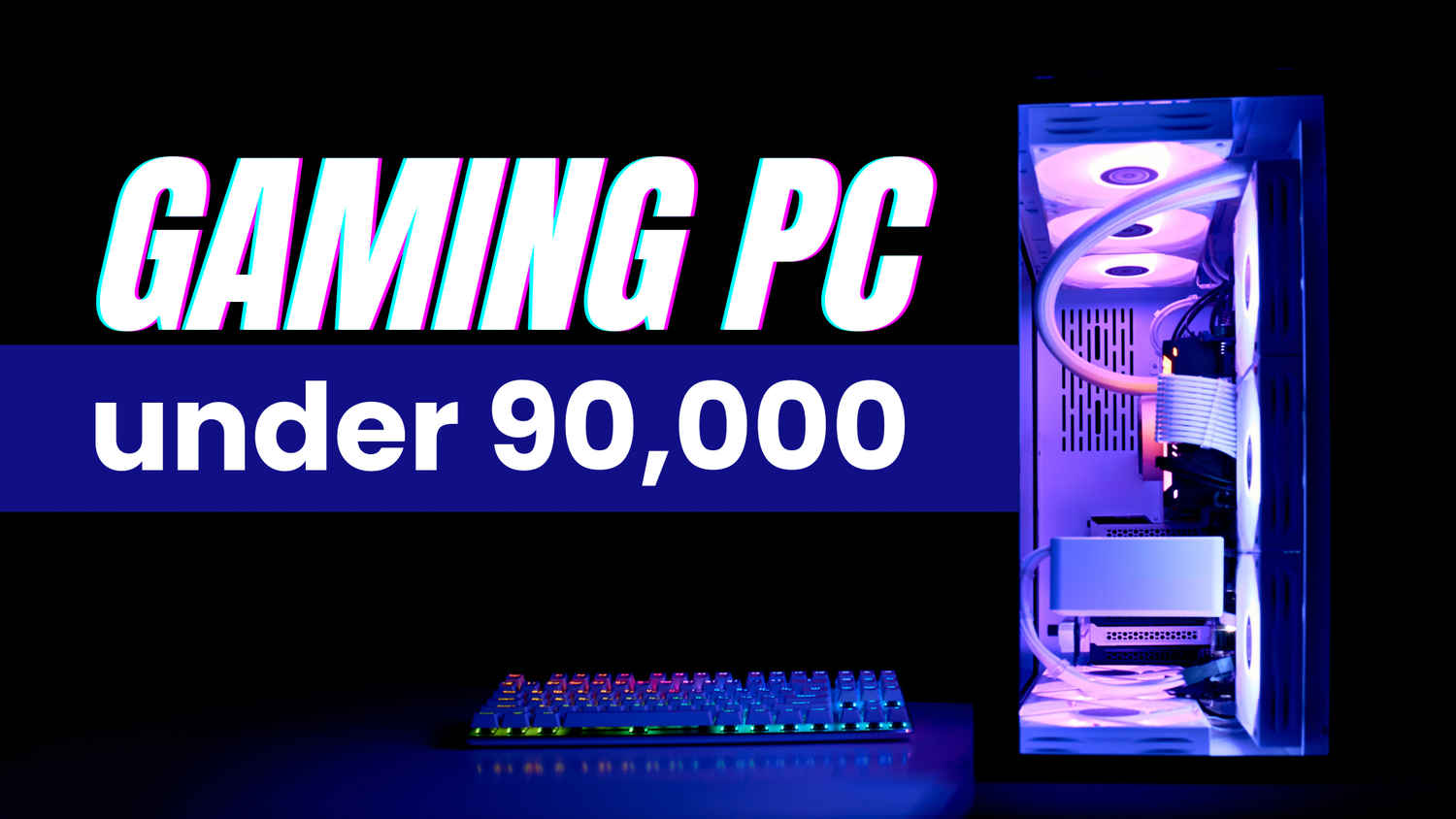
For gamers targeting a balance between premium 1080p dominance and entry-level 1440p experiences, a ₹90,000 budget offers a sweet spot. This build leverages newer-generation hardware to deliver smooth ray-traced gaming, streaming, and multitasking while retaining room for future upgrades. Whether you’re battling in games or diving into AI-driven creative tools, here’s a rig that maximizes value without cutting corners.
 Survey
Processor (CPU)
AMD Ryzen 5 7600 (₹21,000)
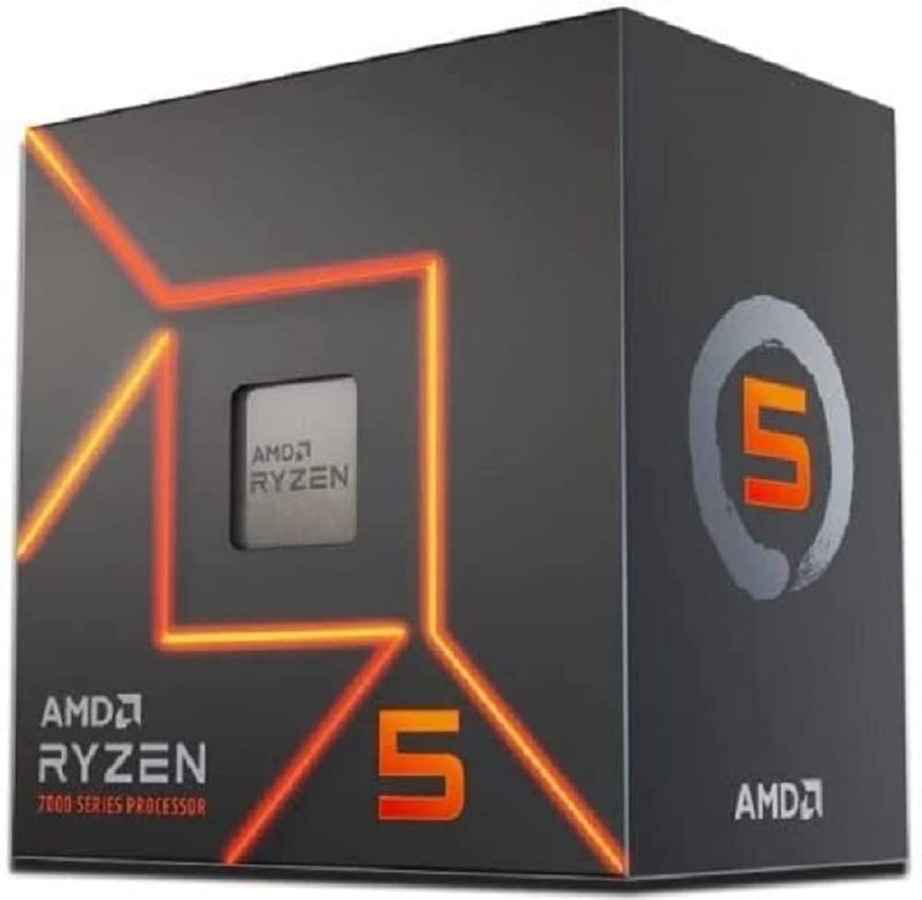
The Ryzen 5 7600’s 6-core/12-thread Zen 4 architecture shines with a 5.1 GHz boost clock, DDR5 support, and PCIe 5.0 readiness. It outperforms older Ryzen 5000 CPUs in gaming and productivity, making it ideal for 1440p gaming and light streaming. Intel users can opt for the Core i5-13400F (₹19,500), which adds 4 efficiency cores for better multi-threaded workloads like video editing.


Graphics Card (GPU)
NVIDIA RTX 4060 8GB (₹36,000)
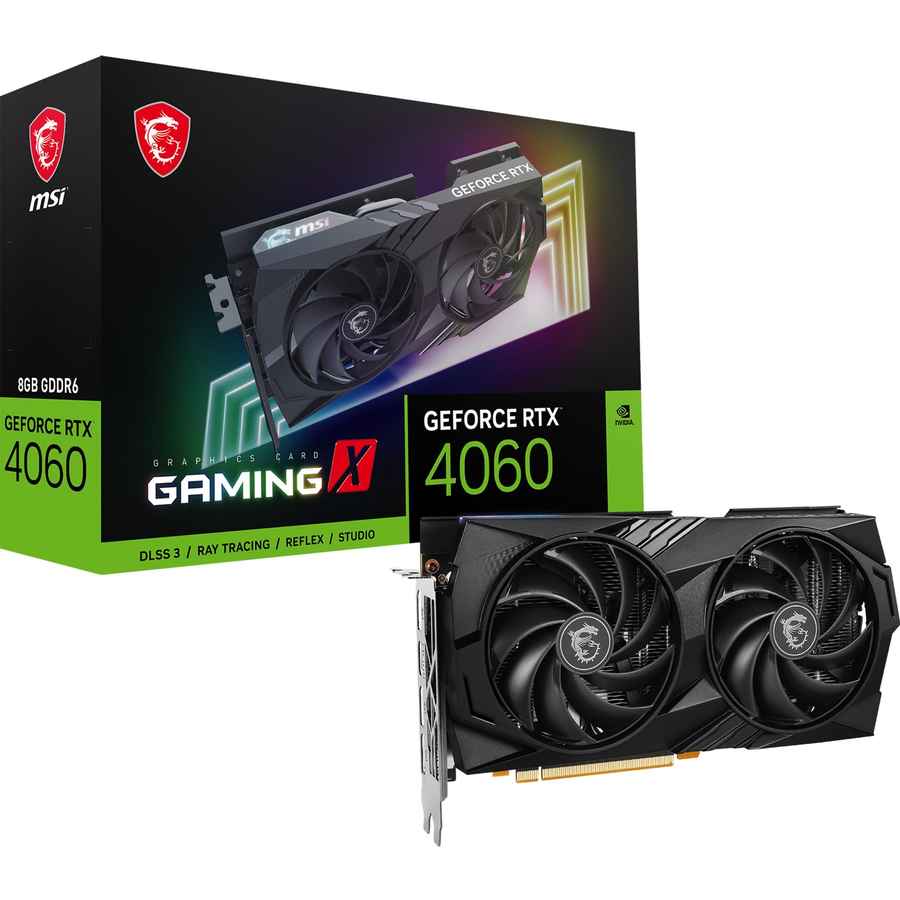
The RTX 4060 delivers 60+ FPS in 1440p ultra settings with DLSS 3.5 enabled, making ray-traced titles like Cyberpunk 2077 and Alan Wake 2 playable at higher resolutions. Its 8GB VRAM is sufficient for most modern games, though texture-heavy mods may require tweaking. AMD’s Radeon RX 7600 XT (₹33,500) offers 12GB VRAM for better longevity but lags in ray tracing.
Motherboard
Gigabyte B650M DS3H (₹14,000)
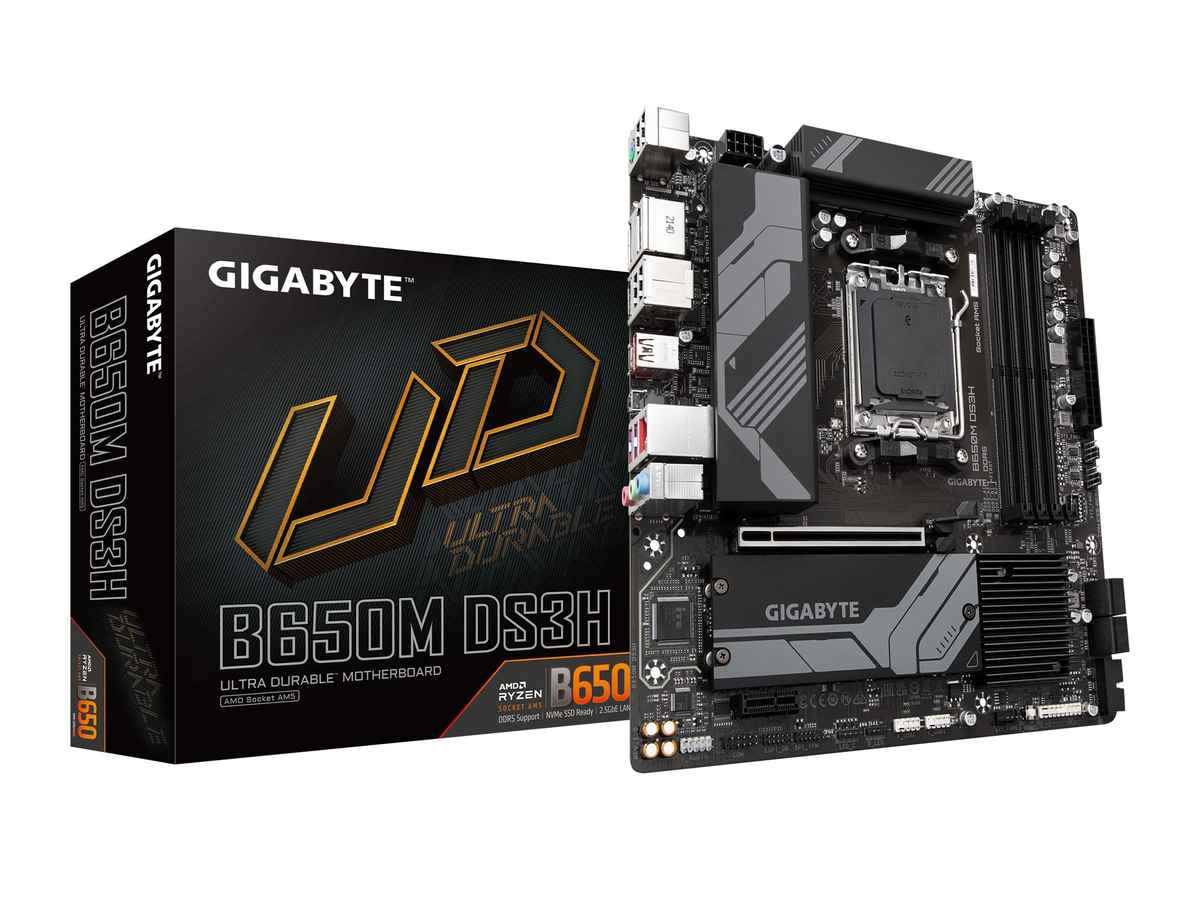
This micro-ATX board supports PCIe 5.0, DDR5 RAM, and future Ryzen 7000 CPUs. With dual M.2 slots and USB 3.2 Gen 2, it’s a budget-friendly foundation for upgrades. For Intel builds, the MSI PRO B760M-A WiFi (₹15,000) adds Wi-Fi 6 and 13th Gen CPU compatibility.
RAM
ADATA XPG Lancer 16GB DDR5-5200MHz (₹5,500)
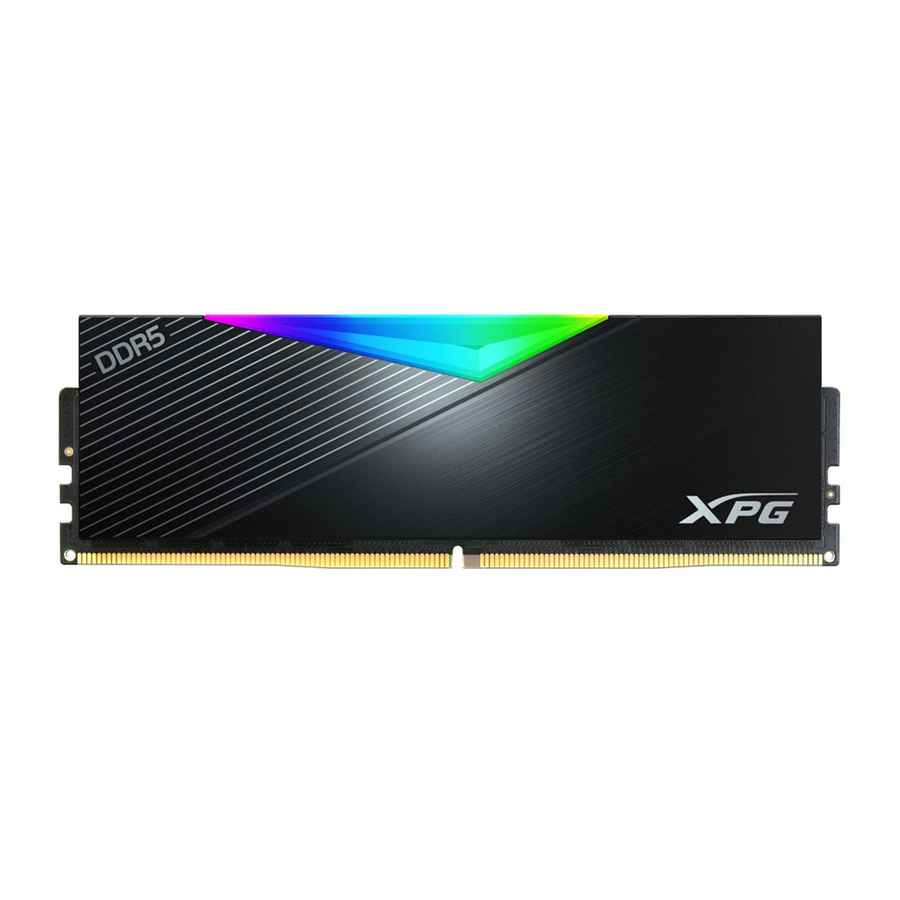
16GB of DDR5 ensures smooth multitasking and gaming, though demanding titles like Cities: Skylines II may benefit from a future 32GB upgrade. Opt for dual-channel 8GBx2 sticks to maximize bandwidth.
Storage
Kingston KC3000 1TB PCIe 4.0 NVMe SSD (₹6,000)
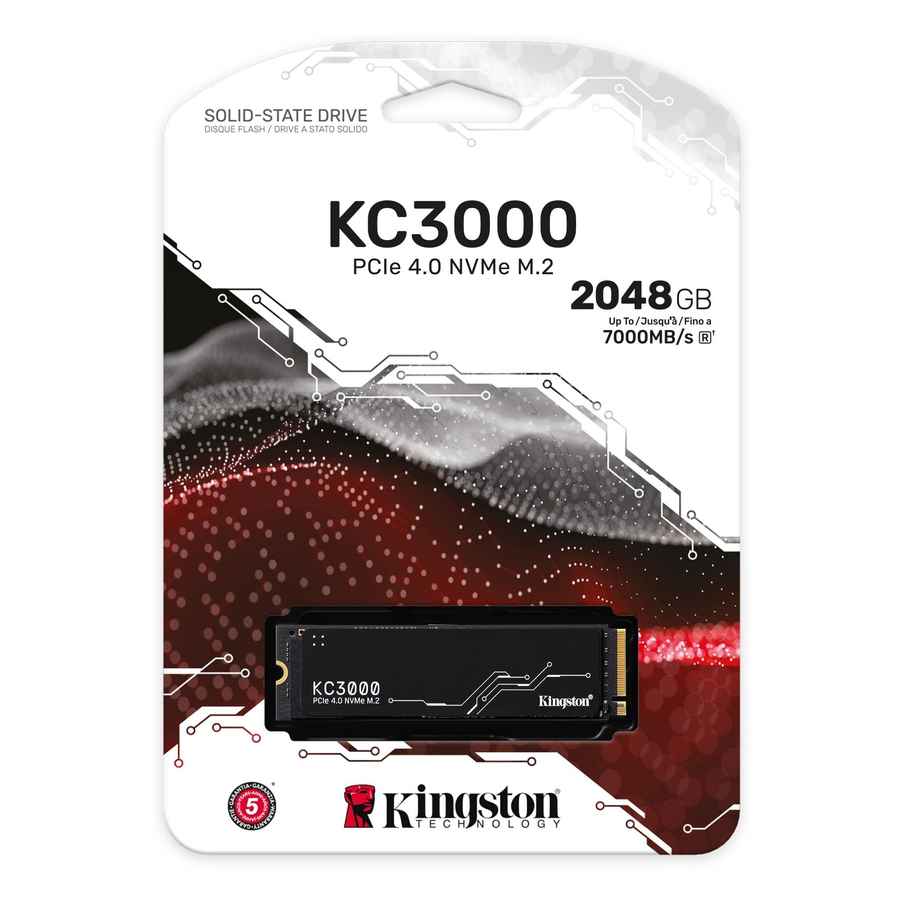
With read speeds up to 7,000 MB/s, this SSD slashes load times and handles large game libraries. Add a 2TB HDD later for ₹4,000 if storage needs grow.
Power Supply (PSU)
Cooler Master MWE 650W 80+ Bronze (₹5,500)
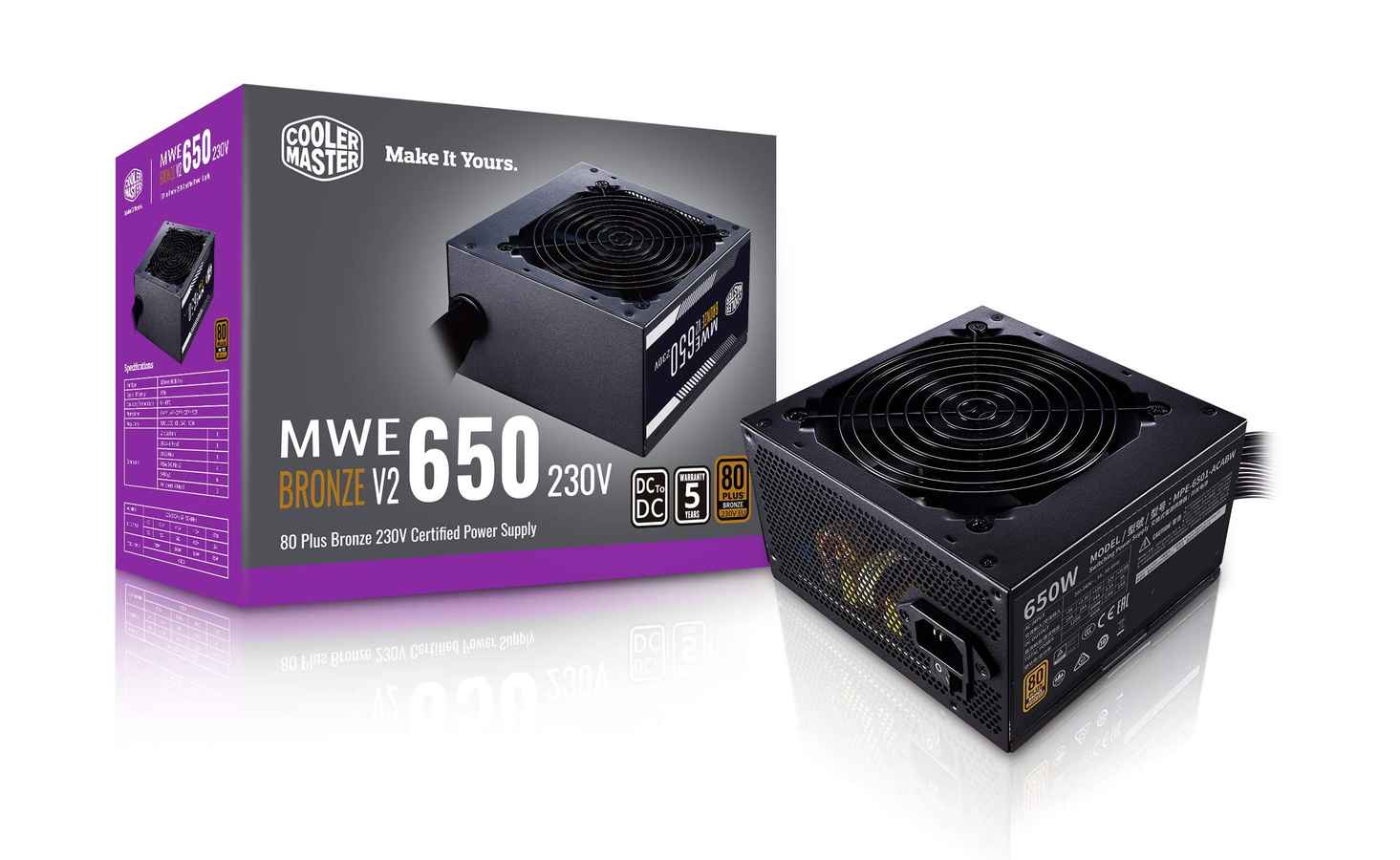
A reliable 650W PSU supports mid-range upgrades like an RTX 4070. Semi-modular cables simplify building, and 80+ Bronze efficiency keeps costs low.
Cabinet
Deepcool CH370 (₹4,500)
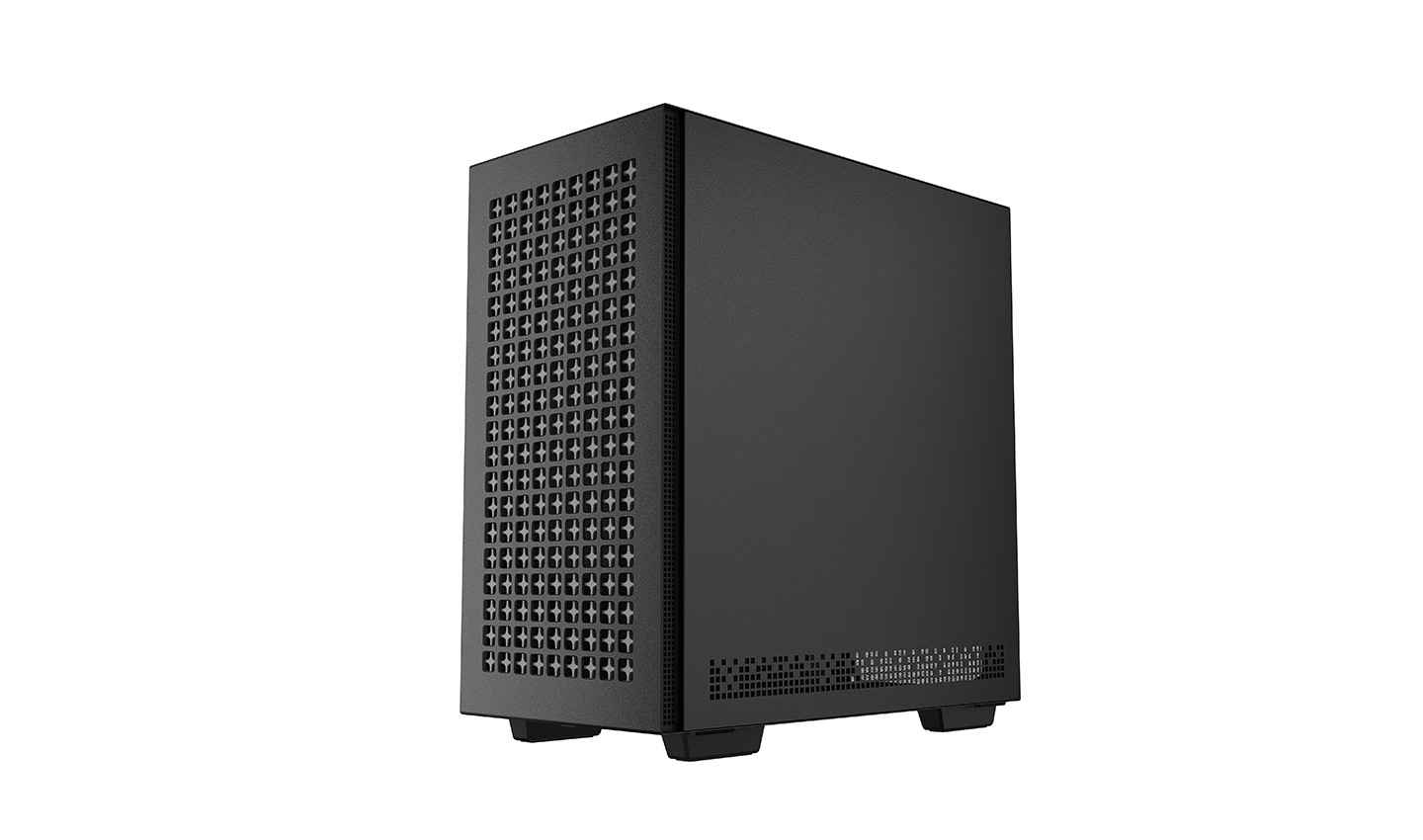
This compact case features a mesh front panel for airflow, a tempered glass side panel, and support for 360mm radiators. For RGB enthusiasts, the Ant Esports ICE-4000 (₹5,000) adds three pre-installed ARGB fans.
Cooling
AMD Wraith Stealth (Included with CPU)
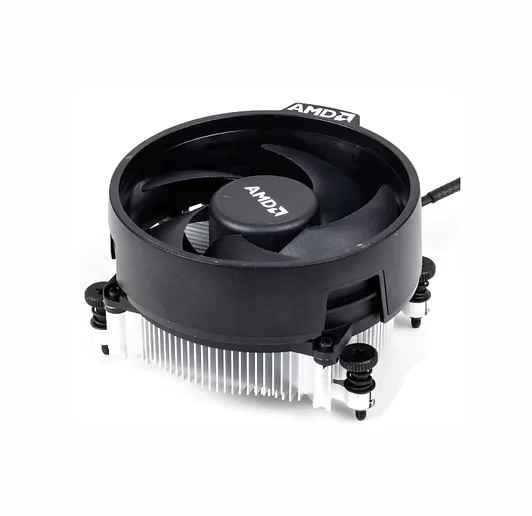
The Ryzen 5 7600’s stock cooler handles moderate loads, but for quieter operation, add a Deepcool AG400 (₹1,800) later.
Total Cost Breakdown
| Component | Price (₹) |
| CPU | 21,000 |
| GPU | 36,000 |
| Motherboard | 14,000 |
| RAM | 5,500 |
| Storage | 6,000 |
| PSU | 5,500 |
| Cabinet | 4,500 |
| Total | 92,500 |
Budget Adjustment: To stay under ₹90,000, opt for the RX 7600 XT (₹33,500) instead of the RTX 4060, bringing the total to ₹90,000. Use the remaining ₹2,500 for an extra case fan or a budget keyboard/mouse combo.
| If you are looking to build a PC but have a different budget in mind, check out our other guides here: |
|---|
| – Under 15,000 |
| – Under 20,000 |
| – Under 25,000 |
| – Under 30,000 |
| – Under 40,000 |
| – Under 50,000: CPU, GPU, Motherboard, RAM, Monitor |
| – Under 50,000: CPU, GPU, Motherboard, RAM, PSU, Storage, and Cabinet |
| – Under 60,000 |
| – Under 70,000 |
| – Under 80,000 |
| – Under 1,00,000 |
| – Under 1,50,000 |
 Follow Us
Agent 001
I have a keyboard and I'm not afraid to use it, because I have a license to quill. View Full Profile


